Shop, shelves and fixtures · TCG Card Shop Simulator · read from a local copy
What the pack opener shows you
The automatic opener has an interface of its own, kept as a screen group on the machine.
The automatic pack opener in TCG Card Shop Simulator carries a screen of its own: it shows whether it is idle, working or finished, how many packs it has dealt with, and how much time is left.
What the game establishes
- The automatic opener has an interface of its own, kept as a screen group on the machine. (checked against the game's own files)
- Its screen has three states: idle, processing and done. (checked against the game's own files)
- It shows a pack count and the processing time left. (checked against the game's own files)
- It has two fill bars, one for idling and one for working. (checked against the game's own files)
- The interface is spawned from a prefab of its own. (checked against the game's own files)
- The machine holds a maximum pack count and a time for opening a pack, and its interface has a position with an offset. (checked against the game's own files)
- It has a position inside, a place to stand and an object type, and is marked for cutting the navmesh or being a generic object. (checked against the game's own files)
- The game ships a booster icon of its own, the pack its opener works through. (checked against the game's own files)
In play
The machine that opens packs for you is not a silent box. It carries an interface of its own, kept as a screen group on the machine rather than being reported somewhere else in the shop.
That screen has three states: idle, processing and done. Keeping them separate is how the machine tells you that it is waiting for something, working through packs, or finished with what it was given.
It shows how many packs it has handled. There is a text element for the pack count, so the number is on the machine rather than only in the shop's records.
It also shows time passing while it works. A text element keeps the processing time left, which is why the machine can tell you how long the job will take instead of only starting it.
There are two fill bars rather than one: one for the idle state and one for the work in progress. A bar for being idle is a small thing, but it is how the machine shows that it is ready rather than broken.
The machine itself is configured as well as drawn. It holds a maximum number of packs and a time for opening one, and its interface has a position of its own with a vertical offset, which is why where the screen sits is a setting rather than a guess.
It also has a place of its own in the shop. There is a position inside it, a place to stand and an object type, and it is marked for whether it cuts the navmesh or counts as a generic object, which is how the shop knows the machine is there.
The interface is spawned from a prefab of its own, so the screen belongs to the machine and appears with it rather than being drawn once for the whole shop.
The machines that clean and the machines that open packs are different objects with different jobs, and this one's screen is written for opening: a count of packs, a time remaining and a bar that fills as it goes.
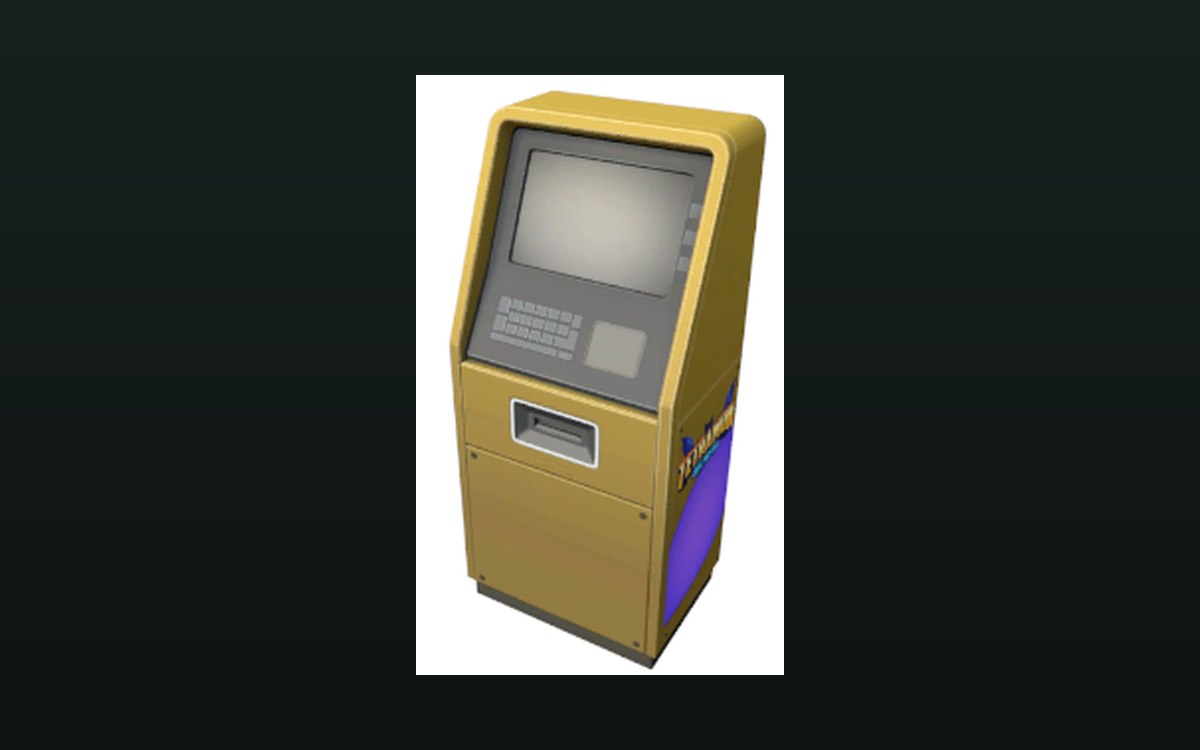
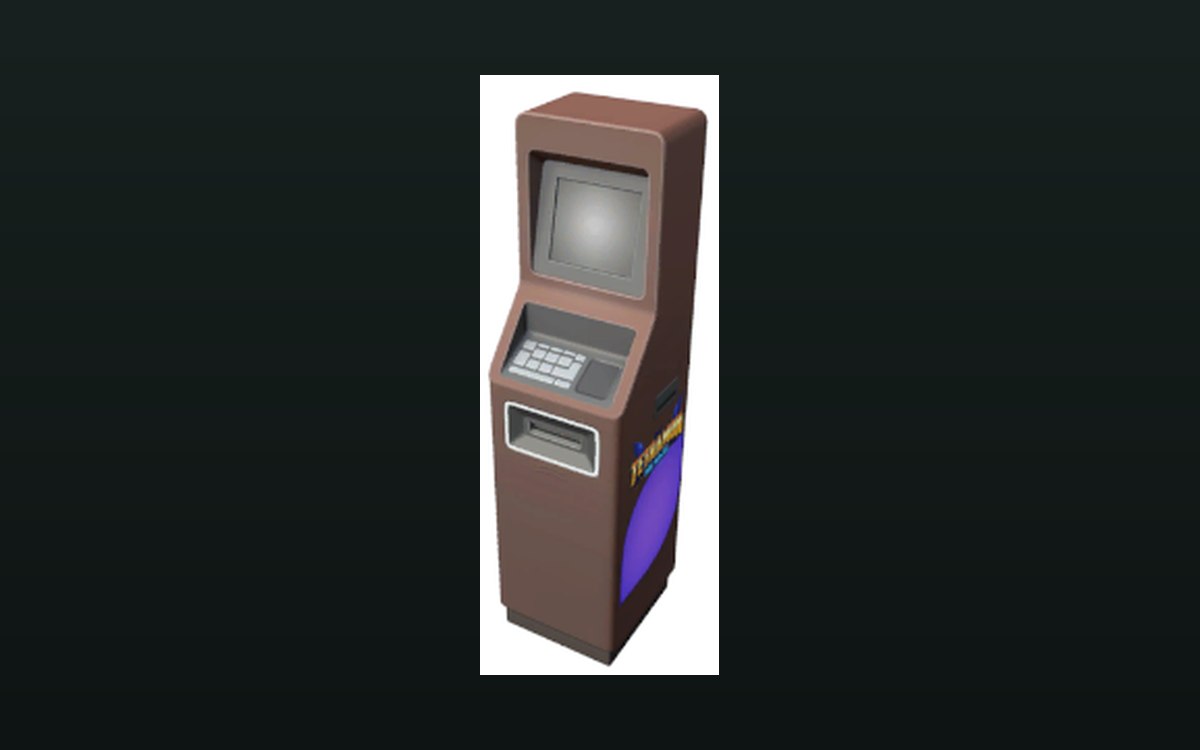
The image beside this entry is the game's own: the booster icon it draws, the pack the machine works through.
What this entry does not tell you: how long a pack takes, how many it can work through at once, or what it costs to run. We have not verified those numbers, so we do not print them.
Related
 Shop, shelves and fixturesMachines that work on their ownThe game ships an automatic pack opener.
 Interface and screensThe settings you can changeDisplay options each have a control of their own, including resolution, fullscreen, vertical sync, refresh rate and a frame limit.
Version and sources
A local copy of the game, read only. The grounding for each fact is listed on the technical reference pages; nothing here is estimated. Documented build: no version stated by this build.