Guide
Choosing what to open and what to sell
How to decide in TCG Card Shop Simulator which packs to open yourself and which to leave sealed on the shelf.
Applies to
no version stated by this build (see the sources page)
Before you start
- Stock you can either sell or open
- Space to display sealed packs
- A sense of what your customers want
Steps
- Check which pack tier you are dealing with before opening anything.
packs are named per tier rather than being one product - Leave sealed stock on the shelf when it is selling as it is.
the game ships pack artwork for each tier, so sealed stock is a product in its own right - Watch the reveal rather than skipping past it, since the game shows what you got.
opening runs as a sequence with its own interface - Price a card at the moment you see it when it is worth something.
there is a price popup at the reveal - Put what you open where it can be displayed rather than leaving it in a pile.
cards are display objects with settings of their own
Common mistakes
- Opening stock that was already selling sealed.
- Assuming a higher tier guarantees a better card.
- Leaving opened cards lying in a pile.
Related entries
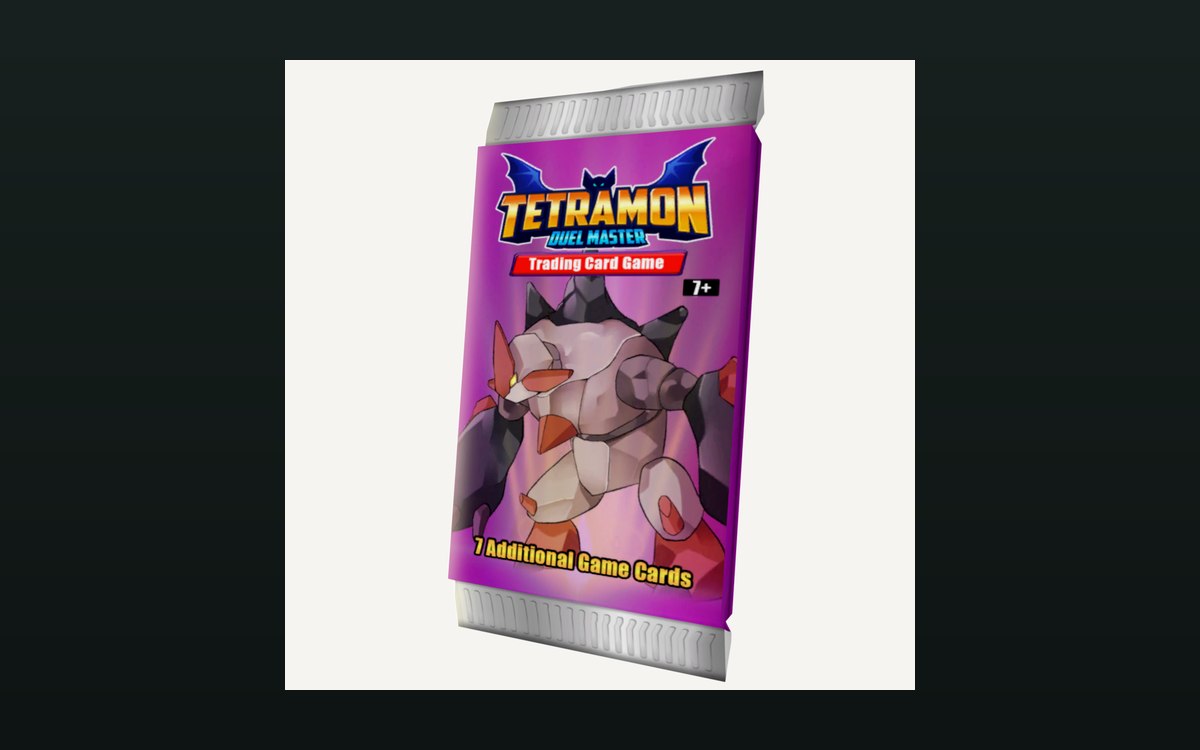 Packs and openingPacks and opening themPackaging boxes come in separate kinds for cards, items and shelves.
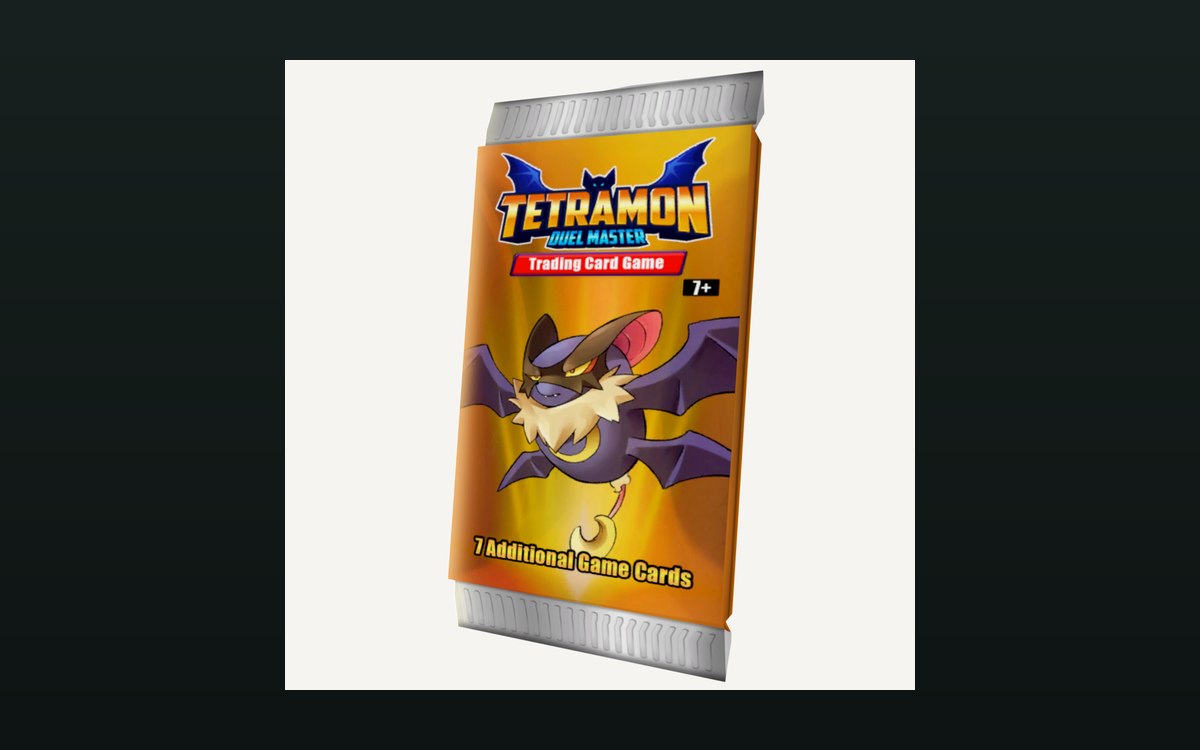 Packs and openingWhat you see when a pack is openedOpening a pack runs as a sequence with its own interface.
Sources
A local copy of the game, read only. Grounding for each step is on the technical reference pages; no number is estimated.