Guide
Dressing the table before a game
How the play table in TCG Card Shop Simulator is put together: the table keeps a set of items, the playmat and the deck box are meshes of their own, and the build ships several sleeve and dice pictures to dress them with.
Applies to
no version stated by this build (see the sources page)
Before you start
- A play table in the shop
- Cards worth playing with
- A moment before customers arrive
Steps
- Treat the table as a set of parts rather than one object, because the table keeps a set of items with its own data.
the table keeps a set of items with data of its own - Lay the playmat as its own piece, because it has a mesh of its own rather than being painted on the table.
a playmat has a mesh of its own - Watch the mat darken when the game needs the screen calm, because the background darkens behind it.
the playmat background can be darkened - Put the deck in a box rather than loose, because the deck box is a mesh with a filter of its own.
a deck box has a mesh and a filter of its own - Choose the box that fits the deck, because the build ships several box designs including a nine-up tower and a six-up penny-sleeve box.
the game ships more than one deck box design - Sleeve the deck in the design you want, because there are sleeves for wind, fire and earth, for the game's own set, and a plain second design.
sleeve artwork exists for several designs - Keep the dice with the table, because the game ships dice artwork and a dice box for it.
the game ships dice artwork and a dice box - Leave an empty slot visible rather than filling every place, because an empty playmat slot has a picture of its own.
there is a picture for an empty playmat slot
Common mistakes
- Treating the playmat as part of the table and never changing it.
- Putting a deck in a box that does not fit how it is sleeved.
- Forgetting that the mat can darken while a game is on.
- Leaving no empty slot for a card that is on its way.
- Mixing sleeves between decks that are meant to stay apart.
Related entries
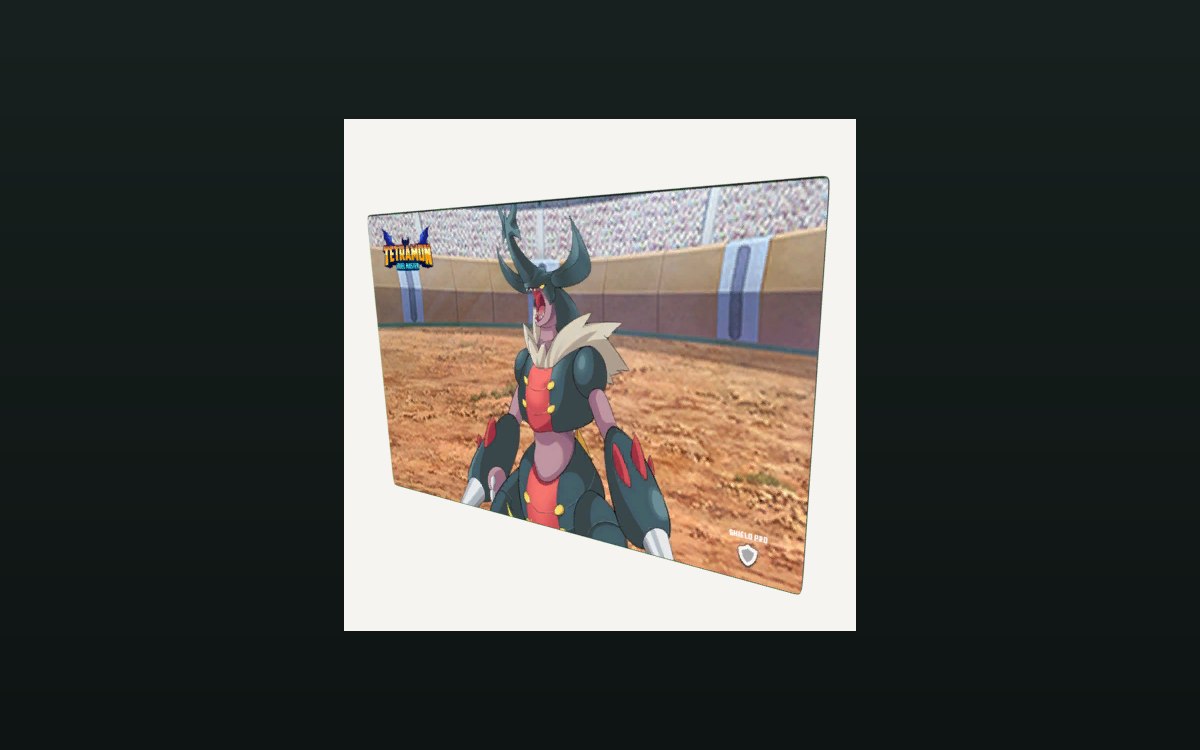 Cards and rarityPlaymats, deck boxes and sleevesThe play table keeps its own set of items, with the playmat, the deck box and the cards as parts of it.
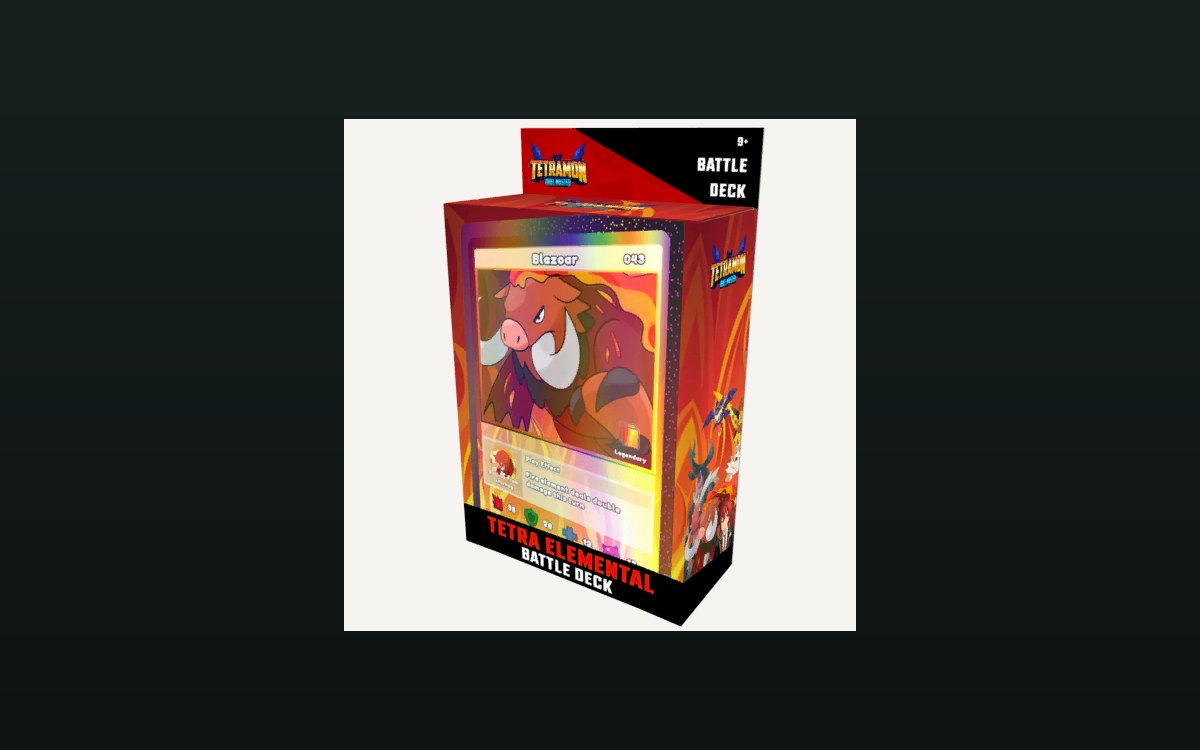 Cards and rarityBuilding and editing a deckA deck is kept as its own data, apart from the cards in the shop.
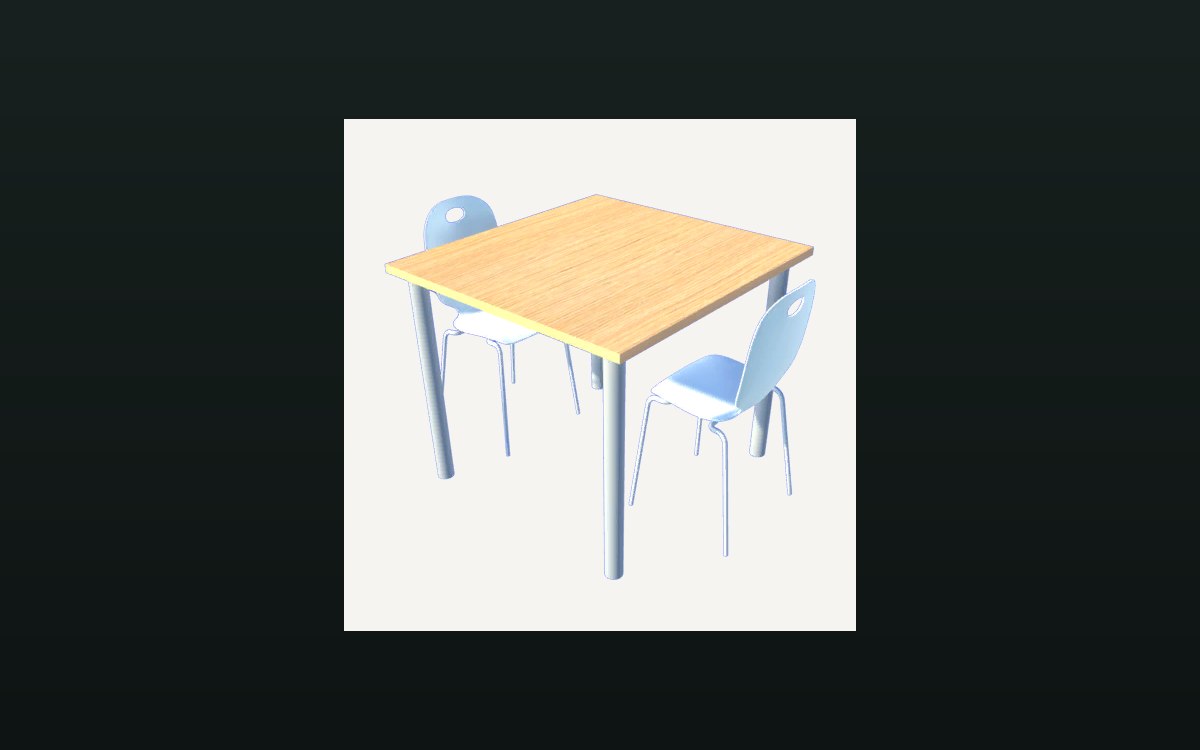 Cards and rarityThe card game you can playPlayable card sets are defined by the game.
Sources
A local copy of the game, read only. Identifiers are listed on the technical reference pages; nothing here is estimated.