Guide
Letting the machines and the restocker do the work
How to use the automatic pack opener, the cleaning machine and the restock delivery in TCG Card Shop Simulator without losing track of what has been opened, what has been ordered or what the shelves are waiting for.
Applies to
no version stated by this build (see the sources page)
Before you start
- A shop with room for the machines
- A restock order to place
- Shelf space for what arrives
Steps
- Place the automatic pack opener as shop equipment rather than looking for a switch for it.
the machines are registered as shop equipment instead of menu switches - Check what the opener is doing before you assume it is idle, because it keeps a state of its own.
the opener keeps its own state and a count of the packs it has opened - Watch what the opener has produced rather than only how many packs went in, because it records the kinds of item and the cards separately.
it keeps the kinds of item and the compact cards it produced - Let the cleaning machine work the floor while you are busy, since cleaning has its own machine and the game keeps a list of them.
cleaning has a machine of its own - Order through the restocker instead of expecting stock to appear, because deliveries run through one.
deliveries are run through a restocker rather than appearing directly - Pick the restocker that suits the order: the kinds run from a bike through vans and trucks to a helicopter.
restockers come in kinds, from a bike to a helicopter - Sort the restock list deliberately rather than scrolling, because the game gives you sorting options of its own.
there is a set of sorting options including by licence level and by cost - Expect the manager to package by type, with a box for items, one for shelves and one for cards, and a smaller box as well.
the manager holds a box for items, one for shelves and one for cards - Pay for a restock cart on its own screen rather than treating it like an ordinary purchase.
the cart is paid for on a checkout screen of its own - Use the scanner when you are standing at the shelf, because there is a restock screen built around it.
there is a scanner for restocking - Handle tabletop games through their own screen, since they do not restock like items or cards.
tabletop games restock through a screen of their own
Common mistakes
- Leaving the automatic opener running and forgetting what it has already produced.
- Ordering without checking which restocker suits the size of the order.
- Treating a restock cart as a normal purchase and being surprised by its own checkout screen.
- Trying to restock tabletop games from the item screen instead of their own.
Related entries
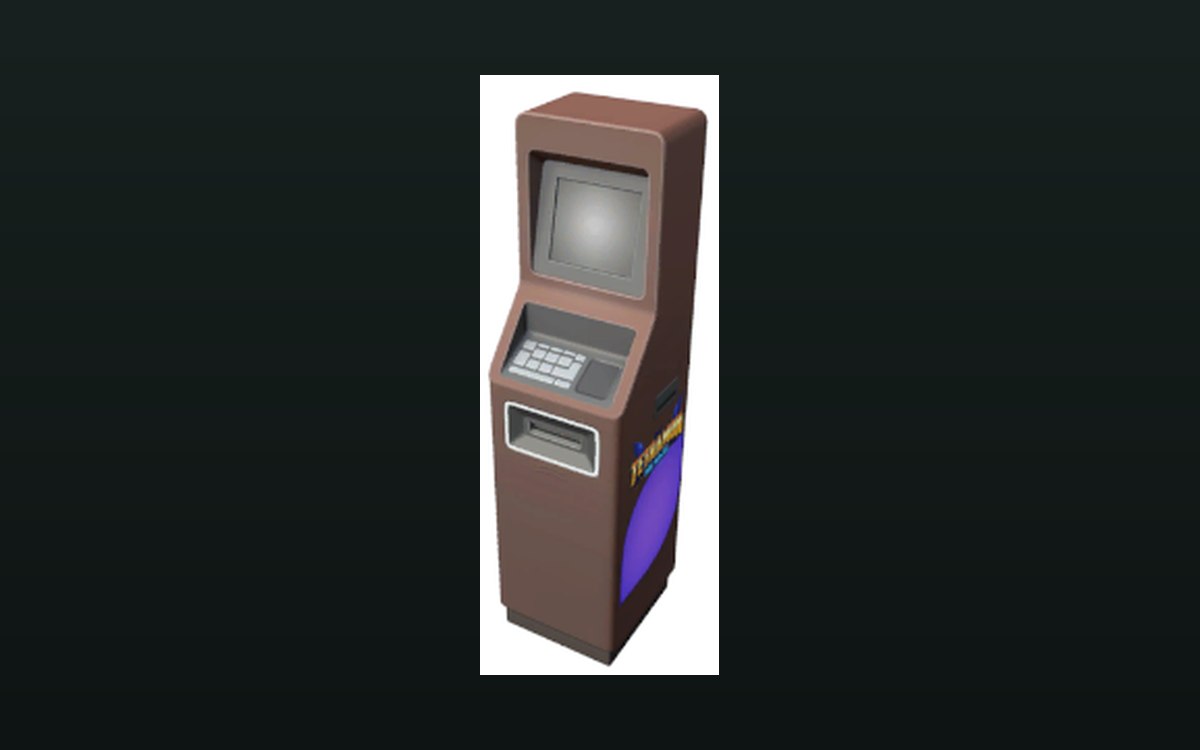 Shop, shelves and fixturesMachines that work on their ownThe game ships an automatic pack opener.
 Storage and stockThe restocker and its vehiclesDeliveries are run through a restocker rather than appearing directly.
 Storage and stockThe scanner and the restocking workflowRestocking is managed as a process.
Related guides
- Which shop jobs go to a worker, a machine or the restocker
A handoff guide for TCG Card Shop Simulator: which shop jobs go to a worker, which to the automatic machines and the restocker, and what still stays with you.
Sources
A local copy of the game, read only. The grounding for each step is listed on the technical reference pages; nothing here is estimated.