Guide
Which shop jobs go to a worker, a machine or the restocker
A handoff guide for TCG Card Shop Simulator: which shop jobs go to a worker, which to the automatic machines and the restocker, and what still stays with you.
Applies to
no version stated by this build (see the sources page)
Before you start
- A shop that is trading and has shelves to fill
- A restock order you can afford
- Access to the worker screens, if you are handing work to a worker
Steps
- Write the routine down as separate jobs before you hire or buy anything: buying, delivering, opening and cleaning, pricing and placing, and serving at the counter.
the game keeps these as separate systems with their own screens and managers, so one purchase does not take over the whole routine - Give the delivery to the restocker, but keep the shelf itself as a separate job.
a delivery is run through a restocker, the manager packs it into boxes for items, shelves and cards, and the shelf manager is what records what is actually on a shelf - Do the buying yourself from the restock screens, because the cart is the part with a total to check before you pay.
browsing and adding to the cart are separate screens, the cart carries a total and a count, and it is paid for on a checkout screen of its own - Use the scanner for the shelf-side part instead of walking back to the list.
the scanner has a restock screen of its own and the phone is what puts the shop into restock scanning mode - Give a worker both a main task and a second task before you walk away.
the worker screen is for a primary and a secondary task, so leaving the second one unset leaves the worker with nothing to fall back on - Set the worker's price rule in the same pass, and check the card-price option rather than assuming it is on.
the price screen has its own tick for rounding up and a separate tick for whether the worker may set card prices - Treat checkout and trading at a cashier counter as two permissions.
the counter setting screen keeps a tick for checkout and a separate tick for trading, so granting one does not grant the other - Give the machines only the two jobs they actually name: opening packs and cleaning.
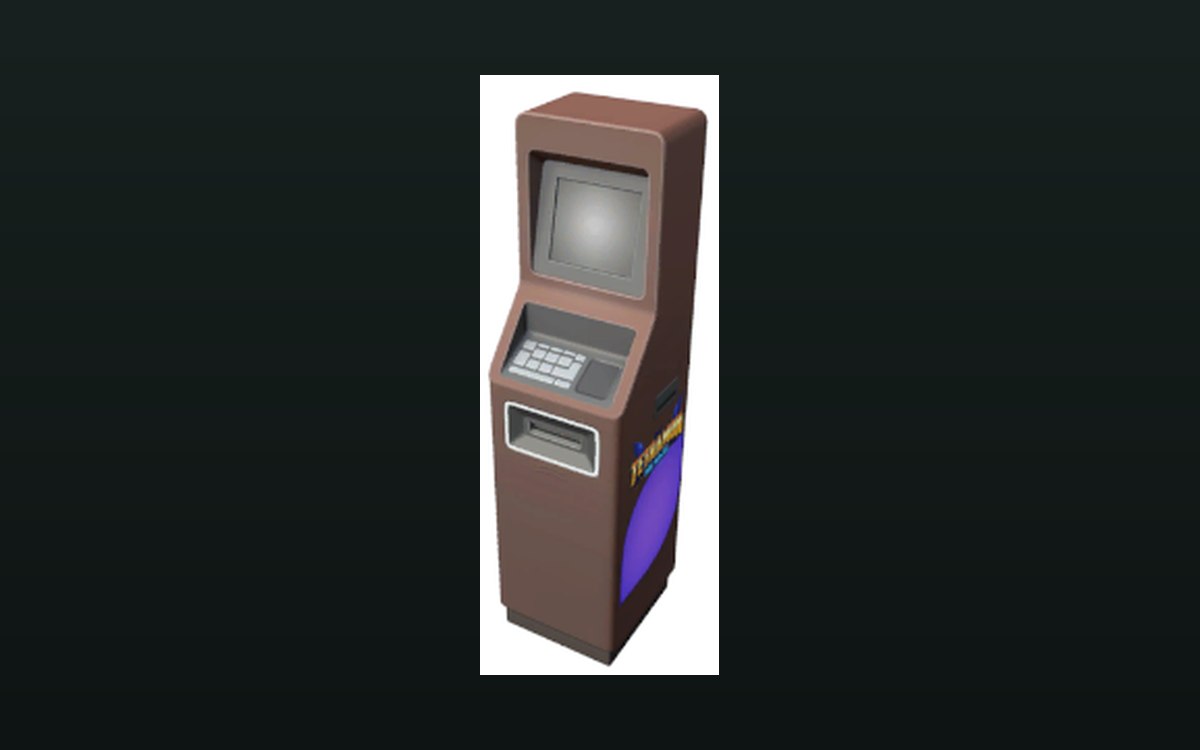
the automatic pack opener and the automatic cleanser are shop equipment with their own running state, and the opener keeps a count and the kinds of item and card it produced - Keep pricing and the final shelf check with you, because a price tag belongs to the goods and a compartment decides what it will accept.
a card's price is applied through a price tag object, and a shelf compartment records what it will accept, its size and whether its label can be locked - At the end of the pass, read what each layer left behind instead of only looking at the till.
the opener keeps a count and what it produced, the cart is settled on its own checkout screen, the shelf manager keeps a list for each fixture kind, and the review screen records what customers said
Common mistakes
- Expecting the restocker to put the delivery on the shelf, when the delivery and the shelf are tracked as separate jobs.
- Handing a job to a worker without checking that it is on the worker's own task screen; this guide maps the handoff, it does not replace that list.
- Hiring a worker and setting only the main task, leaving the second task empty.
- Assuming checkout permission at a cashier counter also allows trading.
- Leaving the card-price option unticked and expecting the worker to reprice cards.
- Giving the pack opener credit for ordering stock or shelving it; it opens packs and keeps what it produced.
- Treating a machine as a replacement for pricing and the final shelf check.
Related entries
 Shop, shelves and fixturesSetting what your workers doA worker is given a primary and a secondary task on a screen of their own.
 Storage and stockThe restocker and its vehiclesDeliveries are run through a restocker rather than appearing directly.
 Shop, shelves and fixturesMachines that work on their ownThe game ships an automatic pack opener.
 Storage and stockWhat the shelf manager keepsA manager holds a separate list for shelves, cashier counters, card shelves, combined shelves, prize shelves, play tables, workbenches, empty-box storage and donation boxes.
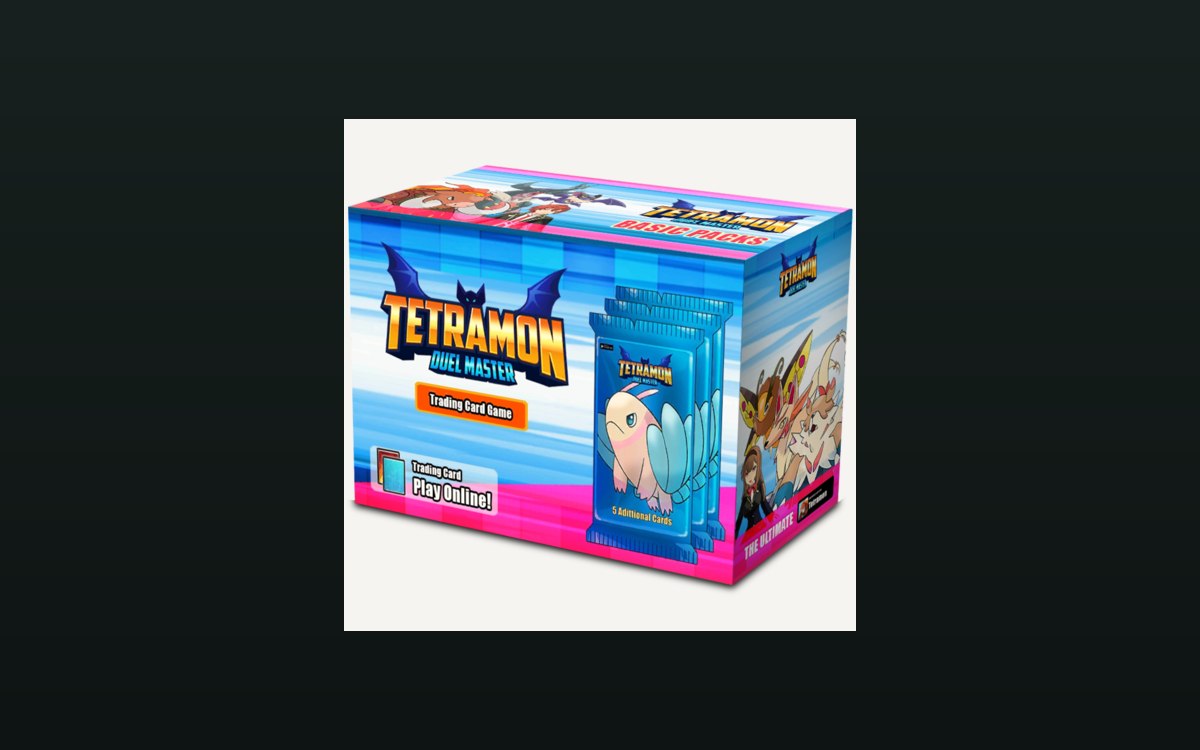 Storage and stockRestocking from a cartRestocking runs through a manager with data of its own.
 Storage and stockThe scanner and the restocking workflowRestocking is managed as a process.
Related guides
- Getting your workers doing what you want
How to direct a worker in TCG Card Shop Simulator without standing over them: the interaction screen the tasks hang off, the two price options on the price screen, the paged list of pack types and the two separate permissions a cashier counter has. - Letting the machines and the restocker do the work
How to use the automatic pack opener, the cleaning machine and the restock delivery in TCG Card Shop Simulator without losing track of what has been opened, what has been ordered or what the shelves are waiting for. - Sorting the restock list before you spend
How the restock screens in TCG Card Shop Simulator are arranged: a screen for browsing and a screen for adding to the cart, sort controls and page buttons, a running total for the cart, and a notification of what went into it. - Restocking without guessing what you need
How to use the restock cart in TCG Card Shop Simulator so that a delivery fills the gaps you actually have rather than the ones you remember. - Keeping the shelves selling during a busy day
How to keep product on the sales floor while customers are in the shop, using the shelf and pricing behaviour the game defines. - A closing routine that sets up the next shop day
How to close a trading day in TCG Card Shop Simulator: read the game's reviews and price changes, answer the recorded reasons, then stock shelves for tomorrow.
Sources
A local copy of the game, read only. Grounding for each step is on the technical reference pages; no number is estimated.