Guide
A closing routine that sets up the next shop day
How to close a trading day in TCG Card Shop Simulator: read the game's reviews and price changes, answer the recorded reasons, then stock shelves for tomorrow.
Applies to
no version stated by this build (see the sources page)
Before you start
- A shop that has traded for a day
- The review screen within reach
- Price tags and the shelf manager available
Steps
- Start the pass on the review screen rather than on the till.
reviews have their own screen, panel and manager, and the screen carries the shop name and an average rating, so the day's record is read somewhere other than the money - Sort the reviews by the reason that was recorded before changing anything.
the kinds of review are a fixed list of named reasons, and each review keeps the text list its wording came from and the line inside that list - Match each review to the item and the customer it names, so the complaint is answered at the right shelf.
a review record carries the item, the customer's name and the day, hour and minute the review was left - Read the day's price changes before re-tagging anything.
price changes are managed as their own system, the kinds of change are labelled, and current and past percentage changes are kept by the restock manager - Answer a reason about choice with stock and a reason about price with a tag, one at a time.
the game files a variety reason and a price reason separately, so restocking and discounting fix different things - Apply the new price with a price tag rather than moving the goods around.
a price tag is its own object attached to goods, the artwork is drawn from a shared atlas, and a price-check screen exists apart from the shelf - Plan tomorrow's delivery from the shelf manager's own list rather than from memory.
the shelf manager keeps a separate list for each kind of shelf and counter, while the restock manager packs deliveries into its own item, shelf and card box lists - Put priced stock back on the shelves before the pass ends.
a shelf is tracked by the shelf manager, and a card's shelf price is applied through a price tag object, so unpriced stock is not ready to sell - Check the cleaners are still placed and remembered by the shop.
cleaner data is saved with the shop in a list of its own and the cleaners are objects with their own interaction
Common mistakes
- Reading the average rating and stopping there instead of reading the reasons that produced it.
- Discounting everything at once when the reason that was recorded was about choice rather than price.
- Re-tagging from memory without the day's price changes in front of you.
- Ordering stock without checking the shelf manager's list of what each shelf already holds.
- Leaving the cleaners somewhere else and expecting the saved cleaner data to follow them.
Related entries
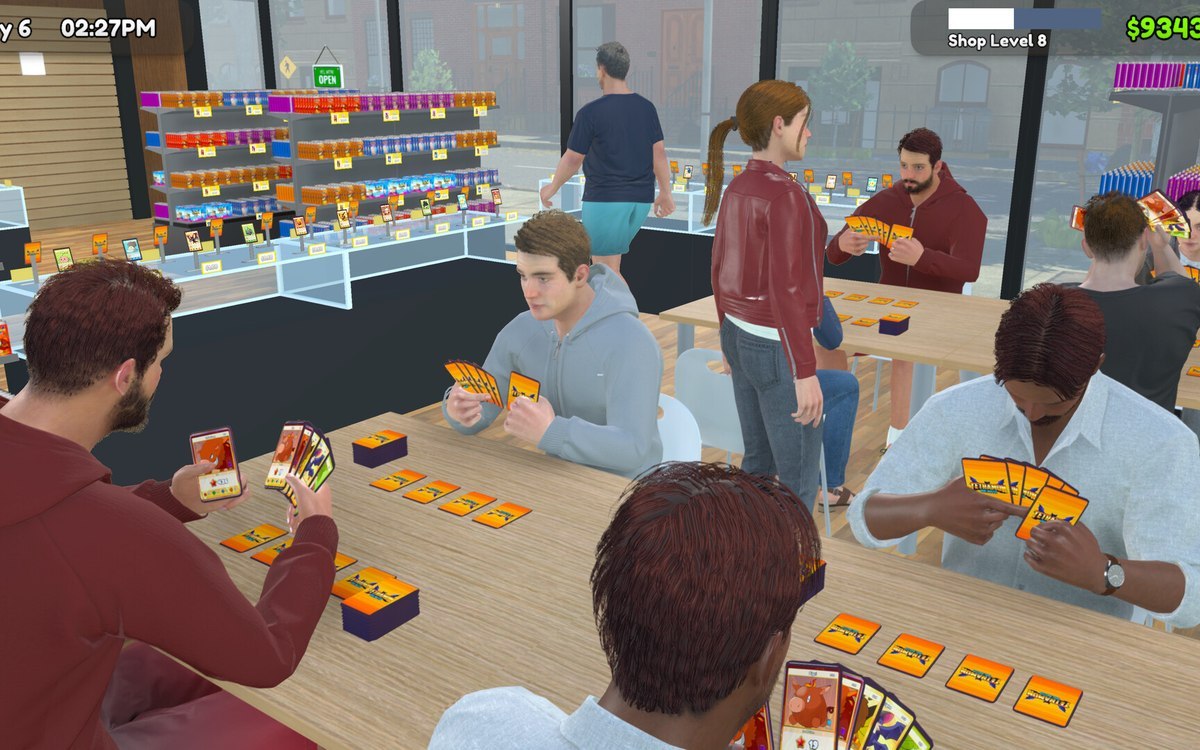 Customers and tradingCustomer reviews and how a day is judgedCustomer reviews are managed by the game.
 Pricing and the marketPrice changes and cash at the counterPrice changes are managed as their own system.
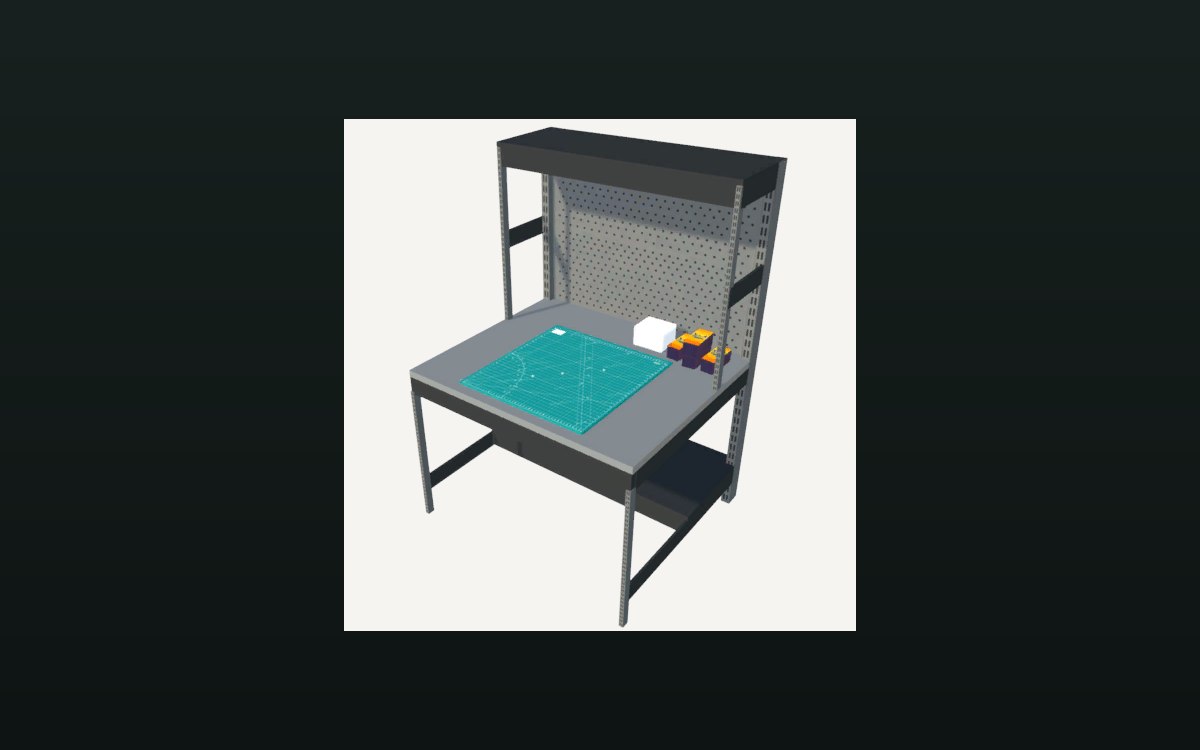 Storage and stockHow the restock manager packs stockThe manager holds a packaging box for items, a smaller one, one for shelves and one for cards.
Related guides
- Answering the reviews a shift leaves behind
How to read why a customer left a particular review in TCG Card Shop Simulator and answer the reason that was actually recorded, instead of discounting everything at once. - A shop day that turns a profit
How to spend a shop day so the day's takings pay for the next delivery, using only the shop behaviour the game defines.
Sources
A local copy of the game, read only. Grounding for each step is on the technical reference pages; no number is estimated.