Guide
A shop day that turns a profit
How to spend a shop day so the day's takings pay for the next delivery, using only the shop behaviour the game defines.
Applies to
no version stated by this build (see the sources page)
Before you start
- Packs in stock
- Shelf space you can reach
- Access to the pricing screens
Steps
- Open packs before opening hours rather than during them.
an automatic opener exists for bulk opening and keeps its own progress - Price what you opened before it reaches a shelf.
price tags are separate objects applied to goods - Fill the shelves, because a shelf only sells what it holds.
shelf contents are tracked by a manager - Put the day's profit into one upgrade at a time.
upgrades are a defined set of choices reached from the expansion screen
Common mistakes
- Opening packs during opening hours and leaving the counter empty.
- Shelving cards that have not been priced.
- Buying decoration before you have stock.
Related entries
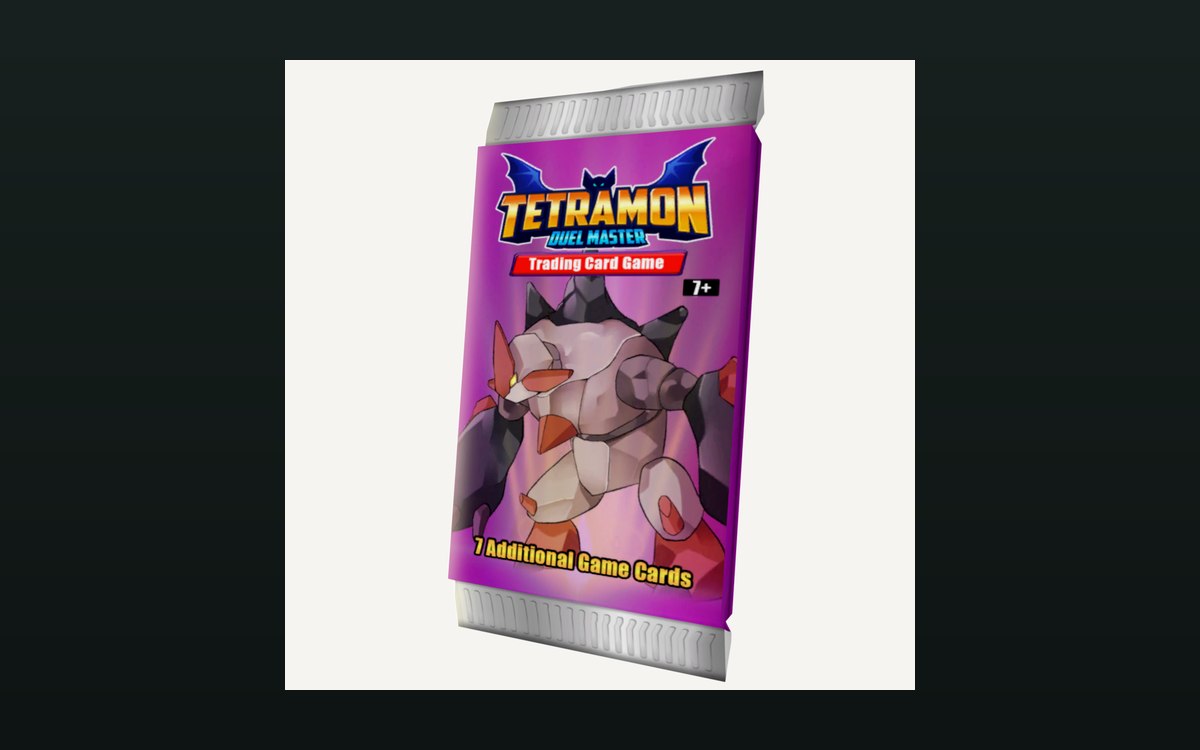 Packs and openingPacks and opening themPackaging boxes come in separate kinds for cards, items and shelves.
 Pricing and the marketPrices and price tagsPrice tags are their own objects attached to goods.
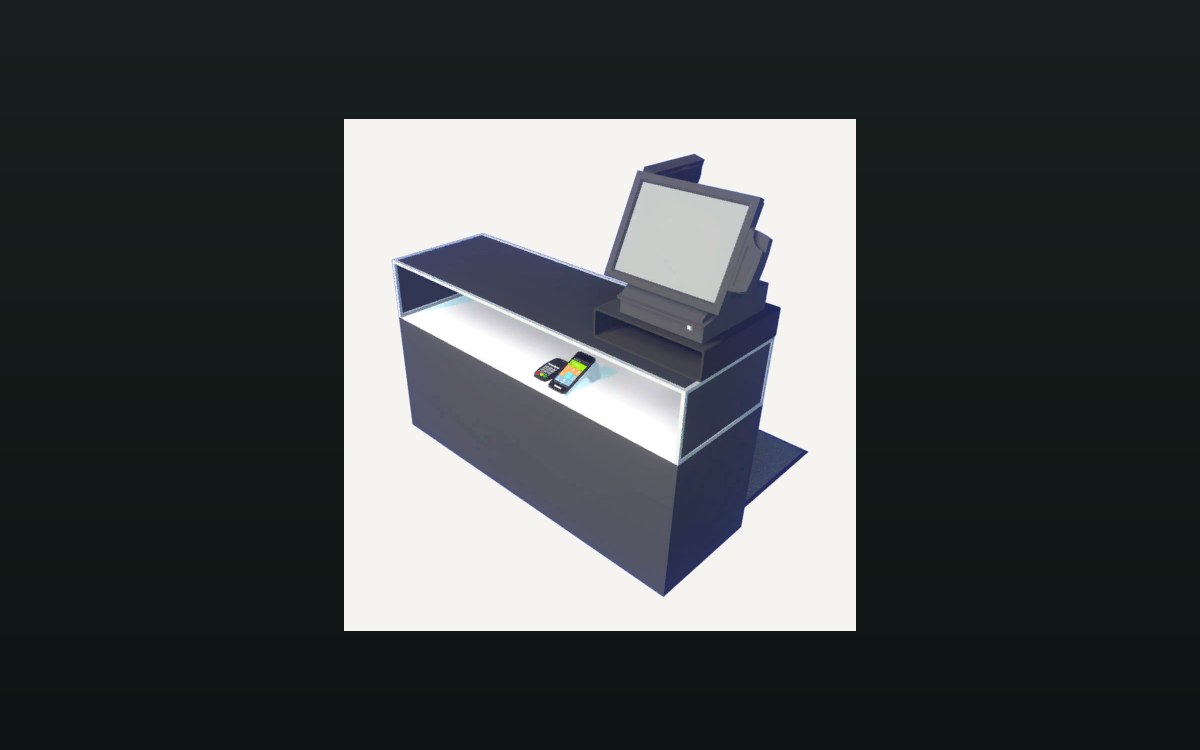 Shop, shelves and fixturesExpanding and decorating the shopExpanding the shop has its own interface screen.
Related guides
- A closing routine that sets up the next shop day
How to close a trading day in TCG Card Shop Simulator: read the game's reviews and price changes, answer the recorded reasons, then stock shelves for tomorrow.
Sources
A local copy of the game, read only. Grounding for each step is on the technical reference pages; no number is estimated.