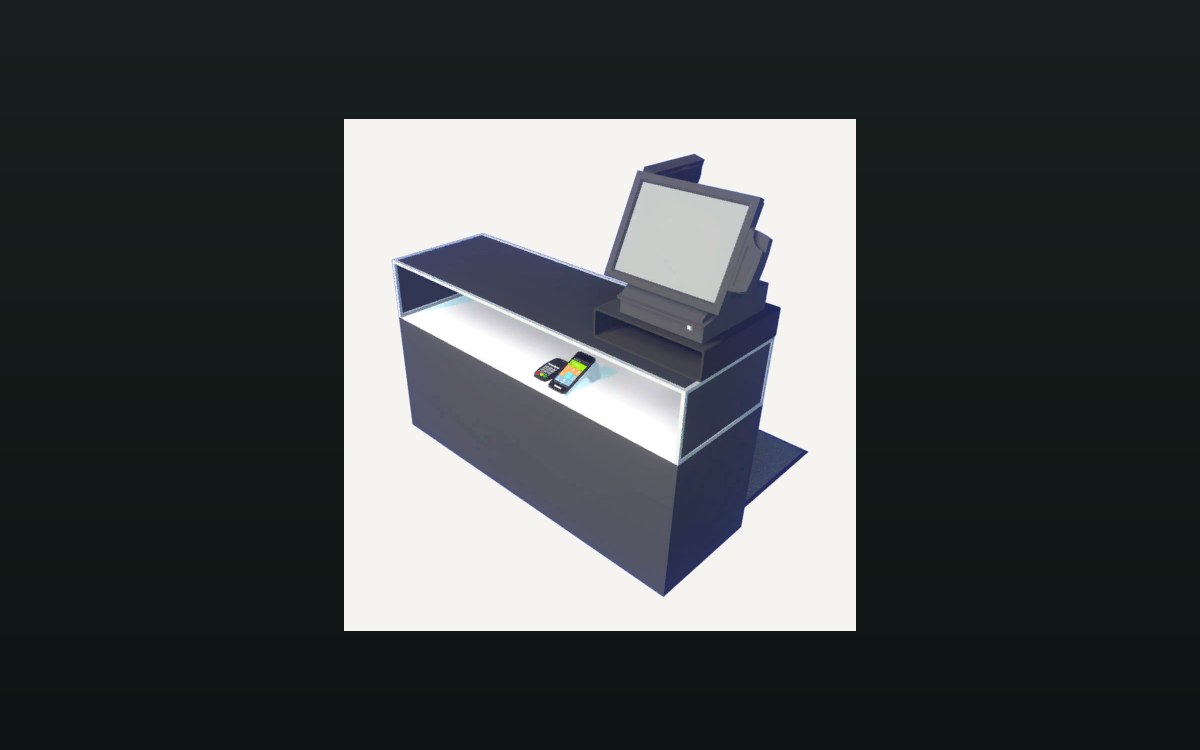
Shop, shelves and fixtures · TCG Card Shop Simulator · read from a local copy
Expanding and decorating the shop
Expanding the shop has its own interface screen.
Your shop is something you build up over time: the game separates expansion, furniture, upgrades, shop customisation and decoration into their own systems.
What the game establishes
- Expanding the shop has its own interface screen. (checked against the game's own files)
- Furniture is purchased through a separate screen. (checked against the game's own files)
- Shop customisation and decoration are tracked as their own data. (checked against the game's own files)
- The build names arrow signs for entering and exiting, in several lettered variants. (checked against the game's own files)
- Shop purchases are grouped into defined kinds. (checked against the game's own files)
- The decoration panel shows a centred name and whether the piece is already owned. (checked against the game's own files)
- It keeps separate button groups for buying, having bought, placing, equipping and changing a piece, with a locked background and an animation for each state. (checked against the game's own files)
- A decoration piece carries a main name, optional replacement names, a bar flag, a main texture with a roughness map and a normal map, a colour and a smoothness. (checked against the game's own files)
- The signs go beyond arrows: the build names an empty sign with a material of its own, a no-entry sign and a sign for a closed counter. (checked against the game's own files)
- The arrow signs are things you can interact with, and the build also names a plain arrow sign. (checked against the game's own files)
- The build also names an open-sign material, a close-sign mesh and a sign for a closed warehouse room. (checked against the game's own files)
- Card displays are named in sizes of their own, including a three-by-two wall and a big and a small electronic model. (checked against the game's own files)
- Monster statues are shipped as a set of their own, with dragons for earth, fire, thunder and water and a bear, a golem and a piggy among them, some with shiny versions. (checked against the game's own files)
- A weapons closet is shipped as a fitting of its own, with a glass and a metal version and a second variant beside them. (checked against the game's own files)
- The shop's own surfaces are named as well: a wall, a wall bar and a floor, each with a default sheet. (checked against the game's own files)
- The floor carries a normal sheet beside its default one. (checked against the game's own files)
- The arrow signs are drawn from an atlas of exit and enter boards, in lettered variants and several colours, with a running-figure exit sign among them. (checked against the game's own files)
- The open and closed signs, and the no-entry board with its welcome counterpart, are each drawn from a single sheet of the build's own, as is the counter-closed sign. (checked against the game's own files)
- The water dragon carries a texture, a material and a ghost version of its own, with its attack pose named beside them. (checked against the game's own files)
- A water diorama and a water eye are named with their own sheets. (checked against the game's own files)
- A diorama is carried for the other elements as well: earth, fire and wind are named beside the water one. (checked against the game's own files)
In play
Expansion is its own screen and its own step, so growing the building is a distinct decision from buying stock.
Furniture is bought through a separate screen, which is why placing a shelf and expanding the shop are not the same action.
Upgrades are a defined set of choices, and decoration has its own data and panel, so how the shop looks is tracked separately from what it can do.
The decoration panel is built from states rather than one button. It shows a centred name and a line for whether you already own the piece, then separate button groups for buying it, for having bought it, for placing it, for equipping it and for changing it, with a locked background and an animation for each state.
A piece of decoration carries its own data. It has a main name and optional replacement names, a flag for a bar, a main texture with a roughness map and a normal map, a colour and a smoothness, which is why a piece looks like itself rather than like a generic shape.
What this entry does not tell you: costs, what each expansion unlocks or how decoration affects customers. We have not verified those numbers, so we do not print them.
Related
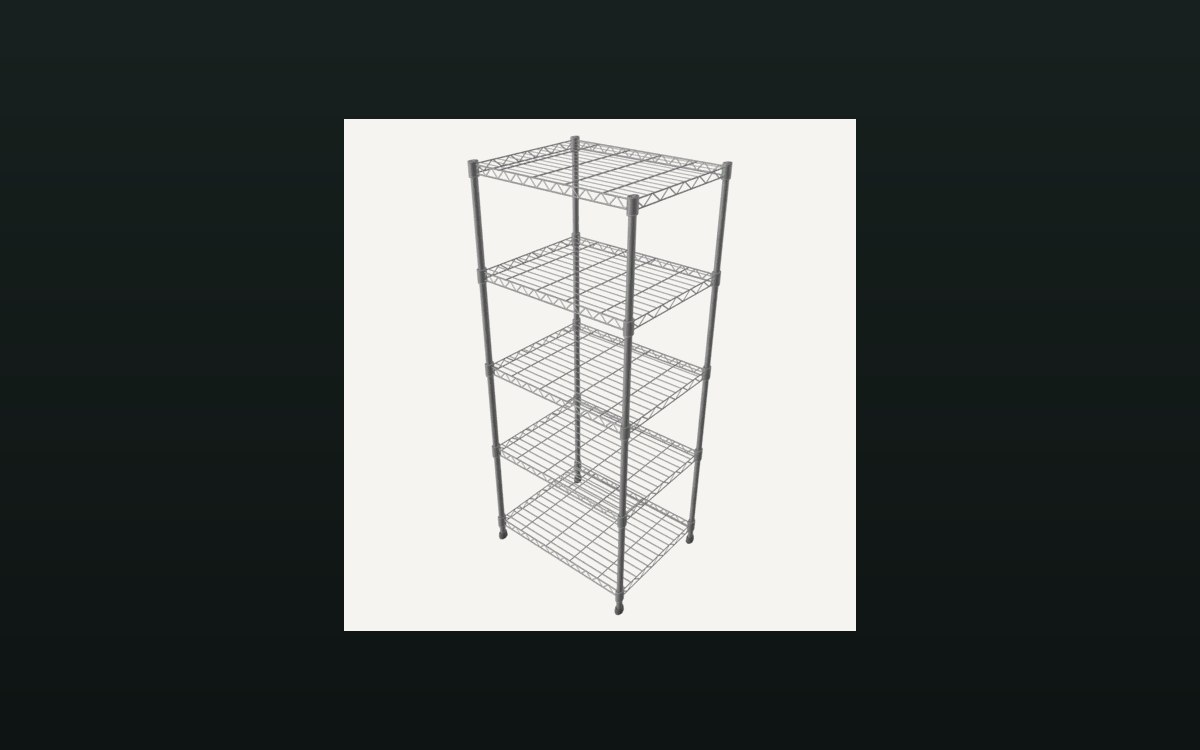 Shop, shelves and fixturesShelves, stock and shop upgradesThere are several shelf kinds, including one for cards and one that combines cards and items.
 Pricing and the marketPrices and price tagsPrice tags are their own objects attached to goods.
Version and sources
A local copy of the game, read only. The grounding for each fact is listed on the technical reference pages; nothing here is estimated. Documented build: no version stated by this build.