Storage and stock · TCG Card Shop Simulator · read from a local copy
What the shelf manager keeps
A manager holds a separate list for shelves, cashier counters, card shelves, combined shelves, prize shelves, play tables, workbenches, empty-box storage and donation boxes.
TCG Card Shop Simulator does not keep your fixtures in one pile: a manager holds a separate list for each kind of shelf and counter, a matching save list for each, and the preview colours used when something is being moved.
What the game establishes
- A manager holds a separate list for shelves, cashier counters, card shelves, combined shelves, prize shelves, play tables, workbenches, empty-box storage and donation boxes. (checked against the game's own files)
- Card storage shelves are listed apart from card shelves. (checked against the game's own files)
- The manager also holds a list of interactable objects. (checked against the game's own files)
- Almost every fixture list has a matching save-data list. (checked against the game's own files)
- Moving a fixture is previewed with a parent group, a blocker for customers, a preview model and renderer, and colours for a valid and an invalid placement. (checked against the game's own files)
- The manager tracks whether the loading of object data has finished. (checked against the game's own files)
In play
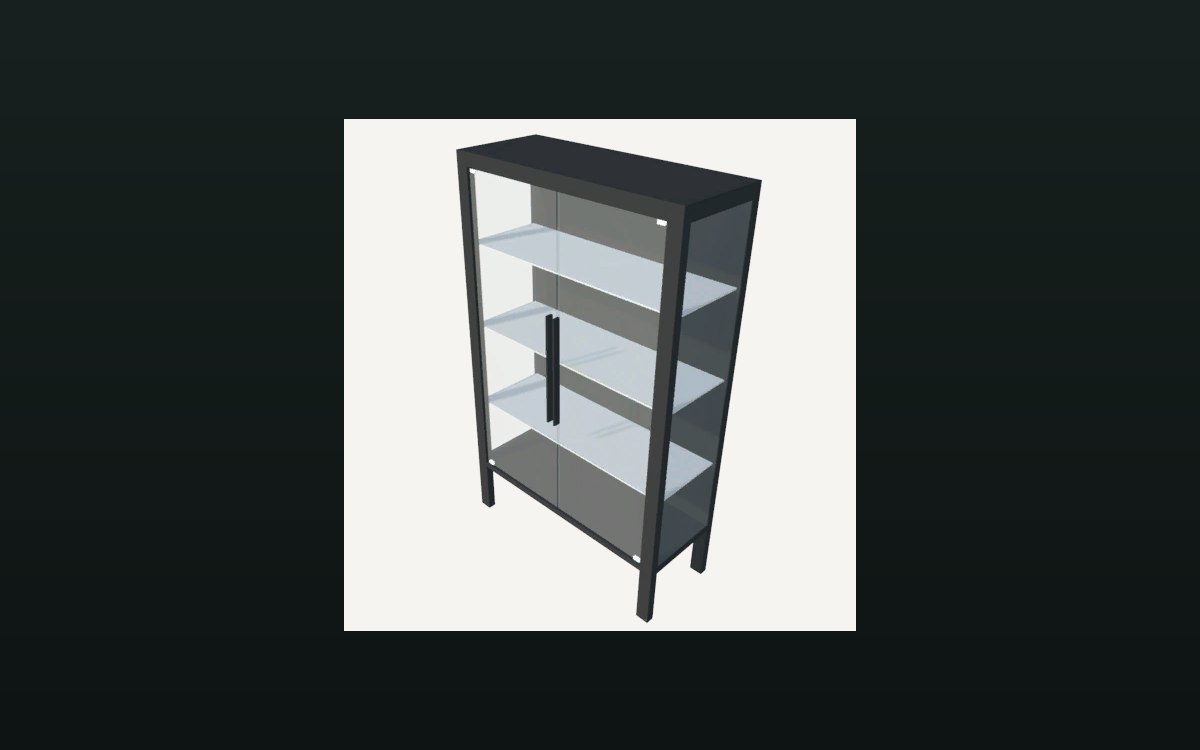
Every fixture is on a list of its own. The game keeps a manager whose job is to hold the shelves, counters and tables, and it keeps them apart by kind rather than in a single collection.
Shelves are not all the same list. Cards have a shelf list of their own, a combined card-and-item shelf has another, and card storage has a third, which is why a shop can be reorganised without the game losing track of what is what.
The counters are listed too. Cashier counters and play tables each have a list of their own, so a shelf, a till and a table are different things to the game even when they are all pieces of furniture.
So are the machines. Empty-box storage, bulk donation, workbenches, the cleaning machine and the automatic pack opener each have their own entry in the manager, which is why a machine that works on its own can be found by the game and not only by you.
Saving is paired with it. Almost every list has a matching save-data list — shelves, boxes for items and for cards, interactables, card shelves, combined shelves, play tables, cleaners, pack openers, workbenches, counters, empty-box storage, donation and card storage — so what is on a fixture survives a reload rather than being rebuilt from the room.
Moving something is previewed. The manager holds a parent group, a blocker that keeps customers out of the way, a preview model with its own renderer, and two colours: one for a placement that fits and one for a placement that does not.
It also knows when it is done. There is a flag for the loading of object data having finished, which is why the shop appears complete rather than assembling in front of you.
What this entry does not tell you: how many fixtures a shop can hold, what each save entry contains, or how a placement is judged to fit. We have not verified those numbers, so we do not print them.
Related
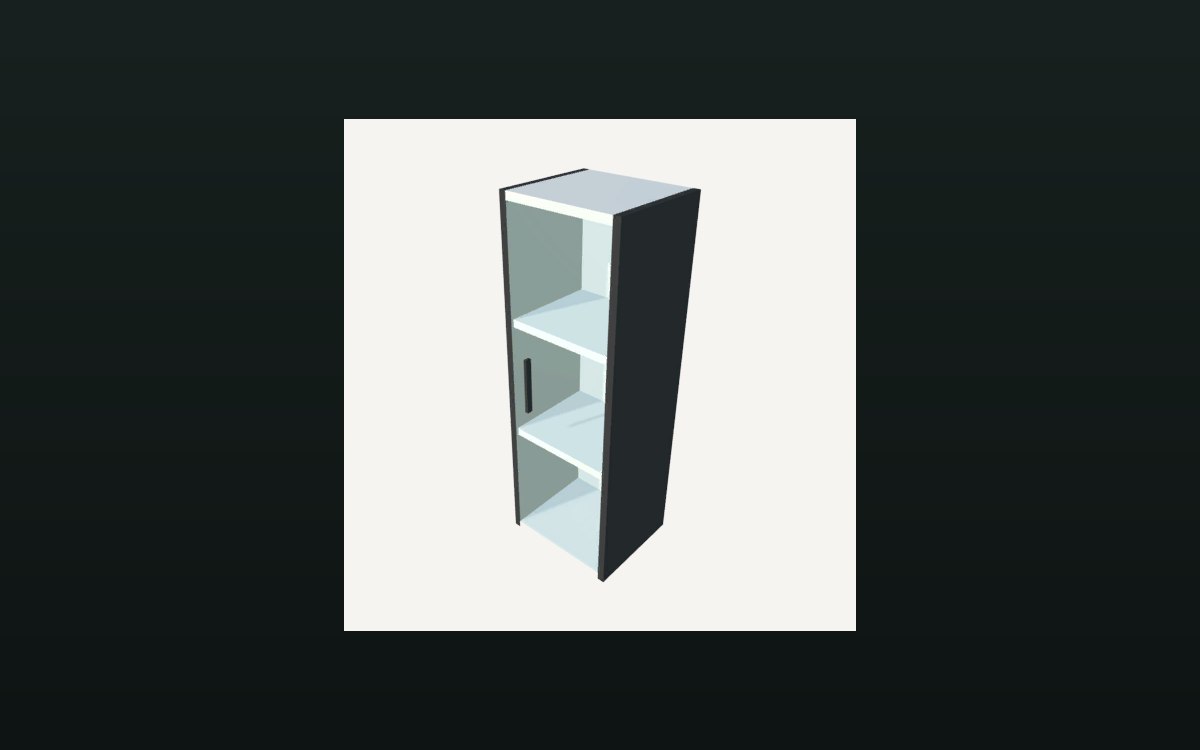 Storage and stockHow a shelf holds its stockA shelf is divided into compartments.
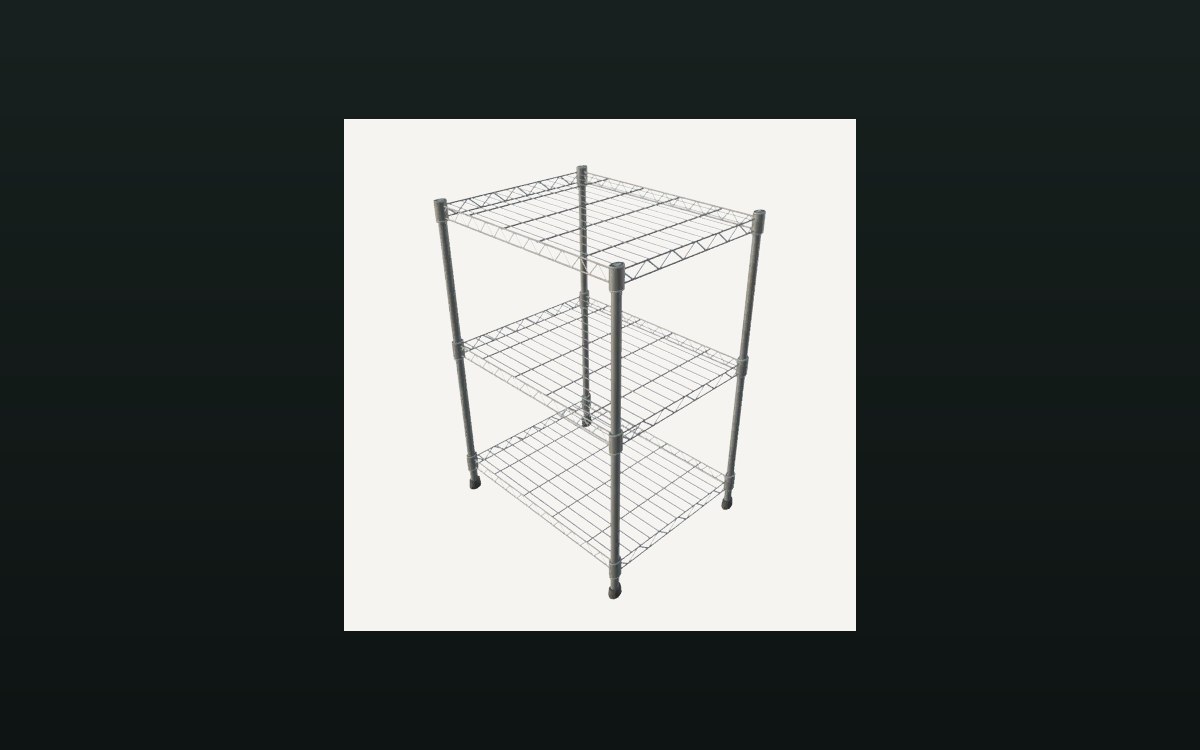 Storage and stockStorage shelves and restockingThere is a storage shelf for cards with saved contents.
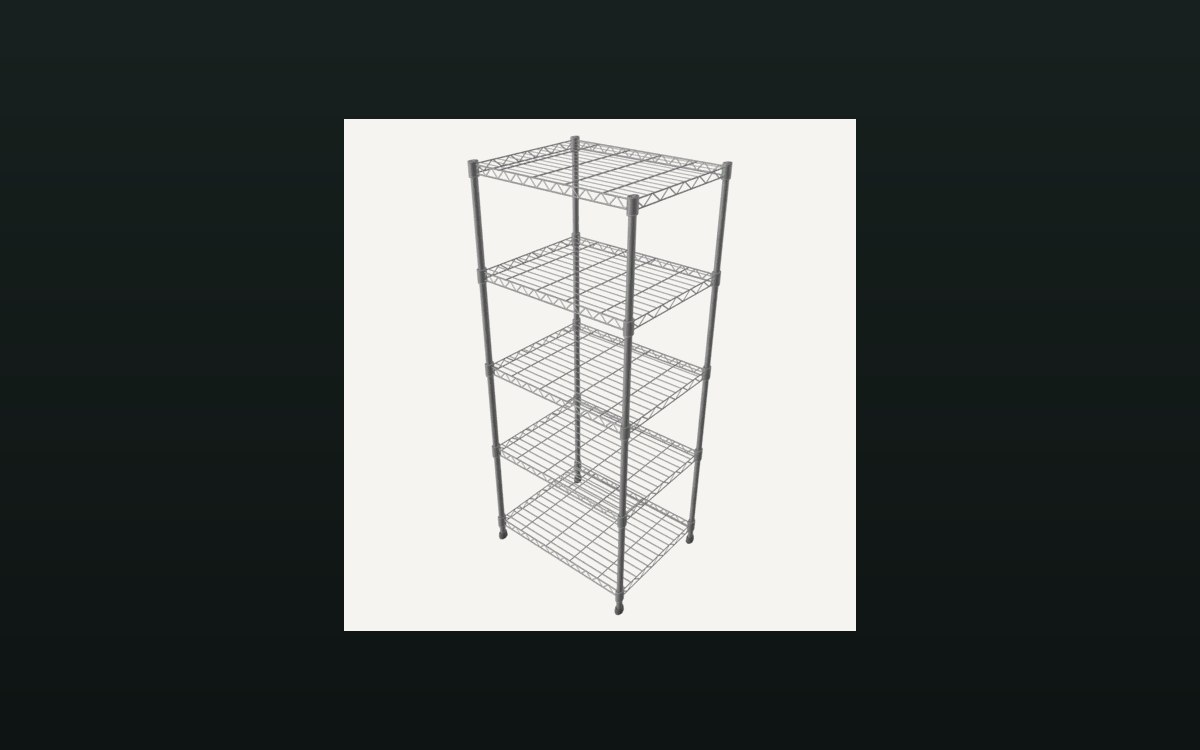 Shop, shelves and fixturesShelves, stock and shop upgradesThere are several shelf kinds, including one for cards and one that combines cards and items.
Version and sources
A local copy of the game, read only. Identifiers are listed on the technical reference pages; nothing here is estimated. Documented build: no version stated by this build.