Storage and stock · TCG Card Shop Simulator · read from a local copy
Storage shelves and restocking
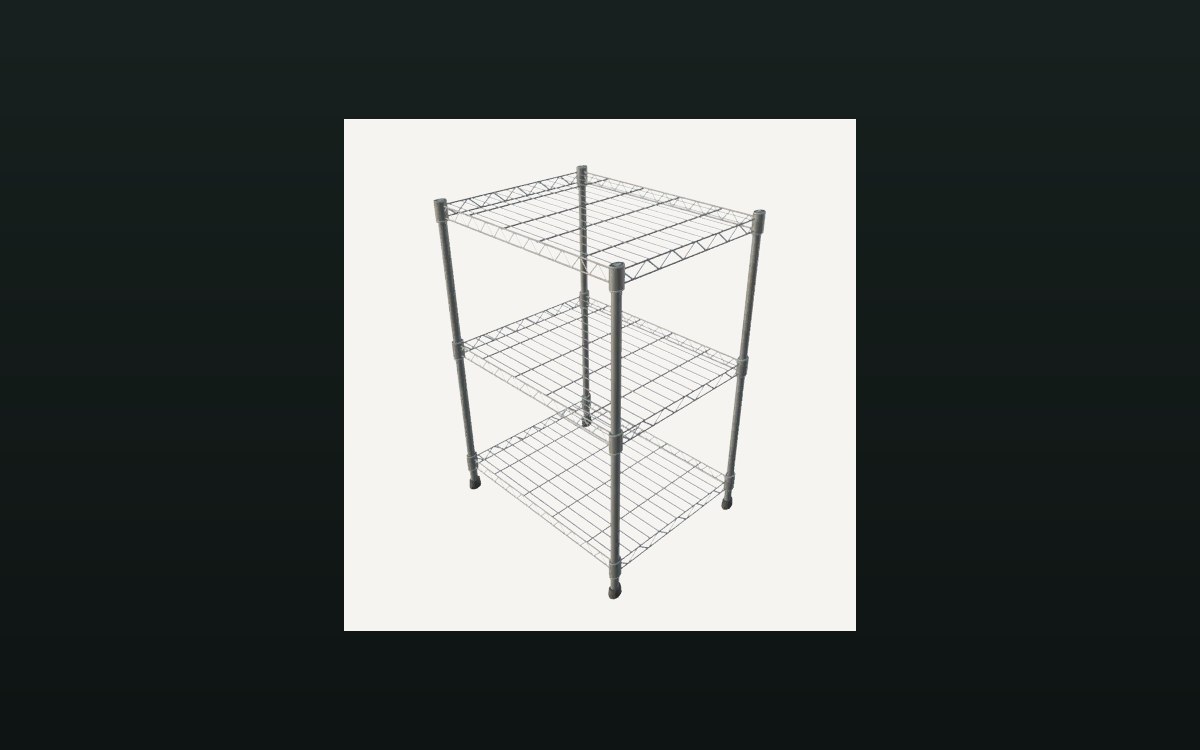
There is a storage shelf for cards with saved contents.
Keeping a card shop stocked means somewhere to put things: TCG Card Shop Simulator defines storage shelves, a warehouse shelf and a restocking process with its own screens.
What the game establishes
- There is a storage shelf for cards with saved contents. (checked against the game's own files)
- There is a warehouse shelf with its own saved contents. (checked against the game's own files)
- Storage shelves have their own settings screen. (checked against the game's own files)
- Restocking is a managed process with its own screens and a scanner. (checked against the game's own files)
- A card storage shelf is a group of its own, and the build names the shelf meshes it can be built from. (checked against the game's own files)
In play
Storage is furniture, not a menu: the game defines a storage shelf for cards and a warehouse shelf, each keeping its own saved contents.
Because those contents are saved, what you put away is still there when you come back to it rather than resetting between sessions.
Putting stock back on the sales floor is its own task with its own equipment, including a scanner, so restocking is something you do rather than something that happens.
What this entry does not tell you: how much a storage shelf holds, how many you can place or what the equipment costs. We have not verified those numbers, so we do not print them.
Related
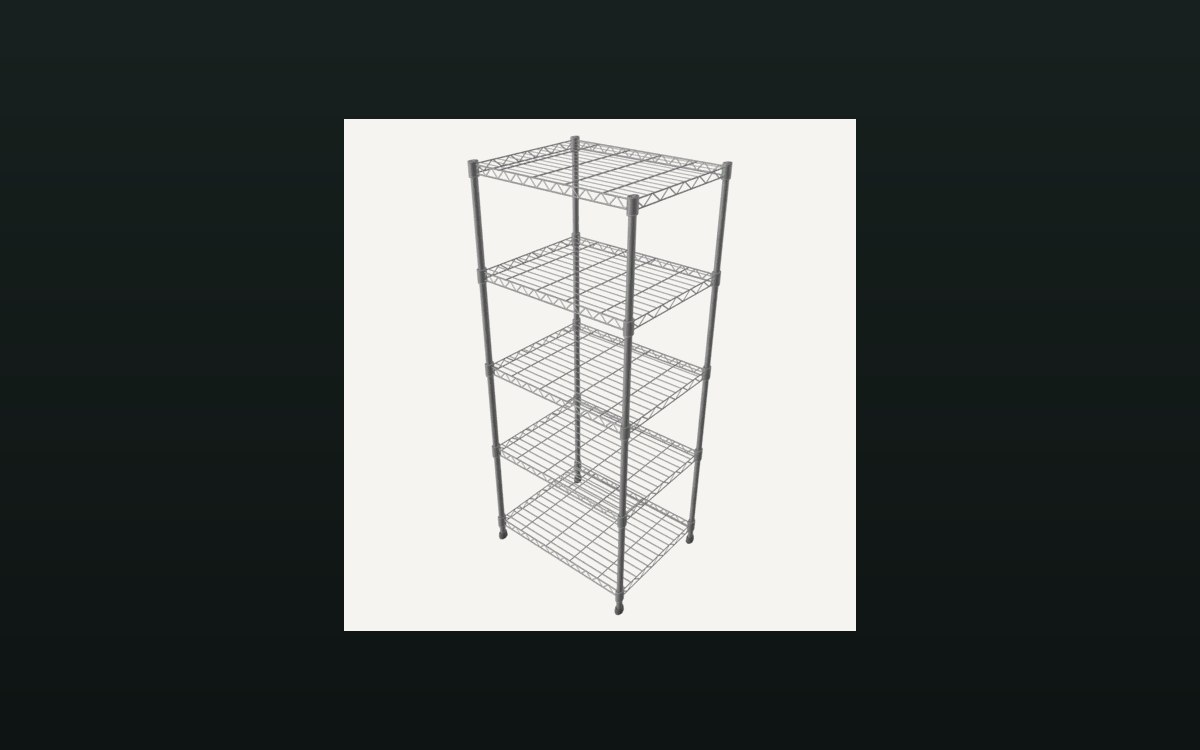 Shop, shelves and fixturesShelves, stock and shop upgradesThere are several shelf kinds, including one for cards and one that combines cards and items.
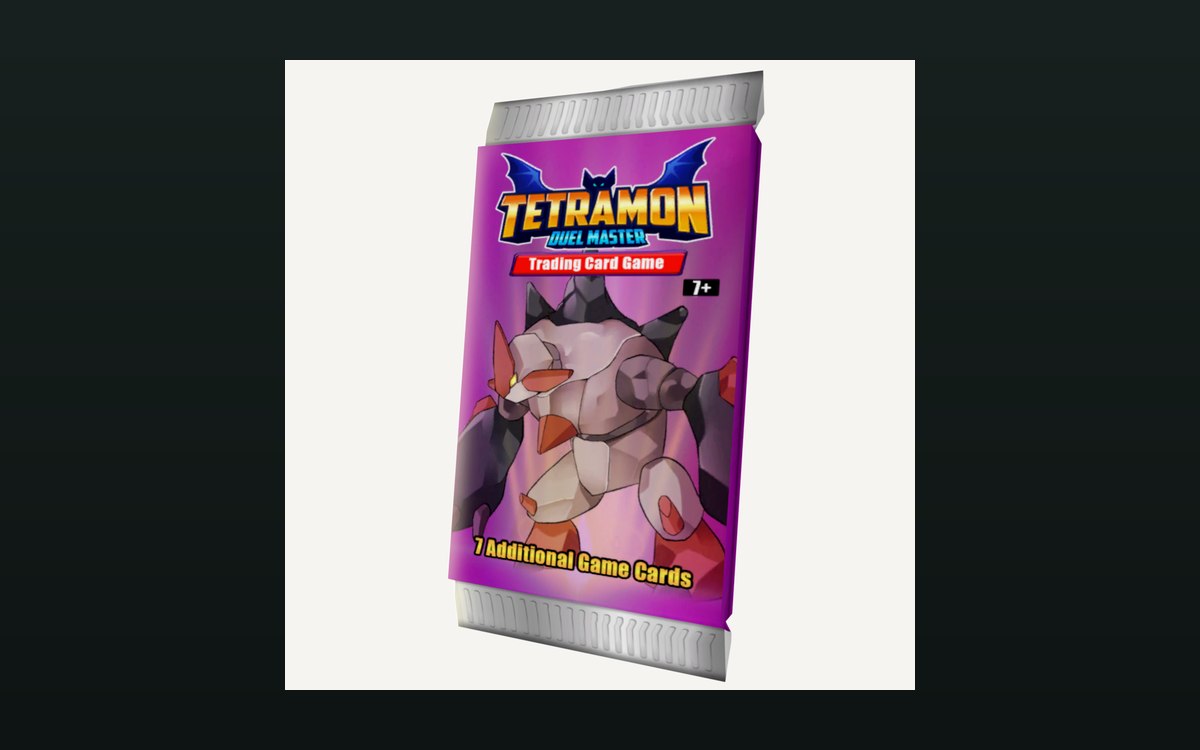 Packs and openingPacks and opening themPackaging boxes come in separate kinds for cards, items and shelves.
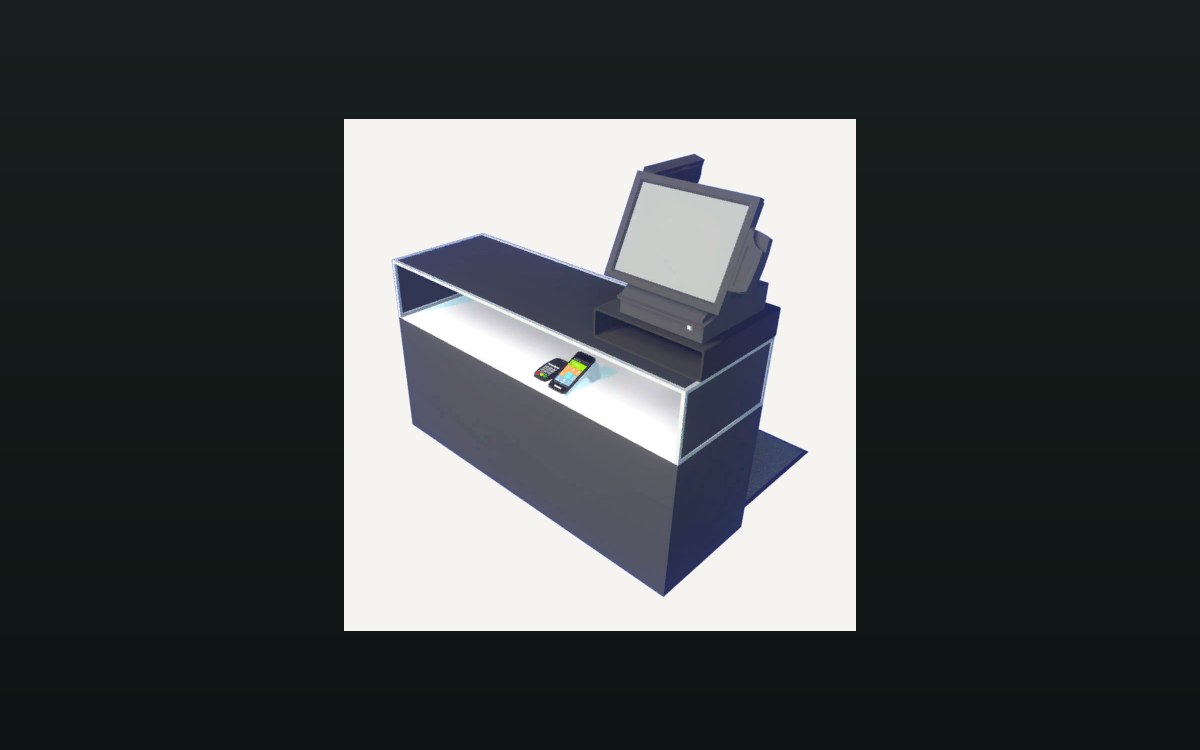 Shop, shelves and fixturesExpanding and decorating the shopExpanding the shop has its own interface screen.
Version and sources
A local copy of the game, read only. The grounding for each fact is listed on the technical reference pages; nothing here is estimated. Documented build: no version stated by this build.