Guide
Sorting the restock list before you spend
How the restock screens in TCG Card Shop Simulator are arranged: a screen for browsing and a screen for adding to the cart, sort controls and page buttons, a running total for the cart, and a notification of what went into it.
Applies to
no version stated by this build (see the sources page)
Before you start
- A shop that needs stock
- Enough money in the till
- A minute to use the screens
Steps
- Open the restock list rather than buying blind, because browsing and adding to the cart are separate screens.
adding to the cart and browsing it are separate screens - Sort before you shop, because the list has a sort screen and a set of sort buttons of its own.
the list has a sort screen and sort buttons - Move through the list in pages, because each page has a highlighted button that shows where you are.
the panel list has page buttons that highlight - Watch the running total rather than adding prices up in your head.
the screen carries a total cost text - Check how many lines are in the cart before paying, because the count has a readout of its own.
the screen carries a total cart item count text - Take the cart to its checkout screen when it is right, because the cart is paid for on a screen of its own.
the cart is paid for on a checkout screen of its own - Use the tabletop screen for games rather than the card list, because tabletop games restock through a screen of their own.
tabletop games restock through a screen of their own - Keep an eye on the cart notification, because adding something tells you it went in rather than leaving you to count rows.
the screen carries a cart notification
Common mistakes
- Buying from the browsing screen and never opening the cart.
- Working down an unsorted list and filling the cart with the wrong things.
- Adding a line and not noticing the cart notification.
- Paying without checking the total cost readout.
- Going to the card list for tabletop games, which have a screen of their own.
Related entries
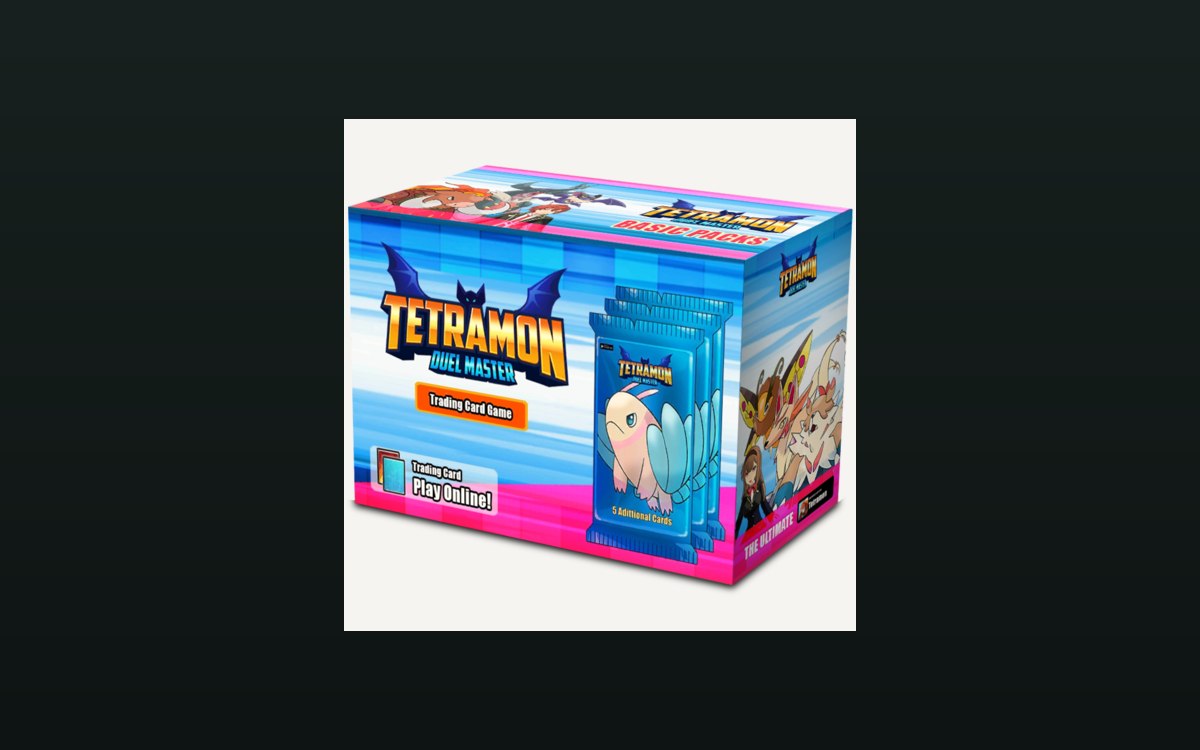 Storage and stockRestocking from a cartRestocking runs through a manager with data of its own.
 Storage and stockThe scanner and the restocking workflowRestocking is managed as a process.
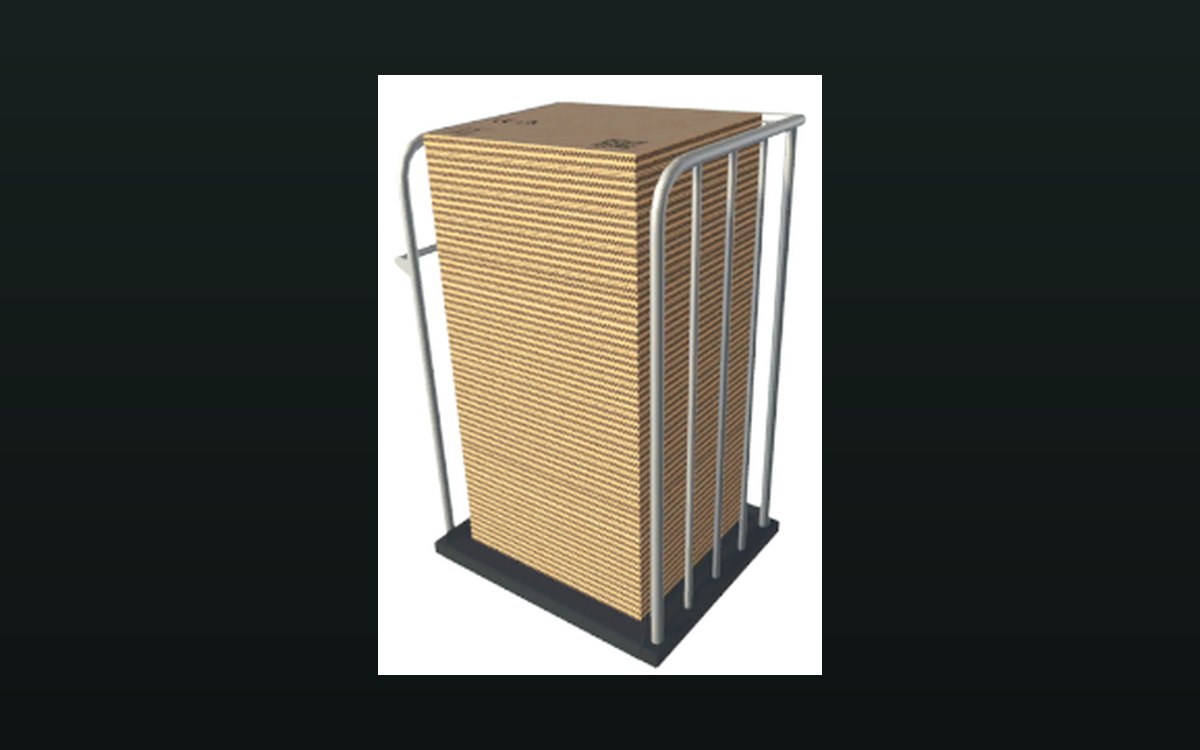 Storage and stockThe box your stock arrives inThe box is a world object with a mesh, a highlight, a collider and a rigid body.
Related guides
- Which shop jobs go to a worker, a machine or the restocker
A handoff guide for TCG Card Shop Simulator: which shop jobs go to a worker, which to the automatic machines and the restocker, and what still stays with you.
Sources
A local copy of the game, read only. Identifiers are listed on the technical reference pages; nothing here is estimated.