Storage and stock · TCG Card Shop Simulator · read from a local copy
Restocking from a cart
Restocking runs through a manager with data of its own.
Restocking in TCG Card Shop Simulator is a shopping trip of its own: the game runs a restock manager with categories, a cart, a checkout and screens of their own.
What the game establishes
- Restocking runs through a manager with data of its own. (checked against the game's own files)
- The restock screen is sorted with a category bar of its own. (checked against the game's own files)
- Items go into a restock cart with its own bar and item panels. (checked against the game's own files)
- The cart is paid for on a checkout screen of its own. (checked against the game's own files)
- Adding to the cart and browsing it are separate screens. (checked against the game's own files)
- Tabletop games restock through a screen of their own. (checked against the game's own files)
- A panel for an entry on the list carries two pictures, a name and an alternative name, the amount and the unit price, and a popup animation. (checked against the game's own files)
- The add-to-cart screen carries the purchase box count, the total checkout price and a set-amount input with a display of its own. (checked against the game's own files)
- The restock data carries the price of a licence, a flag for showing prologue content and a flag about double images. (checked against the game's own files)
In play
Restocking is a system rather than a menu. The game runs it through a manager with its own data, which is why ordering stock and shelving it are two separate jobs.
It is sorted into categories. The restock screen has a category bar of its own, so browsing stock is organised rather than being one long list.
It uses a cart. Items go into a restock cart with its own bar and a panel for each entry, which is why the game can show you what you are about to bring in.
There is a checkout. The cart is paid for on a checkout screen of its own, which is why restocking finishes rather than running a tab.
It is separate from running the shop. Restocking has screens of its own with their own panels, so adding stock is a distinct activity from setting prices or serving customers.
An entry on the list is drawn with enough to decide on. Its panel carries two pictures, a name and an alternative name, the amount and the unit price, and an animation for the popup, so a line on the list is readable rather than a row of numbers.
The add-to-cart screen settles the amount. It shows how many boxes are being bought and the total at checkout, and it has a set-amount input with a display of its own, which is how a quantity is chosen before the cart is paid for.
The restock side carries figures of its own as well. Its data holds the price of a licence, a flag for whether prologue content is shown and a flag about double images, which is how the shop decides what a restock list should offer before you browse it.
It is split by kind as well. Tabletop games restock through a screen of their own rather than this list, which is why the game keeps its stock apart by what it is.
What this entry does not tell you: what anything costs, how many items a cart holds, or how long a delivery takes. We have not verified those numbers, so we do not print them.
Related
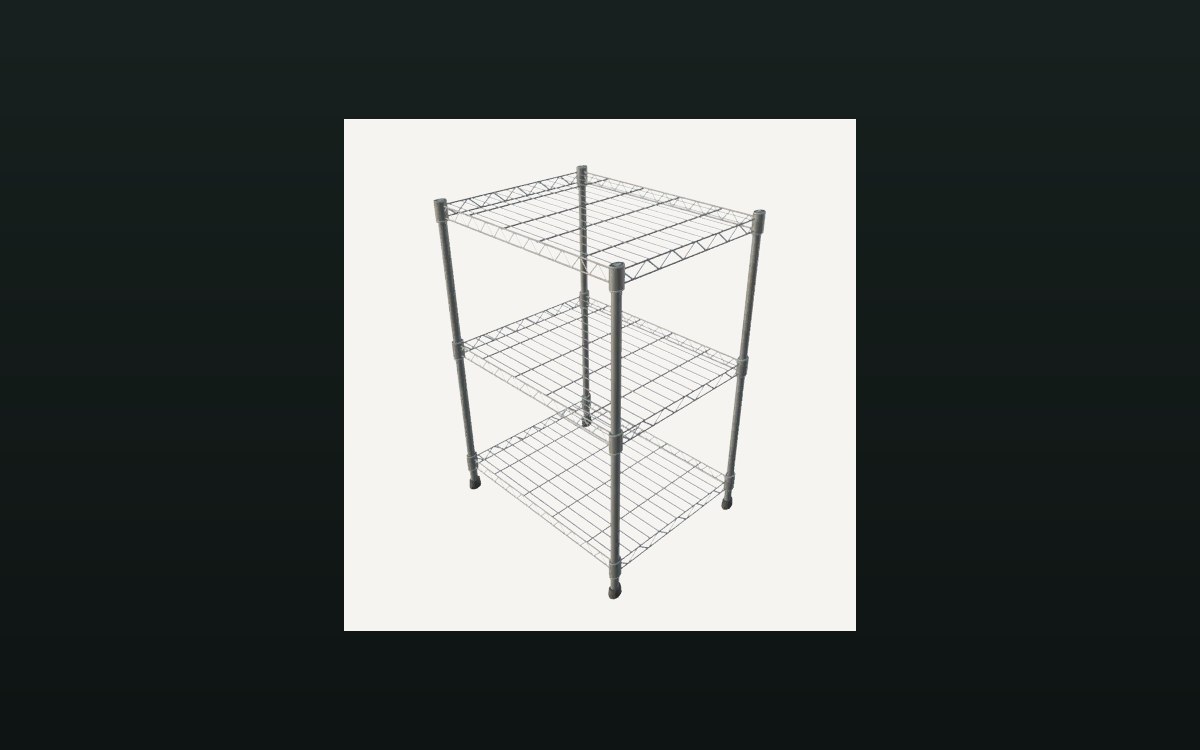 Storage and stockStorage shelves and restockingThere is a storage shelf for cards with saved contents.
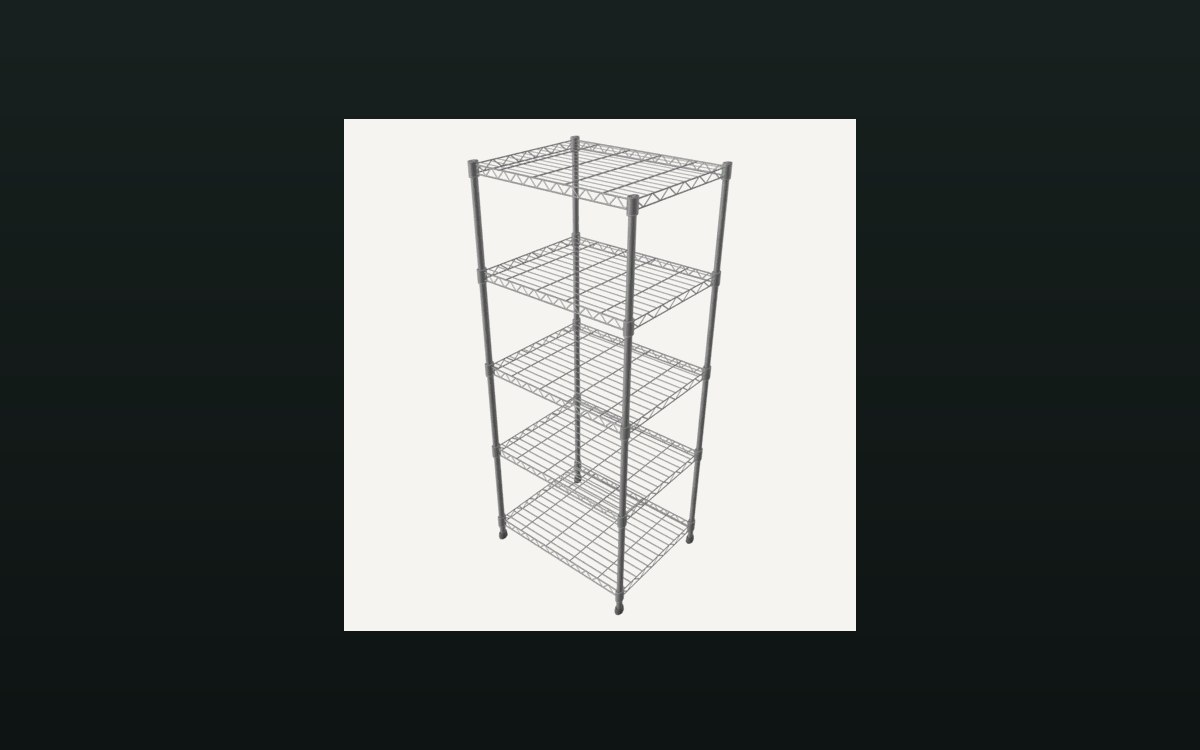 Shop, shelves and fixturesShelves, stock and shop upgradesThere are several shelf kinds, including one for cards and one that combines cards and items.
Version and sources
A local copy of the game, read only. Identifiers are listed on the technical reference pages; nothing here is estimated. Documented build: no version stated by this build.