Storage and stock · TCG Card Shop Simulator · read from a local copy
The box your stock arrives in
The box is a world object with a mesh, a highlight, a collider and a rigid body.
A delivery box in TCG Card Shop Simulator is an object with rules rather than a bag of goods: it has a closed and an open shape with an outline each, a physical size, a preview colour while you move it, an item compartment, storage and placement rules, and its own animation.
What the game establishes
- The box is a world object with a mesh, a highlight, a collider and a rigid body. (checked against the game's own files)
- The box carries an animation of its own. (checked against the game's own files)
- It has a physical size and a preview colour for being moved. (checked against the game's own files)
- It has a closed shape and an open shape, each with an outline. (checked against the game's own files)
- It has a static mesh group and a rigged mesh group. (checked against the game's own files)
- It holds an item compartment. (checked against the game's own files)
- It has rules for being picked up and moved, boxed up, scanned, and placed in the shop or the warehouse. (checked against the game's own files)
- It has a move area and a separate shelf move area, and it can be flipped. (checked against the game's own files)
- A box can be big, and it knows whether it is stored. (checked against the game's own files)
- The game ships packaging box and cardboard box textures for it. (checked against the game's own files)
- The card box is named in mesh pieces as well: a low box mesh, an inner mesh, a stack group and a bundle. (checked against the game's own files)
- Opening a box and closing one each have a sound of their own. (checked against the game's own files)
In play
Stock does not appear on a shelf. It arrives in a box, and the box is an object in the world with a mesh, a highlight and a collider of its own rather than a container that only exists in a list.
It is heavy enough to be physical. The box has a rigid body and a physical size of its own, so it takes up room and can be moved about rather than being weightless cargo.
It has two shapes. There is a closed shape and an open one, and each has an outline of its own, which is why a sealed box and an opened one are drawn as different things rather than the lid only being rotated.
It is animated. The box carries an animation of its own, so opening and closing are staged rather than instant.
It can be drawn either way. There is a static mesh group and a rigged one, so a box can be a plain object when that is enough and a jointed one when it needs to move.
It holds an item compartment. That is where the stock sits before it comes out, which is why the box is tied to what is inside it rather than being scenery around it.
It knows where it may go. A box has rules for being picked up and moved, for being boxed up again, for being scanned at the counter, and for whether it belongs in the shop or only in the warehouse.
It has a move area of its own, including a separate area for a shelf, and it can be flipped, which is why placing one is a matter of finding the right spot rather than dropping it anywhere.
It tells you it is moving. There is a preview colour for a box being moved, so the object that is about to be placed can be told apart from the ones already standing.
It comes in two sizes. A box can be big or not, and it knows whether it has been stored, which is how the game keeps a warehouse of boxes apart from the ones on the floor.
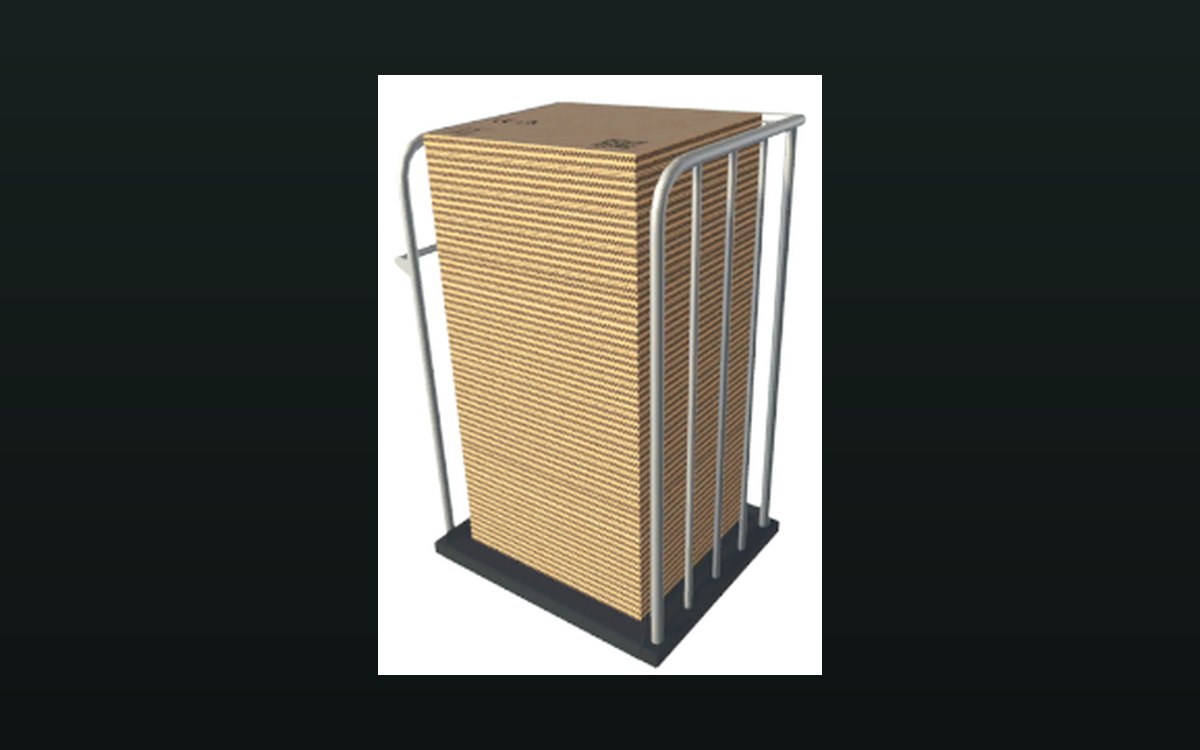
The pictures beside this entry are the game's own: a packaging box texture and one of the smaller cardboard boxes it ships, both carrying their labels and handling marks.
What this entry does not tell you: how many items a box holds, what one costs, or how long an unopened box can be left. We have not verified those numbers, so we do not print them.
Related
 Storage and stockRestocking from a cartRestocking runs through a manager with data of its own.
 Storage and stockHow a shelf holds its stockA shelf is divided into compartments.
Version and sources
A local copy of the game, read only. The grounding for each fact is listed on the technical reference pages; nothing here is estimated. Documented build: no version stated by this build.