Guide
Keeping the shelves selling during a busy day
How to keep product on the sales floor while customers are in the shop, using the shelf and pricing behaviour the game defines.
Applies to
no version stated by this build (see the sources page)
Before you start
- Priced stock ready to go out
- More than one shelf kind available
- Packs in reserve
Steps
- Check which shelf kind a product belongs on before you restock.
the game separates plain shelves, card shelves and combination shelves - Restock from the shelf manager view rather than walking the room blind.
shelf contents are tracked by a manager - Keep priced stock in reserve so a gap can be filled immediately.
a card's price is applied through a price tag object, so an unpriced card cannot simply be shelved - Keep boxes where you can reach them, because packaging is physical.
packaging boxes exist separately for cards, items and shelves
Common mistakes
- Leaving a shelf empty while customers are inside.
- Putting cards on the wrong kind of shelf.
- Keeping all your stock in sealed boxes and none on the floor.
Related entries
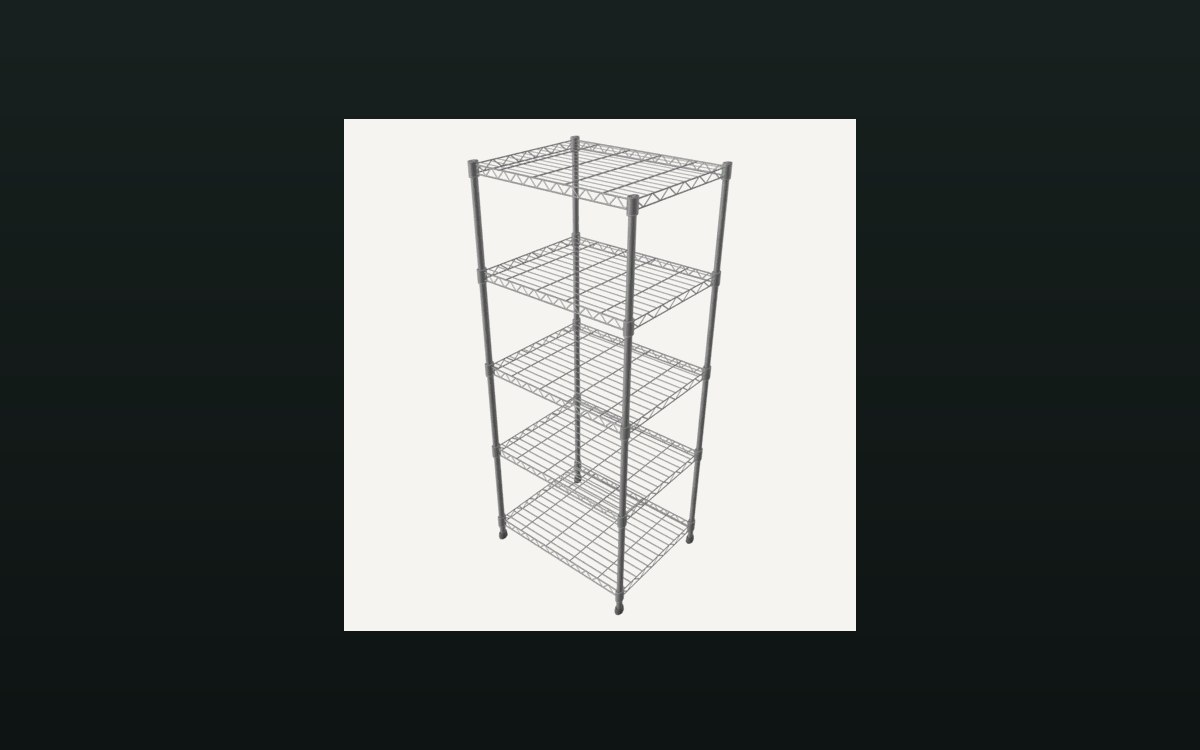 Shop, shelves and fixturesShelves, stock and shop upgradesThere are several shelf kinds, including one for cards and one that combines cards and items.
 Pricing and the marketPrices and price tagsPrice tags are their own objects attached to goods.
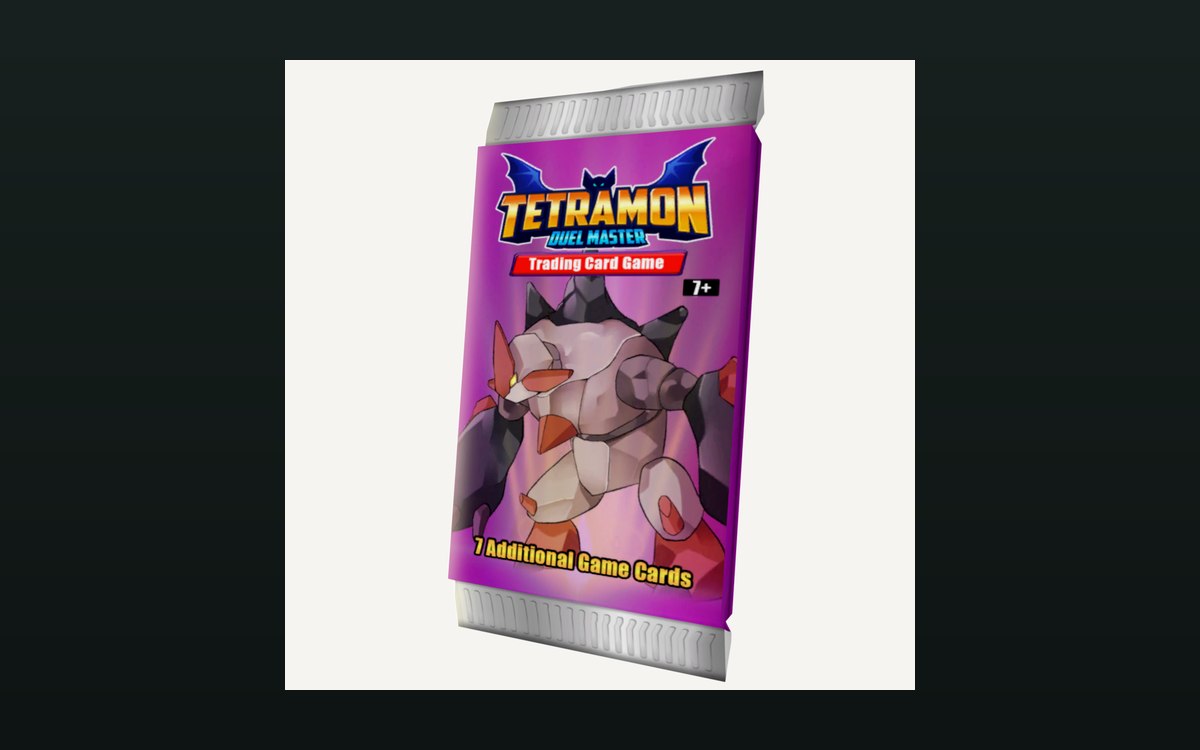 Packs and openingPacks and opening themPackaging boxes come in separate kinds for cards, items and shelves.
Related guides
- A closing routine that sets up the next shop day
How to close a trading day in TCG Card Shop Simulator: read the game's reviews and price changes, answer the recorded reasons, then stock shelves for tomorrow.
Sources
A local copy of the game, read only. Grounding for each step is on the technical reference pages; no number is estimated.