Guide
Putting cards on display so they sell
How to use the card displays in TCG Card Shop Simulator, given that the game ships displays for a table, for a wall and an electronic version, with their own fronts and price tags.
Applies to
no version stated by this build (see the sources page)
Before you start
- Cards worth showing
- Floor or wall space in the shop
- A price decided before the card goes in
Steps
- Pick the display shape before placing anything.
the build ships card displays for a table, for a wall and an electronic one - Use the wall versions when floor space is short.
the wall display also comes in a small and a big version - Check what the display shows of a card before you trust the front.
the display holds a front object and a back object of its own - Attach the price to the thing the tag can sit on.
price tags are shipped per thing they can sit on, including a card - Expect the display to simplify itself at a distance.
it can cull parts at a distance with lists of objects to hide
Common mistakes
- Buying an electronic display before there are cards worth showing on it.
- Putting the best cards in the cheapest case.
- Pricing the card and forgetting that the tag belongs to the display.
Related entries
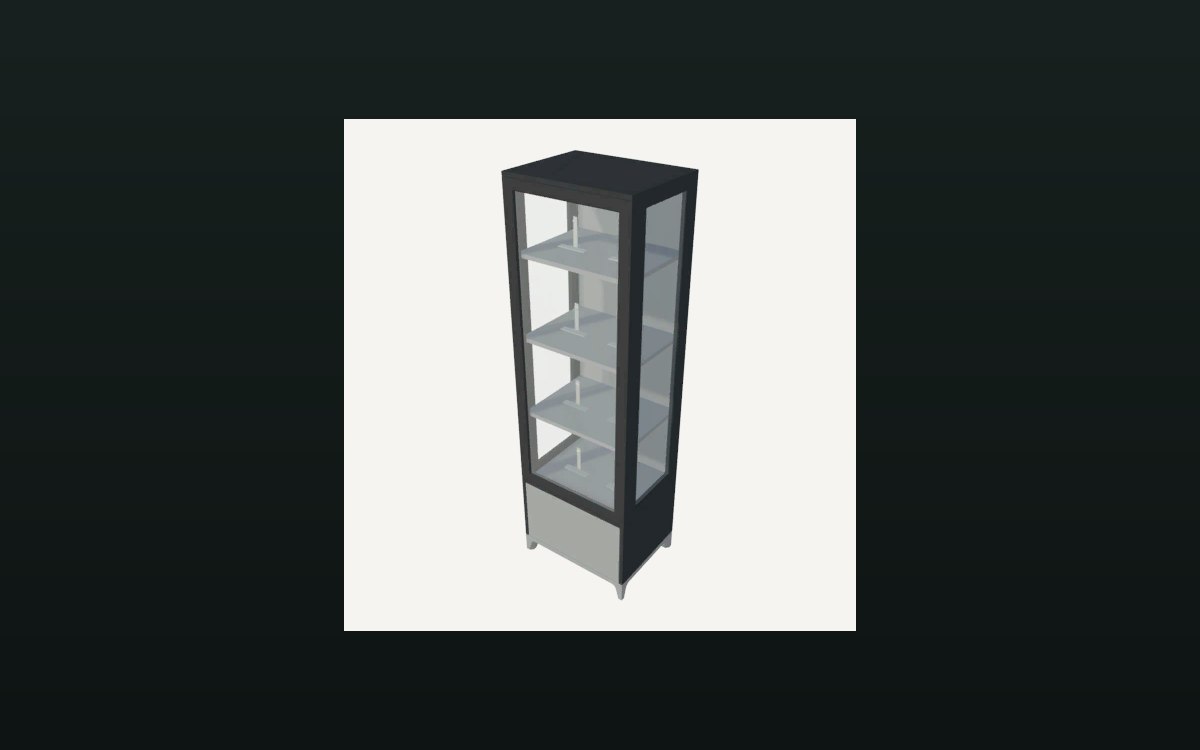 Cards and rarityThe card display objectThe display holds a front object and a back object.
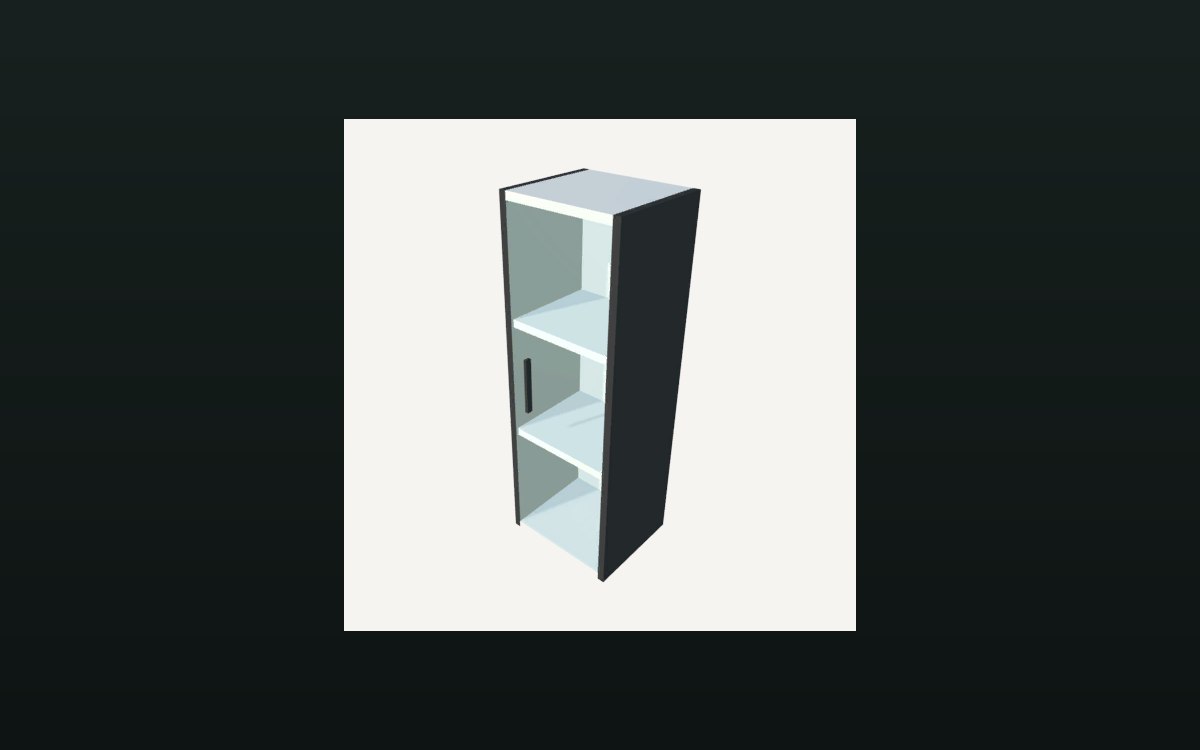 Storage and stockHow a shelf holds its stockA shelf is divided into compartments.
Sources
A local copy of the game, read only. Grounding for each step is on the technical reference pages; no number is estimated.