Guide
Putting the walls and the prizes to work
How to use decoration and the tournament prize shelf in TCG Card Shop Simulator so the walls and the prize display are doing a job rather than only filling space.
Applies to
no version stated by this build (see the sources page)
Before you start
- A shop with wall slots
- Some decoration to put on them
- A prize shelf if you run tournaments
Steps
- Treat posters as a decoration kind of their own rather than as pictures in general.
posters are kept in a list of their own beside other decoration - Keep wall decoration and wall-bar decoration apart when you are planning a wall.
the two are listed separately - Remember that the shop billboard is its own object, not a wall slot.
the billboard is an interactable object of its own - Put prizes on the shelf built for them rather than on any spare rack.
there is a shelf dedicated to tournament prizes - Know that a shelf's purpose is a kind of shelf, not a label you apply.
shelves are typed, with card shelves and combination shelves among them - Fill the compartments the shelf actually has, and give it the stand points it asks for.
the prize shelf keeps its own compartment groups, a screen mesh, and separate stand locations for customers and for winners - Let the shelf manager track what is on the shelves instead of tracking it yourself.
shelf contents are tracked by a manager regardless of the shelf's purpose - Watch where a fixture cuts the walkable floor before you commit to its place.
a shelf is marked with its object type and with whether it cuts the navmesh
Common mistakes
- Treating every wall slot as the same kind of slot.
- Hanging prizes on the first rack you find instead of the prize shelf.
- Filling a shelf without regard to the compartments it actually has.
- Placing a fixture across the path customers walk.
Related entries
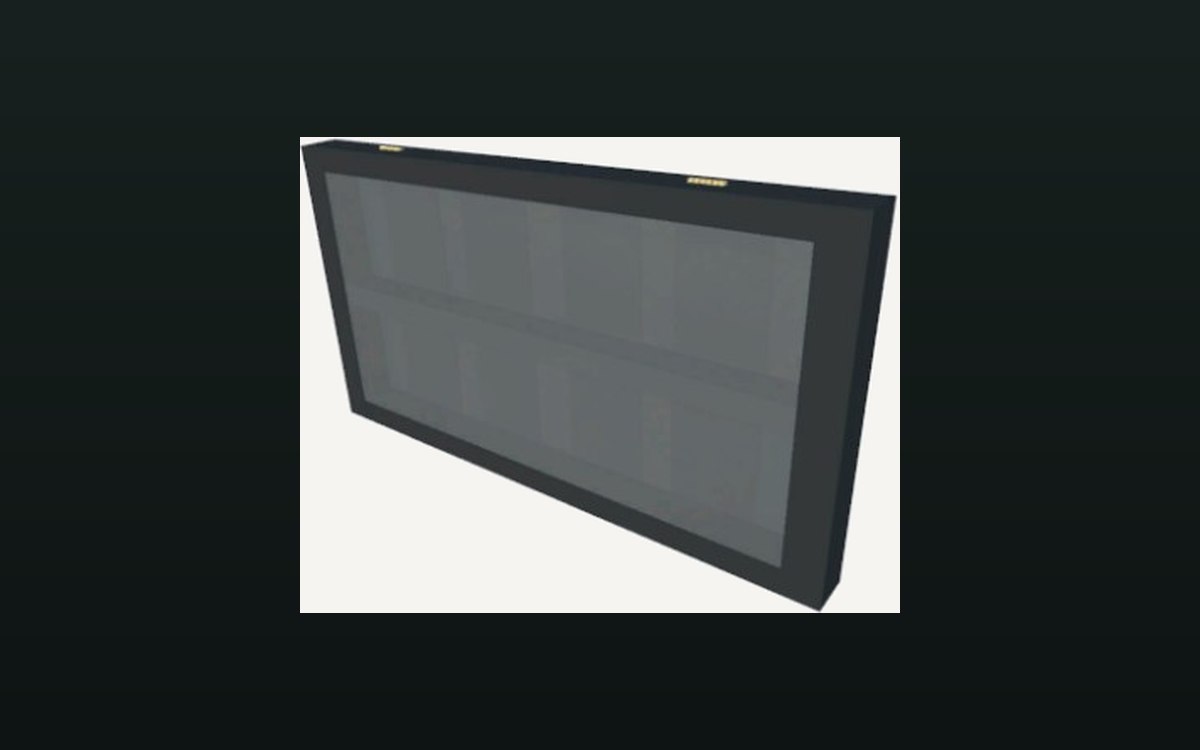 Shop, shelves and fixturesPosters and wall displaysPosters are kept as a decoration kind of their own.
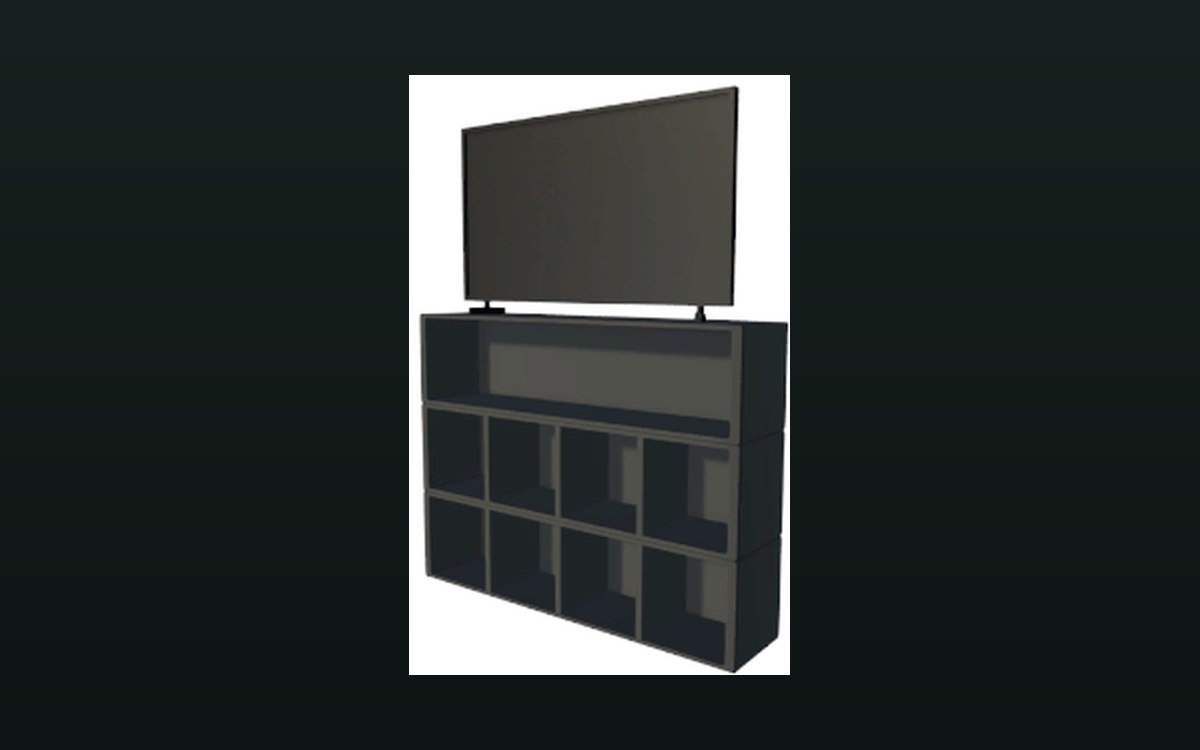 Shop, shelves and fixturesPrize shelves and special displaysA shelf dedicated to tournament prizes exists.
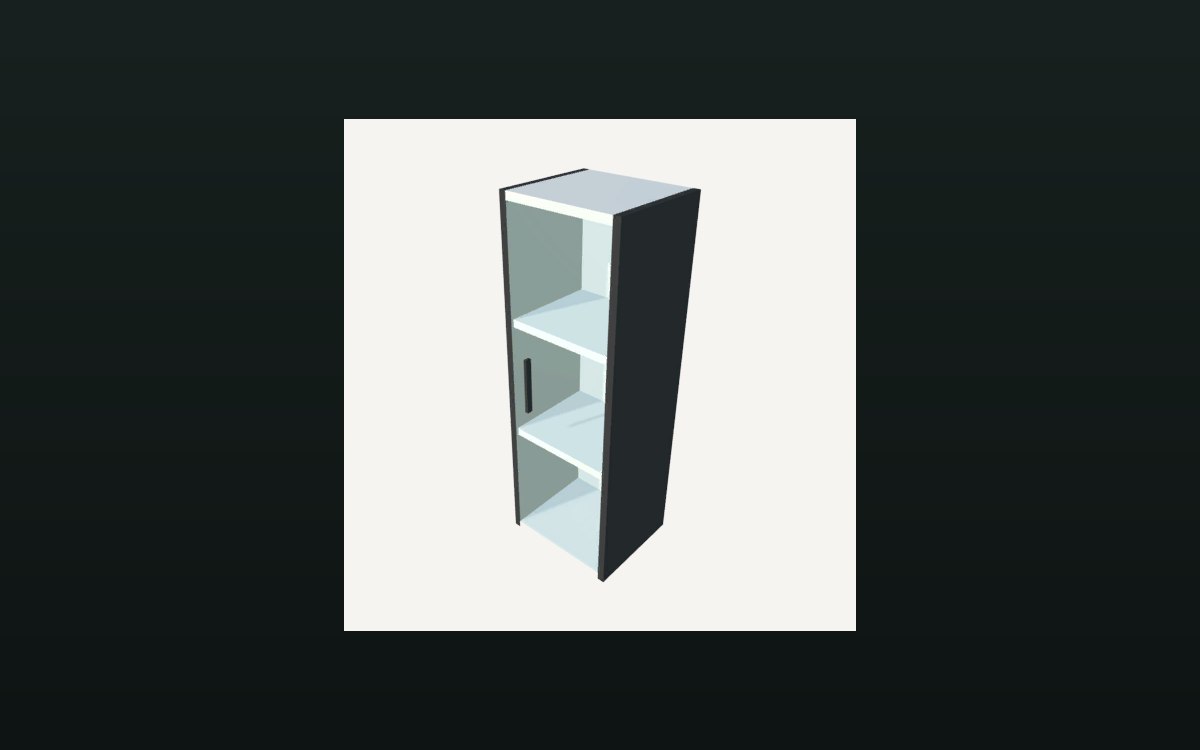 Storage and stockHow a shelf holds its stockA shelf is divided into compartments.
Sources
A local copy of the game, read only. Grounding for each step is on the technical reference pages; no number is estimated.