Guide
Setting a shop name you will keep
How to rename a TCG Card Shop Simulator shop at the billboard, using the sequence the game runs rather than looking for a settings menu.
Applies to
no version stated by this build (see the sources page)
Before you start
- A billboard in the shop
- A moment when you are not serving
- A name you have actually decided on
Steps
- Set the shop name early rather than late.
the billboard carries a renaming sequence of its own - Confirm the name rather than walking off partway through.
renaming runs through an opening, a name and a confirmation screen - Type it into the box the billboard gives you.
the name is entered into its own input - Check what the sign shows once you are done.
the billboard displays the current shop name - Come back to the billboard if you want to change it again.
the billboard is a placed object in the shop
Common mistakes
- Leaving the shop on a default name.
- Walking away before confirming.
- Looking for the name in a settings screen instead of the billboard.
Related entries
 Interface and screensThe shop billboard and your shop nameThe shop name is set at a billboard placed in the world.
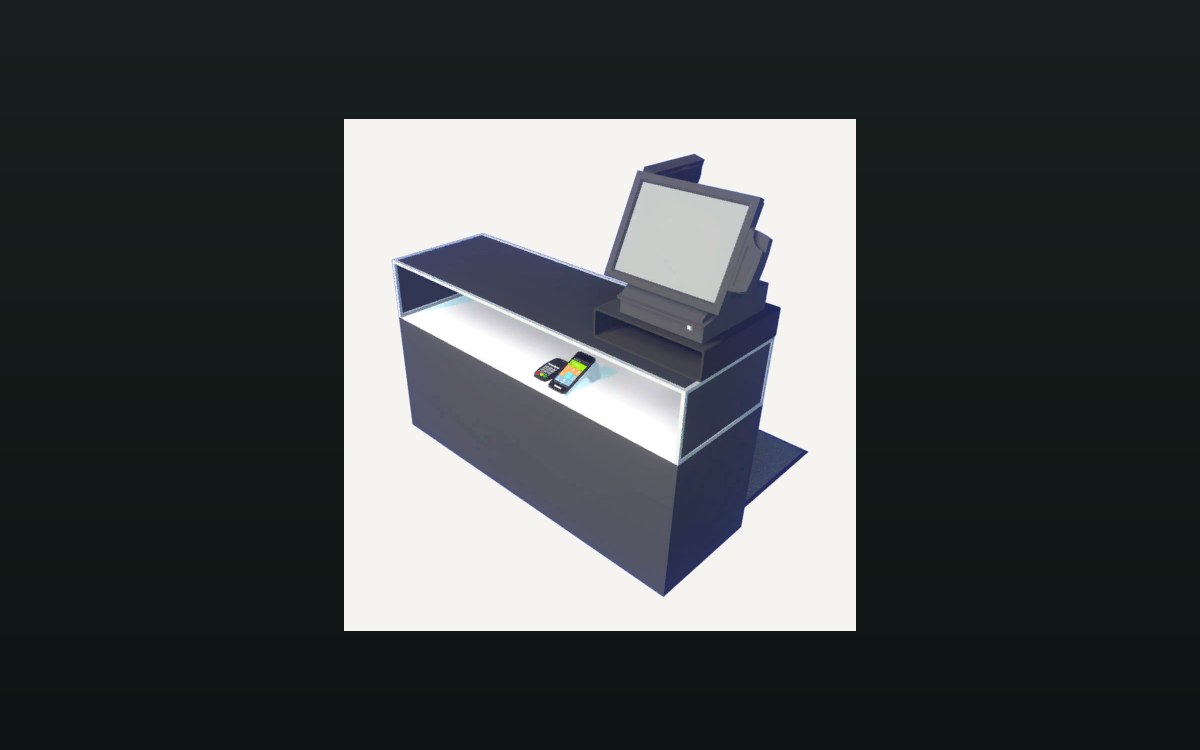 Shop, shelves and fixturesExpanding and decorating the shopExpanding the shop has its own interface screen.
Sources
A local copy of the game, read only. Grounding for each step is on the technical reference pages; no number is estimated.