Guide
Stocking a product line that is not cards
How to add tabletop games to a TCG Card Shop Simulator shop, given that the game treats a set as its own kind of stock with its own parts.
Applies to
no version stated by this build (see the sources page)
Before you start
- Room for a product line that is not cards
- Money for a first order of sets
- A shelf or display for boxed goods
Steps
- Treat a tabletop game as a set rather than as one box.
the game keeps each one as a set with a record of its own - Check what a set contains before ordering, because the parts are separate kinds.
a play mat, a deck box and a comic book are each named parts - Restock them through their own screen rather than the card list.
tabletop games restock through a screen of their own - Put them where the sets can be seen rather than squeezing them onto a card shelf.
each part is modelled with its own mesh - Judge the range by the games the shop actually stocks rather than assuming one size fits.
the game ships icons for particular games
Common mistakes
- Ordering a set and expecting a single box.
- Shelving sets the same way as card packs.
- Restocking them from the ordinary item list.
Related entries
 Cards and rarityBoard games and their accessoriesA tabletop game is kept as a set with its own record.
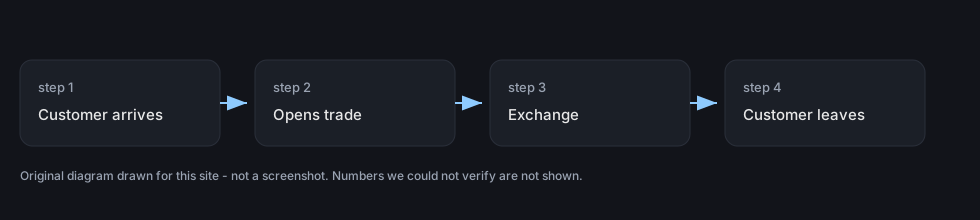 Customers and tradingTrading with customersTrading with a customer has its own screen in the game.
Sources
A local copy of the game, read only. Grounding for each step is on the technical reference pages; no number is estimated.