Guide
Using the warehouse without losing stock
How to keep stock in the warehouse in TCG Card Shop Simulator, given that the game has a shelf type of its own for the back room, tracks those shelves apart from the shop's, and can store boxes unopened.
Applies to
no version stated by this build (see the sources page)
Before you start
- Shelves bought for the back room
- Stock you do not want on the shop floor yet
- An idea of what the shop needs today
Steps
- Buy the shelf type the warehouse expects rather than any shelf.
the warehouse has a shelf type of its own - Mark the things that should only ever live back there.
an object can be marked as belonging in the warehouse - Count back-room shelves separately from the shop's.
warehouse shelves are tracked apart from the shop's shelves - Leave stock boxed when you do not need it opened yet.
stock can be stored boxed rather than unpacked - Move a shelf only where the game shows it may go.
the game shows where a shelf may legally be moved
Common mistakes
- Unboxing everything and then needing the boxes back.
- Mixing back-room shelves with shop shelves when counting what you own.
- Moving a shelf and assuming its saved contents move with it.
Related entries
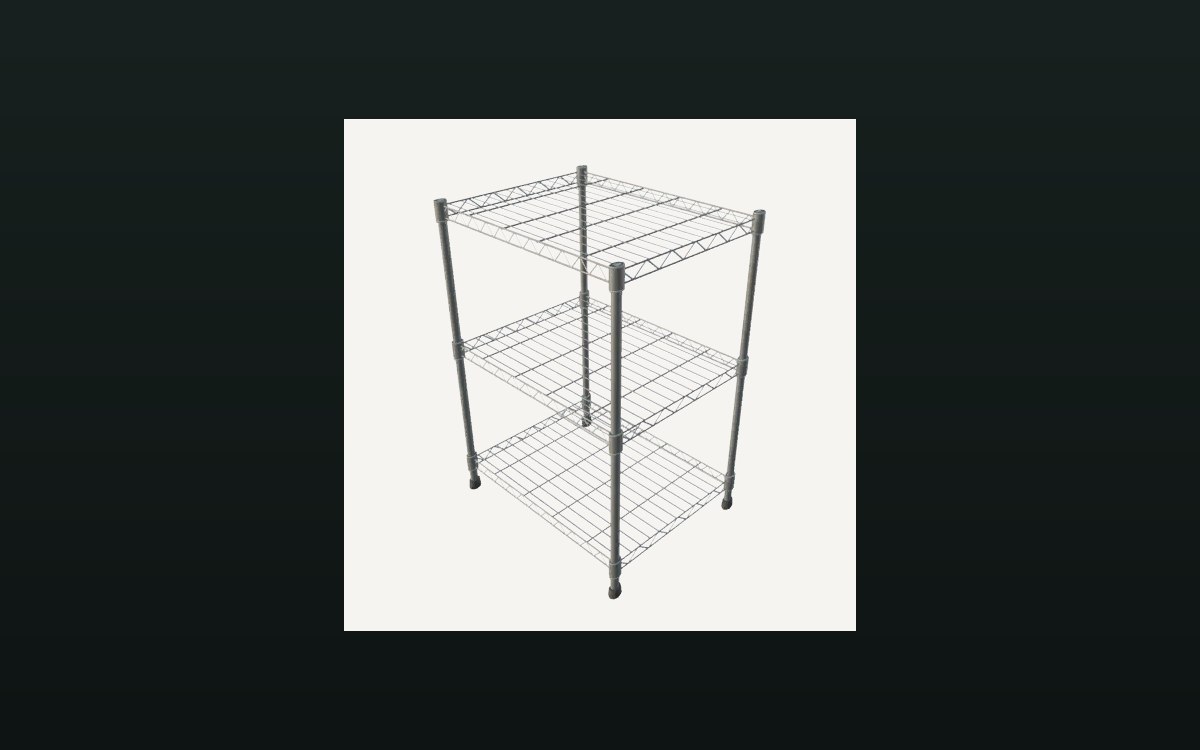 Storage and stockThe warehouse and its shelvesThe warehouse has a shelf type of its own.
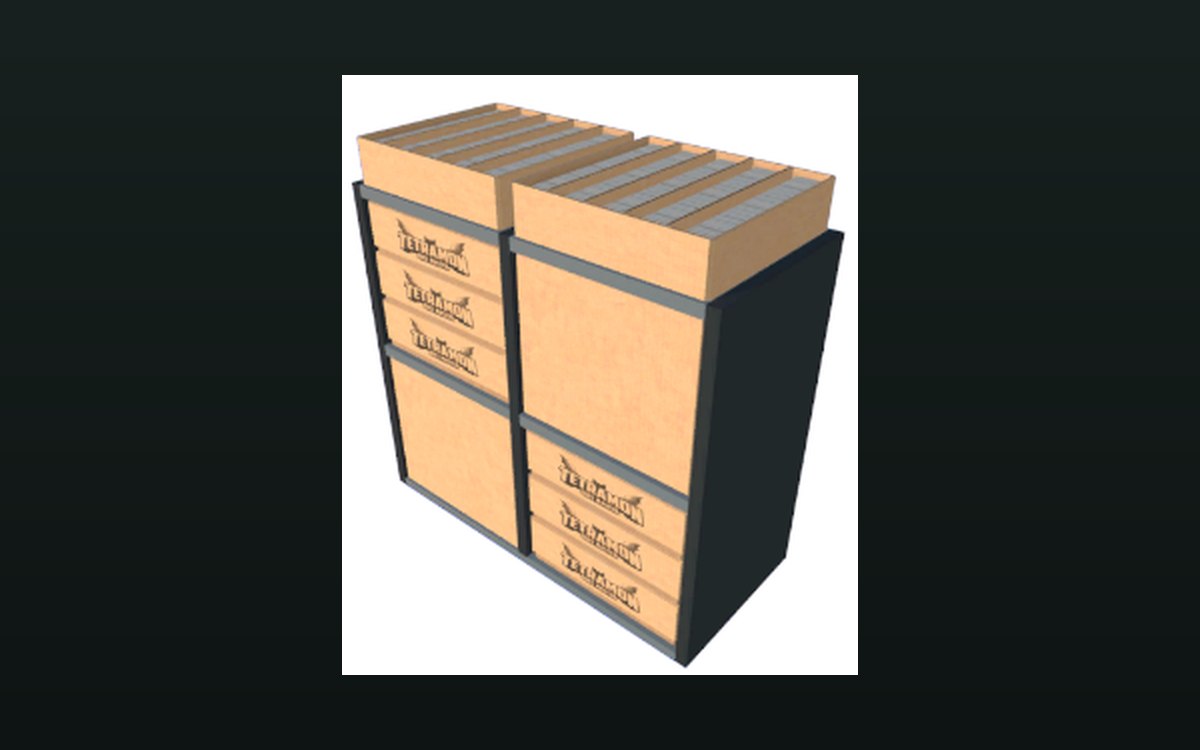 Shop, shelves and fixturesMoving on old stockThere is a bulk donation box for cards, with its own panel.
Sources
A local copy of the game, read only. Grounding for each step is on the technical reference pages; no number is estimated.