Cards and rarity · TCG Card Shop Simulator · read from a local copy
Cards and rarity
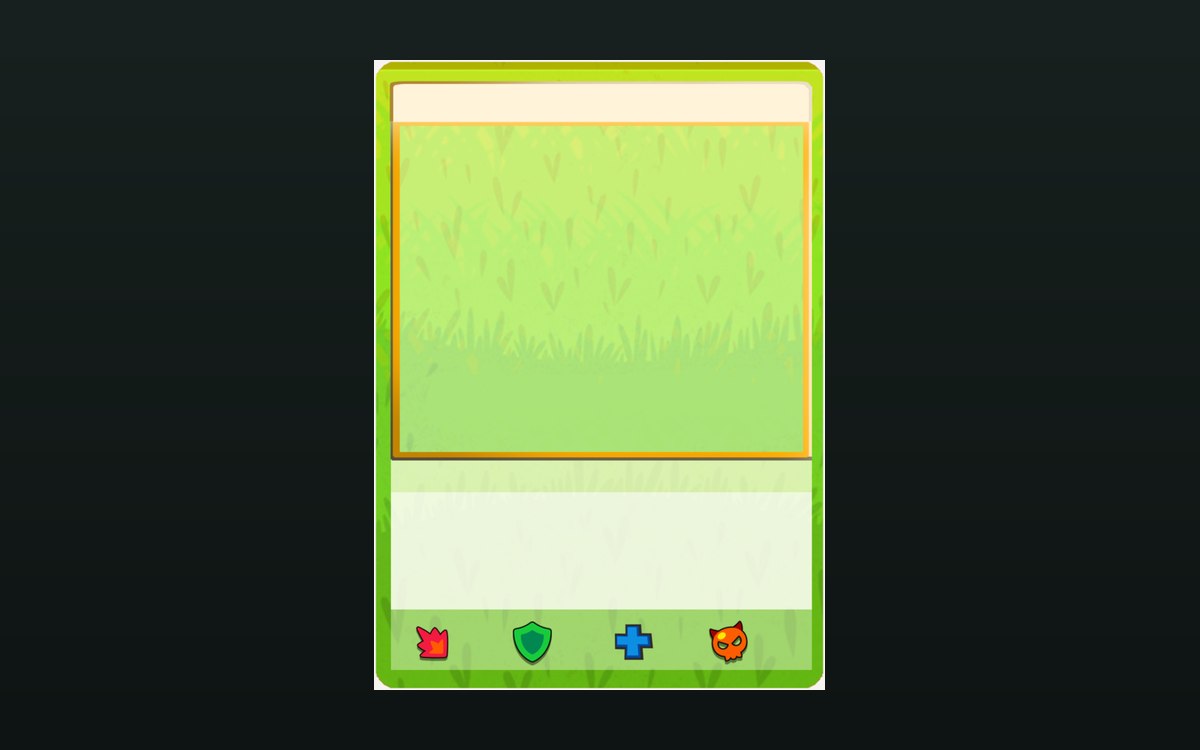
A card is a physical object with its own display settings.
In TCG Card Shop Simulator every card is an object with a rarity, a price and a look, and the game keeps those as separate pieces of information you interact with at your counter.
What the game establishes
- A card is a physical object with its own display settings. (checked against the game's own files)
- Rarity is a fixed set of levels. (checked against the game's own files)
- Rarity is chosen in a dedicated screen. (checked against the game's own files)
- Card prices are handled separately from the cards. (checked against the game's own files)
- A card's record carries a border type, a grade and flags for being foil, for being a champion card and for being new. (checked against the game's own files)
- The build ships the artwork behind a card border, including its inner mask and a glow, plus a group for the new-card marker. (checked against the game's own files)
- The rarity and foil side is named piece by piece: a rarity image and text, a foil mask, a rainbow foil, rows for force foil, full-art foil, forced grade and grade collect, and separate foil and no-foil texts. (checked against the game's own files)
In play
Cards exist as physical objects you handle, and the same card can be displayed, priced and sold.
Rarity is a defined set of levels rather than a free number, and the game has a screen where a rarity is chosen.
A card's own record carries more than its name. It holds the border the card is printed with, its grade, and flags for whether it is foil, whether it is a champion card and whether it is new, which is why two copies of the same card can differ in what the game knows about them.
Cards carry price information separately from the card itself, which is why price labels and a price-check screen exist.
What this entry does not tell you: the drop rate of any rarity or a price list. We have not verified those numbers, so we do not print them.
Related
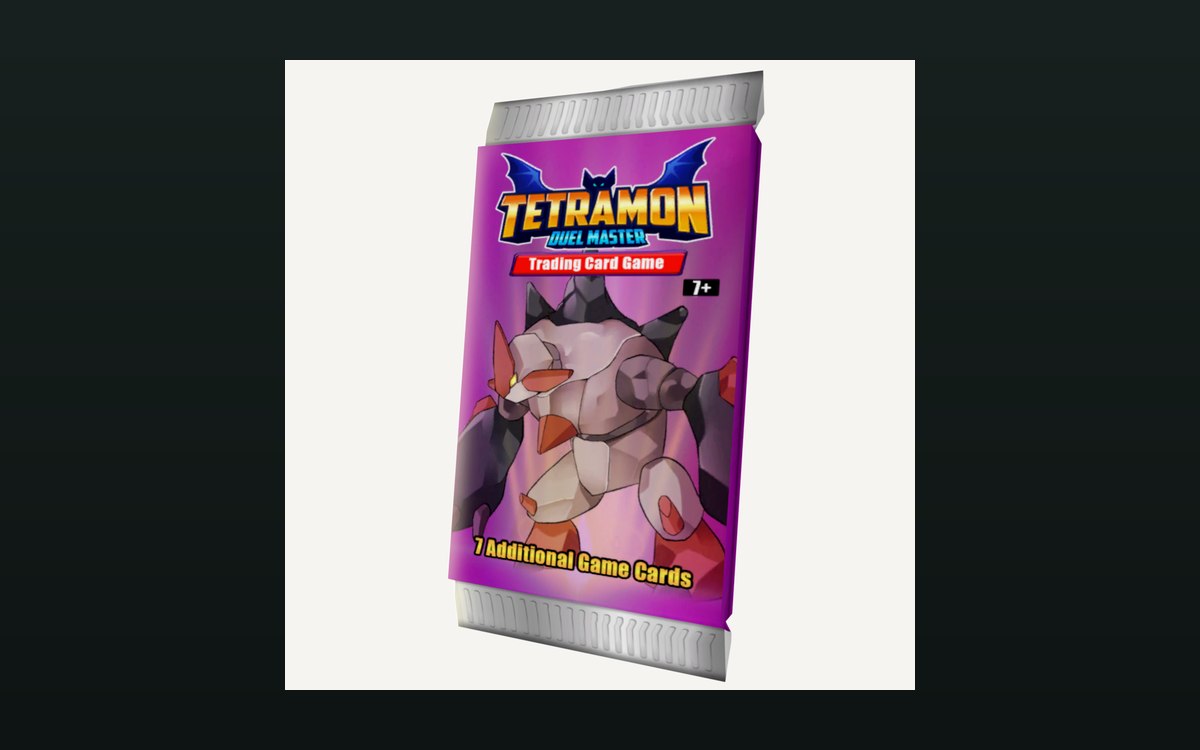 Packs and openingPacks and opening themPackaging boxes come in separate kinds for cards, items and shelves.
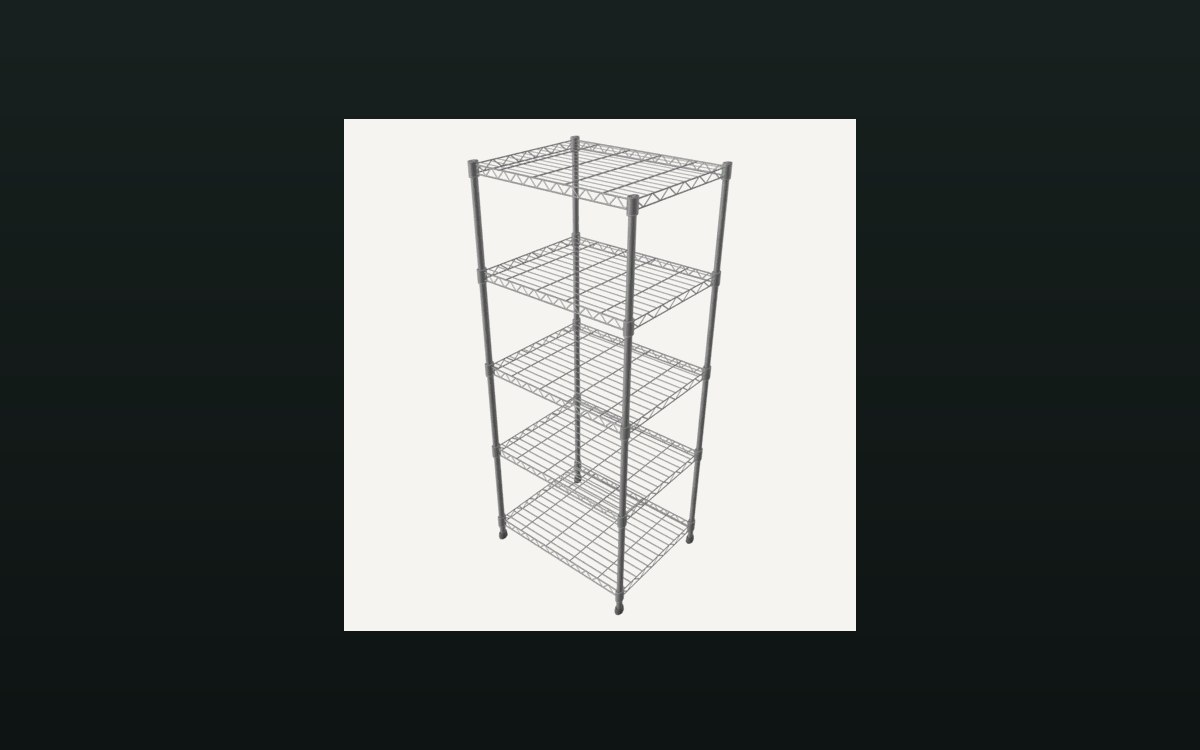 Shop, shelves and fixturesShelves, stock and shop upgradesThere are several shelf kinds, including one for cards and one that combines cards and items.
Version and sources
A local copy of the game, read only. Identifiers used to verify each fact are kept on the technical reference pages; nothing here is estimated. Documented build: no version stated by this build.