Cards and rarity · TCG Card Shop Simulator · read from a local copy
Discarding cards, at the table and in the shop
A discarded card travels to a pile with a start position, an end position and a list of positions.
Cards leave your hands in two different ways in TCG Card Shop Simulator: the play table has a discard pile that can be searched, and the shop has bins that ask you to confirm before stock is thrown out.
What the game establishes
- A discarded card travels to a pile with a start position, an end position and a list of positions. (checked against the game's own files)
- The pile keeps the cards as objects, including the ones discarded most recently. (checked against the game's own files)
- The pile has a count element on screen. (checked against the game's own files)
- The pile can be searched, with its own start position and a flag for a search in progress. (checked against the game's own files)
- How much is discarded is a value of its own, and there is a stand-in picture for the discard. (checked against the game's own files)
- A controller has a discard area of its own on screen. (checked against the game's own files)
- Cards are also removed in the shop, with kinds of removal, a confirmation screen and a list of bins. (checked against the game's own files)
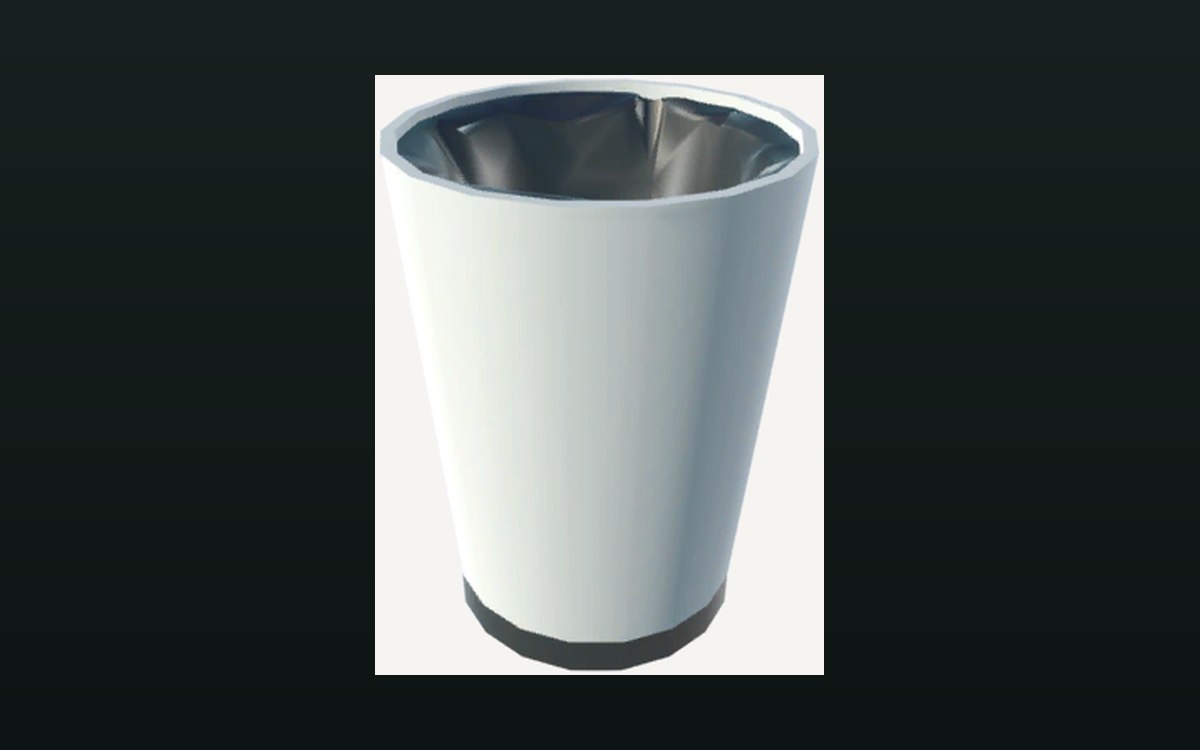
- The game ships its own picture of the bin cards are thrown away in. (checked against the game's own files)
- Disposing of a card has a sound of its own. (checked against the game's own files)
In play
Cards leave your possession in two different ways in this game, and the game keeps them apart. There is a discard pile on the play table, which belongs to the card game, and there are bins in the shop, which belong to the business.
The discard pile is a place rather than a counter. It has a starting position, an ending position and a list of positions, so a discarded card travels into the pile instead of simply disappearing from the board.
The pile keeps the cards themselves as objects, including the ones discarded most recently. That is why a card that has been discarded can still be looked at rather than only counted.
The pile has a count element of its own on screen, so how full it is is shown rather than counted by hand.
The pile can be searched. There is a starting position for searching it and a flag that says a search is going on, which means looking through the discard is an action with a state of its own rather than a menu you open.
How many cards are being discarded is a value of its own, and there is a stand-in picture for the discard, so the animation does not have to move the real card every time one leaves the table.
On a controller there is a discard area of its own on the screen, so the action is reachable without a pointer.
In the shop, cards are got rid of by removal rather than by play. The game names kinds of removal, keeps a confirmation screen for the decision and holds a list of bins, so throwing stock away is something you are asked about rather than something that happens quietly.
The picture beside this entry is the game's own: the bin that cards are thrown away in.
What this entry does not tell you: how many cards the pile holds, what searching it costs, or which kind of removal applies to which card. We have not verified those, so we do not print them.
Related
 Cards and rarityThe rules of the card gameThe card game ships with a rulebook screen of its own.
 Shop, shelves and fixturesMoving on old stockThere is a bulk donation box for cards, with its own panel.
Version and sources
A local copy of the game, read only. The grounding for each fact is listed on the technical reference pages; nothing here is estimated. Documented build: no version stated by this build.