Cards and rarity · TCG Card Shop Simulator · read from a local copy
The group that shows a card
The group holds a card display and an animation of its own.
A card in TCG Card Shop Simulator is presented by a group of its own: it holds the card's display and an animation, a front mesh position and a back mesh, a marker for a new card, a whole graded case with its own cull group and blockers, the count and grade texts, and two flags for how it is culled.
What the game establishes
- The group holds a card display and an animation of its own. (checked against the game's own files)
- It has a front mesh position and a back mesh object. (checked against the game's own files)
- It can mark a card as new. (checked against the game's own files)
- There is a graded group and a separate cull group with a slab top-layer mesh and two blockers for the case's front and back. (checked against the game's own files)
- It has a scale group, a card interface animation group and a bottom-layer parent. (checked against the game's own files)
- It writes a card count and the grade number, description, name, expansion rarity and serial texts. (checked against the game's own files)
- It holds the graded card's brightness control. (checked against the game's own files)
- It can ignore culling or always cull. (checked against the game's own files)
- The small 3D card interfaces are spawned from a prefab of their own, and the spawner holds foil materials for a tangent view and a world view along with blended versions of both. (checked against the game's own files)
- The game ships a rarity icon of its own for the cards a display shows. (checked against the game's own files)
In play
A card on a shelf is presented by a group rather than by the display on its own. The group holds the card's display and an animation of its own, which is why a card can be turned or shown off without the display being rebuilt.
It carries the meshes. There is a front mesh position and a back mesh object, so a card has a physical front and back in the world rather than being a picture pasted onto one plane.
It can announce itself. There is a marker for a new card, which is how a card you have just pulled can be picked out from the ones already filed.
Grading is a whole extra case. There is a graded group and a separate group used when a graded card is being culled, a top-layer slab mesh, and two blockers that stand in for the case's front and back while it is culled.
It is arranged rather than fixed. There is a scale group, a group for animating the interface, and a parent for the bottom layer, which is how the same group can be used on a shelf, in a binder or in a hand.
It writes what the card is. There is a count text and texts for a grade's number, description, name, expansion rarity and serial, so a graded card's label is part of the group rather than of the display alone.
It also holds the graded card's brightness control, which is how the case can be lit differently from the card inside it.
It has two flags for culling. One lets the group ignore culling, and the other makes it always cull, so a display can be kept visible when it matters or dropped early when there are many of them.
The interfaces are spawned rather than drawn by hand. A spawner of its own holds the prefab the small 3D card is made from, and it carries foil materials for a tangent view and for a world view with blended versions of both, which is how a foil card can shift as it is turned.
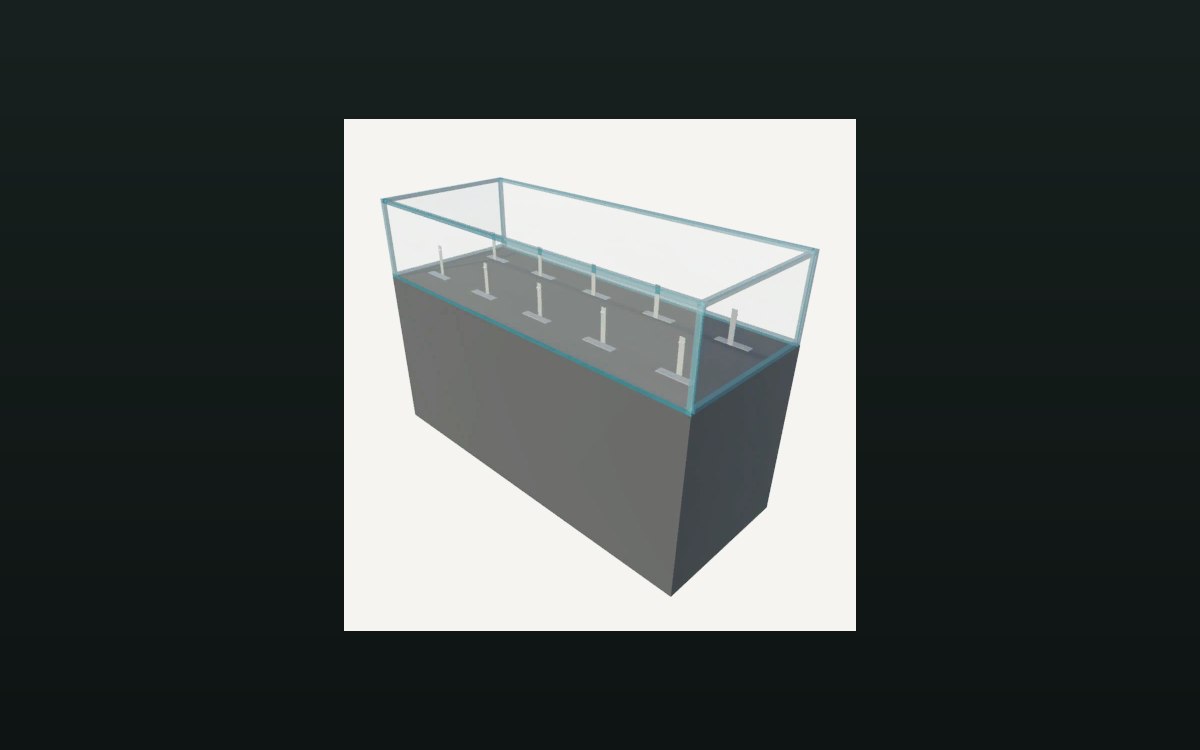
The image beside this entry is the game's own: one of the rarity icons it prints on a card, which is what the group draws when it presents one.
What this entry does not tell you: how many cards a shelf shows, what a grade means, or how far away culling begins. We have not verified those numbers, so we do not print them.
Related
 Cards and rarityThe card display objectThe display holds a front object and a back object.
 Cards and rarityAlbums and binder pagesCards can be kept in an album with binder pages.
Version and sources
A local copy of the game, read only. The grounding for each fact is listed on the technical reference pages; nothing here is estimated. Documented build: no version stated by this build.