
Decks and the card game · TCG Card Shop Simulator · read from a local copy
The search that picks a card
The search has a screen of its own with a canvas group and separate parents for the top and the bottom of the row.
Choosing cards in TCG Card Shop Simulator runs through a search with a screen of its own: a scrolling row of cards, a list of what is selected, an empty-slot state and a message for a search that matches nothing valid.
What the game establishes
- The search has a screen of its own with a canvas group and separate parents for the top and the bottom of the row. (checked against the game's own files)
- The cards on show and the active ones each have a list. (checked against the game's own files)
- The selected cards have displays of their own, moved to a locator as they are chosen. (checked against the game's own files)
- Selection is kept as lists of card data indices: all, valid and selected. (checked against the game's own files)
- The slider distance is checked on the left and on the right. (checked against the game's own files)
- The row scrolls with a current index, a position, a lowest position and a pad scroll speed. (checked against the game's own files)
- There is a message for a search with no valid card and a list of empty slots. (checked against the game's own files)
In play
Picking a card is a screen rather than a drag. The game keeps a search screen of its own, and it is built from a canvas group with separate parents for the top and the bottom of the row, which is why cards can be presented in a strip rather than a list of names.
What is on show is kept in lists. There is a list of the cards being shown by the search and a further list of those currently active, so the screen knows what is on it rather than reading it back off the objects each time.
What is selected is kept apart. The selected cards have a list of their own, and their displays are moved to a locator as they are chosen, which is why a picked card slides into place instead of jumping.
Selection runs on data, not on pictures. The search carries a list of all card data indices, a list of the ones that are valid for this search and a list of the ones that have been selected, which is how a card can be chosen before anything is drawn.
The row is checked at both ends. The slider's distance is checked on the left and on the right, so the row knows when to stop moving rather than scrolling past its own ends.
It scrolls like a list. There is a current scroll index, a position, a lowest position and a speed for a pad, which is why the same row works with a mouse wheel and with a stick.
An empty search says so. There is a message for a search with no valid card selected, and a list of empty slots for the search, so a failed search is shown rather than looking broken.
What this entry does not tell you: how many cards a search can show, how it decides what is valid, or how far the row scrolls. We have not verified those numbers, so we do not print them.
Related
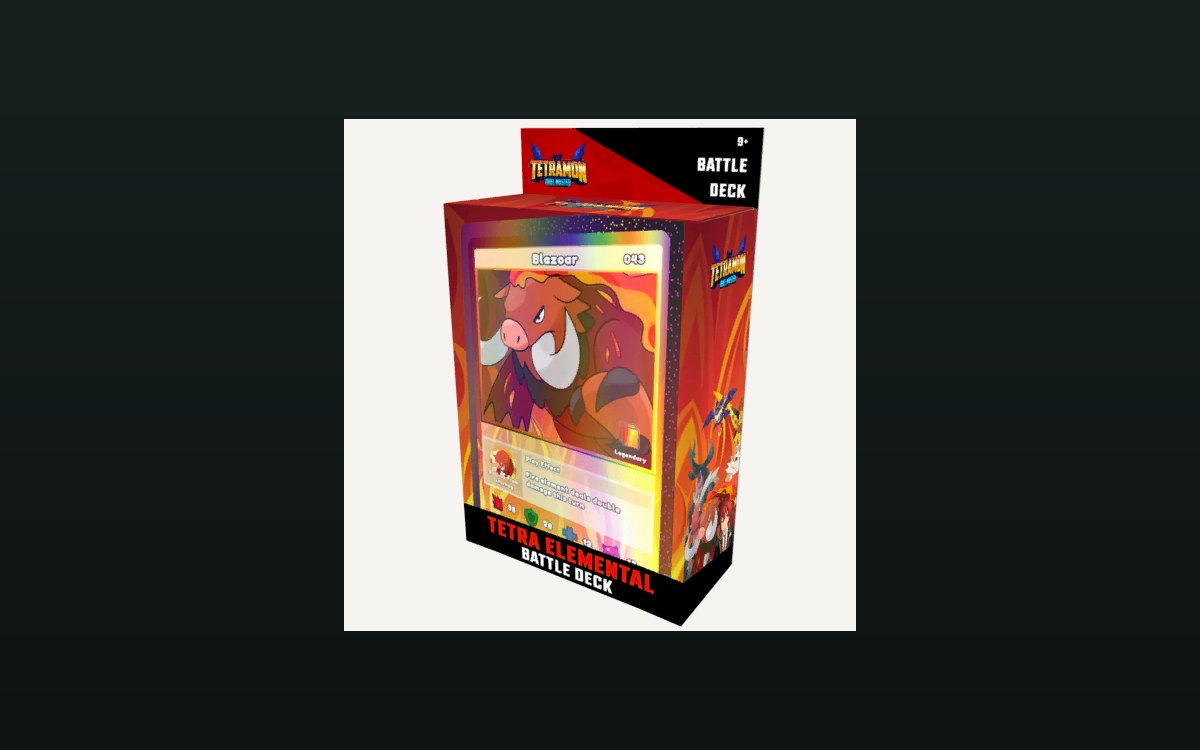 Cards and rarityBuilding and editing a deckA deck is kept as its own data, apart from the cards in the shop.
 Interface and screensThe board's interfaceThe board has a screen group and a user interface group of its own.
 Cards and rarityThe state of a game of cardsThe board holds a position list for the deck, the discard pile, the element areas, the guardian row and the hand.
Version and sources
A local copy of the game, read only. Identifiers are listed on the technical reference pages; nothing here is estimated. Documented build: no version stated by this build.