Guide
Clearing old stock in bulk
How to get rid of stock you cannot sell in TCG Card Shop Simulator without mixing up donations, bins and the boxes the stock lives in.
Applies to
no version stated by this build (see the sources page)
Before you start
- A shop holding stock it cannot sell
- The bulk donation box available
- Somewhere to put the cards you are keeping
Steps
- Deal with unwanted cards on the panel rather than one at a time.
there is a bulk donation box with a panel of its own - Read the count on the panel before you commit.
the panel keeps a slot empty for adding a new card along with a count group and a count text - Clear the containers as well as the shelves, because a container holds stock of its own.
packaged goods keep their own saved contents - Treat boxes and shelves as two places when you are making room.
they are tracked apart from each other - Be sure which action you are taking: donating in bulk is not the same as throwing stock away.
removing stock has kinds of its own, a confirmation screen and a list of bins - Use the donation box where it stands rather than expecting a screen you can open anywhere.
the bulk donation box is a container in the shop with its own texture
Common mistakes
- Donating card by card when the panel was built for bulk.
- Clearing the shelves and leaving the boxes they came from full.
- Throwing stock away when donating it was the action you meant.
- Leaving the clear-out until the delivery is already in the back room.
Related entries
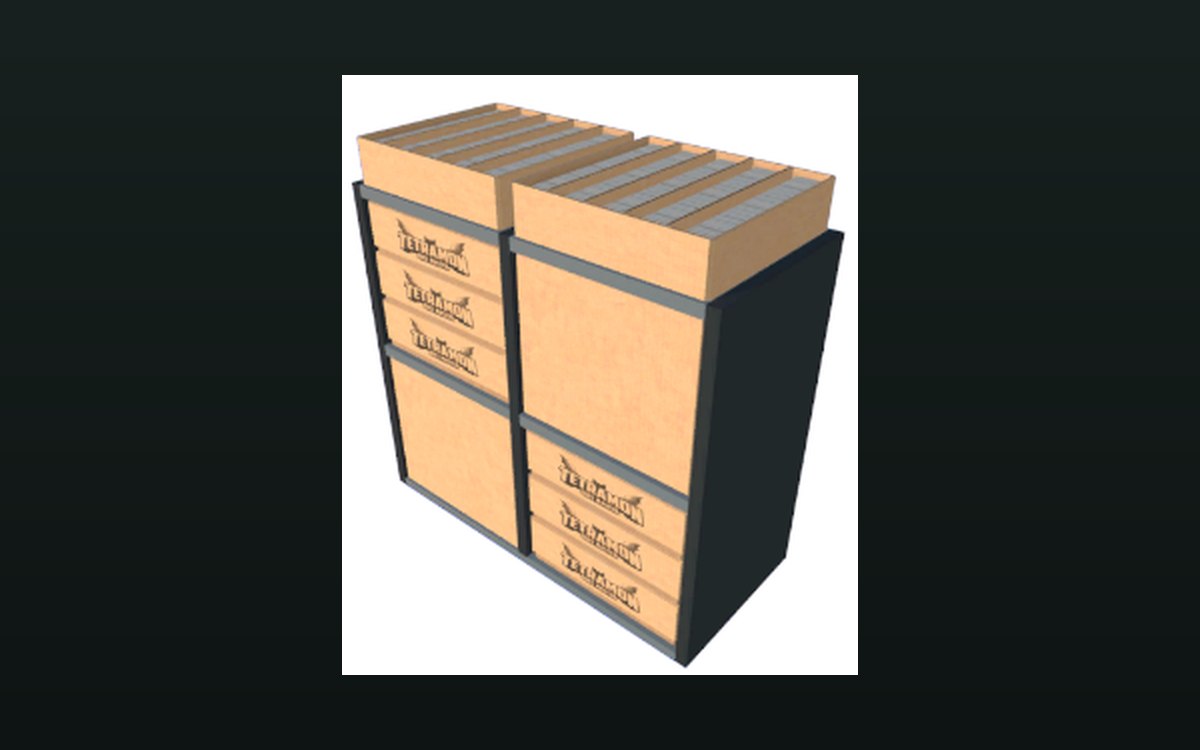 Shop, shelves and fixturesMoving on old stockThere is a bulk donation box for cards, with its own panel.
 Cards and rarityDiscarding cards, at the table and in the shopA discarded card travels to a pile with a start position, an end position and a list of positions.
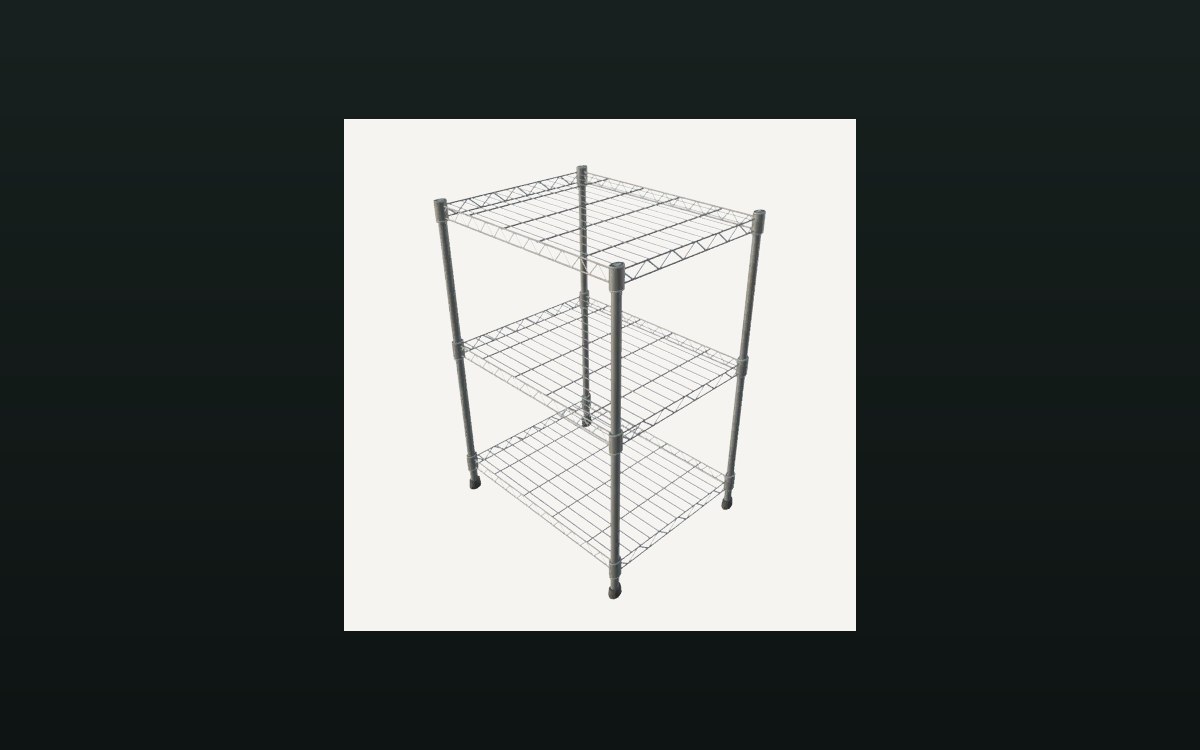 Storage and stockStorage shelves and restockingThere is a storage shelf for cards with saved contents.
Sources
A local copy of the game, read only. Grounding for each step is on the technical reference pages; no number is estimated.