Guide
Dressing the shop so it looks like yours
How decorating works in TCG Card Shop Simulator: where the shop name is actually set, how wall, bar and floor materials are kept apart, how the decoration lists are split by surface, and how a placed decoration is recorded.
Applies to
no version stated by this build (see the sources page)
Before you start
- A shop with a billboard placed
- Some money set aside for decoration
- A moment to look at what is already on the walls
Steps
- Set the shop name at the billboard in the world rather than in a menu, because the name is set at an interactable billboard.
the shop name is set at a billboard placed in the world - Expect the renaming to run through its own screens, because the billboard carries an opening screen, a name screen and a confirmation screen.
the billboard carries the renaming interface with an opening, name and confirmation screen - Type the name and watch it come back, because what you type is echoed on a display and the billboard shows the name it holds.
the name is typed into an entry box with a display that follows it, and the billboard shows the current name - Choose the wall and the bar along it separately, because their materials are kept apart.
the material of a wall and of the bar along it are kept separately - Remember that a wall has two faces, because there is a second set of materials for its other side.
walls carry a second set of materials for their other face - Treat the floor as its own decision, because it has a material of its own.
floors have a material of their own - Check whether a decoration stands up or lies flat before placing it, because a decoration has a type and a flag for being vertical.
a decoration has a type and a flag for whether it stands vertically - Expect the game to keep separate lists per surface, so what you can put on a ceiling is not what you can put on a wall.
the game keeps separate decoration lists for walls, wall bars, floors, ceilings, posters and other things - Buy decoration from its own screen rather than from the stock list, because it has a purchase screen with a list and a panel.
buying a decoration has a screen of its own with a purchase list and a panel - Know that what you place is written down, because placed decorations are saved as records of their own.
decorations you place are saved as records of their own - When you expand, expect the expansion and the furniture to have their own screens rather than sharing the decoration one.
expanding the shop has its own screen and furniture is purchased through a separate screen - Remember that customisation and decoration are tracked as their own data, so a look can be managed rather than rebuilt by hand each time.
shop customisation and decoration are tracked as their own data with a panel
Common mistakes
- Looking for the shop name in the settings when it is set at the billboard.
- Picking one wall material and being surprised by the other face of the wall.
- Trying to put a floor decoration on a wall, when the lists are separate by surface.
- Buying furniture from the decoration screen instead of its own.
Related entries
 Interface and screensThe shop billboard and your shop nameThe shop name is set at a billboard placed in the world.
 Shop, shelves and fixturesThe wall and floor finishes for your shopThe material of a wall and the material of the bar along it are kept separately.
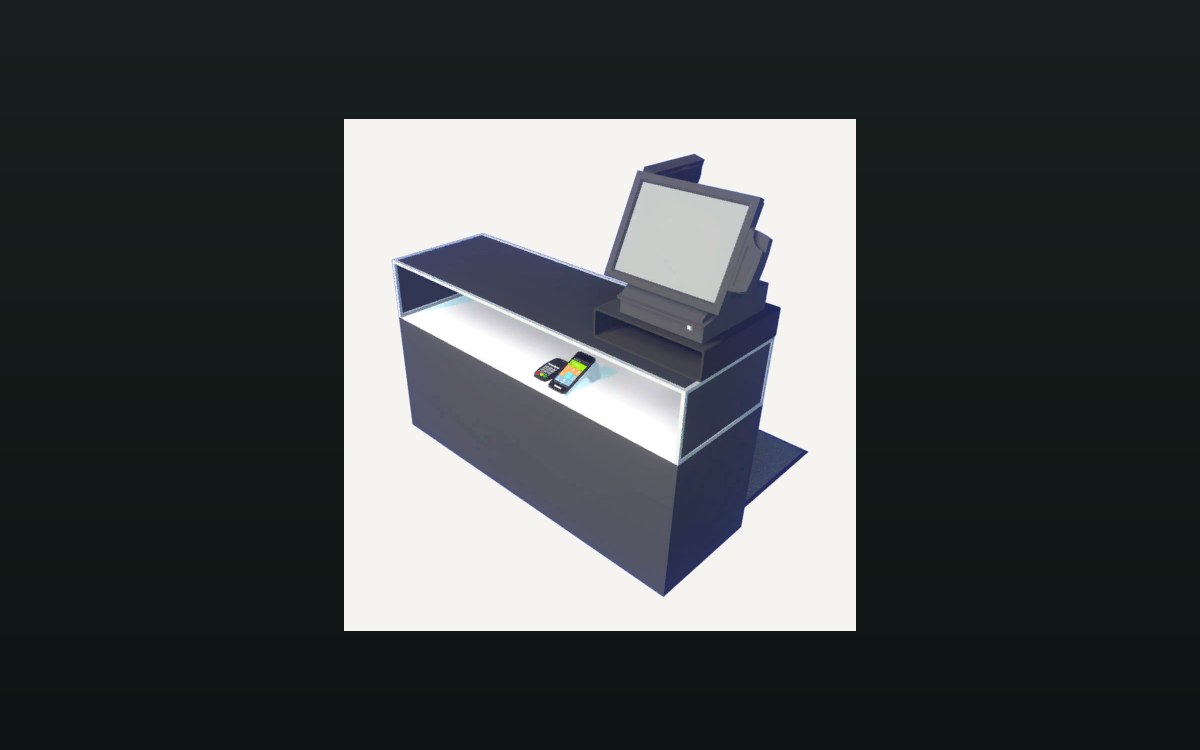 Shop, shelves and fixturesExpanding and decorating the shopExpanding the shop has its own interface screen.
Sources
A local copy of the game, read only. The grounding for each step is listed on the technical reference pages; nothing here is estimated.