Guide
From a delivery to a sold card
The chain in TCG Card Shop Simulator that turns a box on the floor into money in the till, step by step, using the shop's own behaviour.
Applies to
no version stated by this build (see the sources page)
Before you start
- Packs ordered and delivered
- A usable shelf
- Access to the pricing screens
Steps
- Decide what stays sealed and what you open.
packaging boxes exist in separate kinds for cards, items and shelves - Open in bulk with the machine when you have the option.
an automatic opener exists and keeps its own progress - Price every card before it goes out.
prices are attached through price tag objects - Keep the shelf full, because a shelf sells only what it holds.
shelf contents are tracked by a manager
Common mistakes
- Opening everything and shelving nothing.
- Putting unpriced cards out.
- Forgetting that sealed stock can also be sold.
Related entries
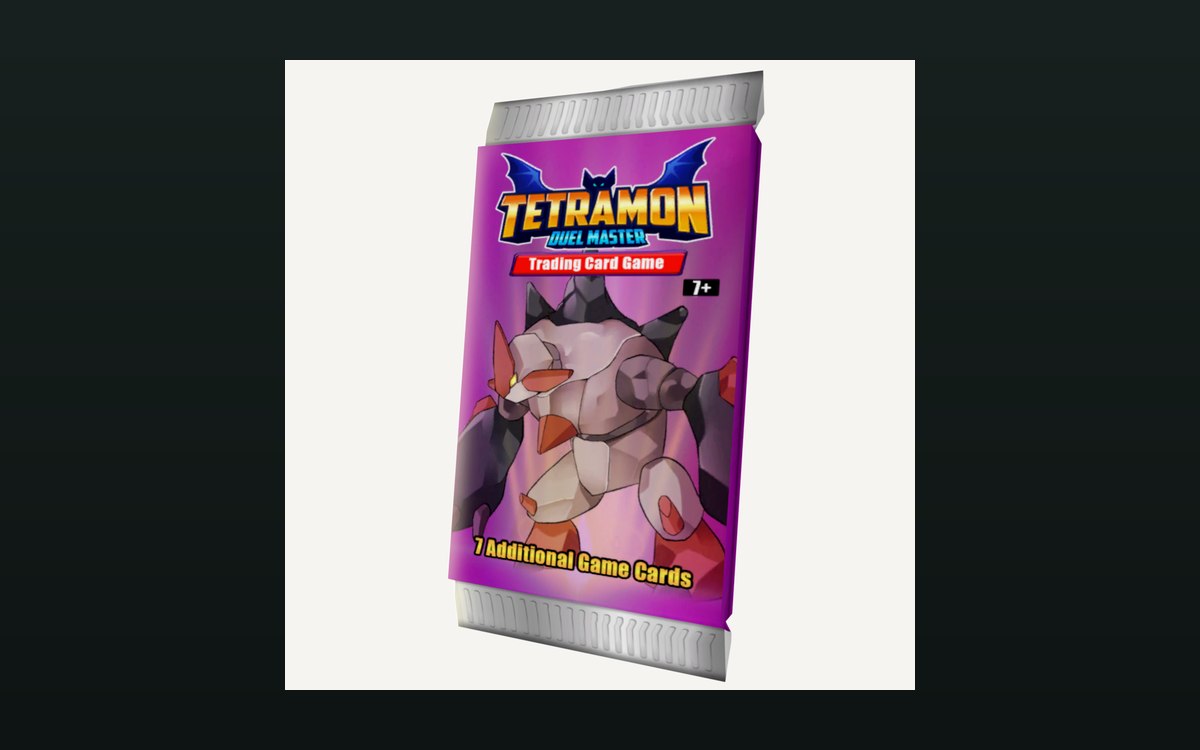 Packs and openingPacks and opening themPackaging boxes come in separate kinds for cards, items and shelves.
 Pricing and the marketPrices and price tagsPrice tags are their own objects attached to goods.
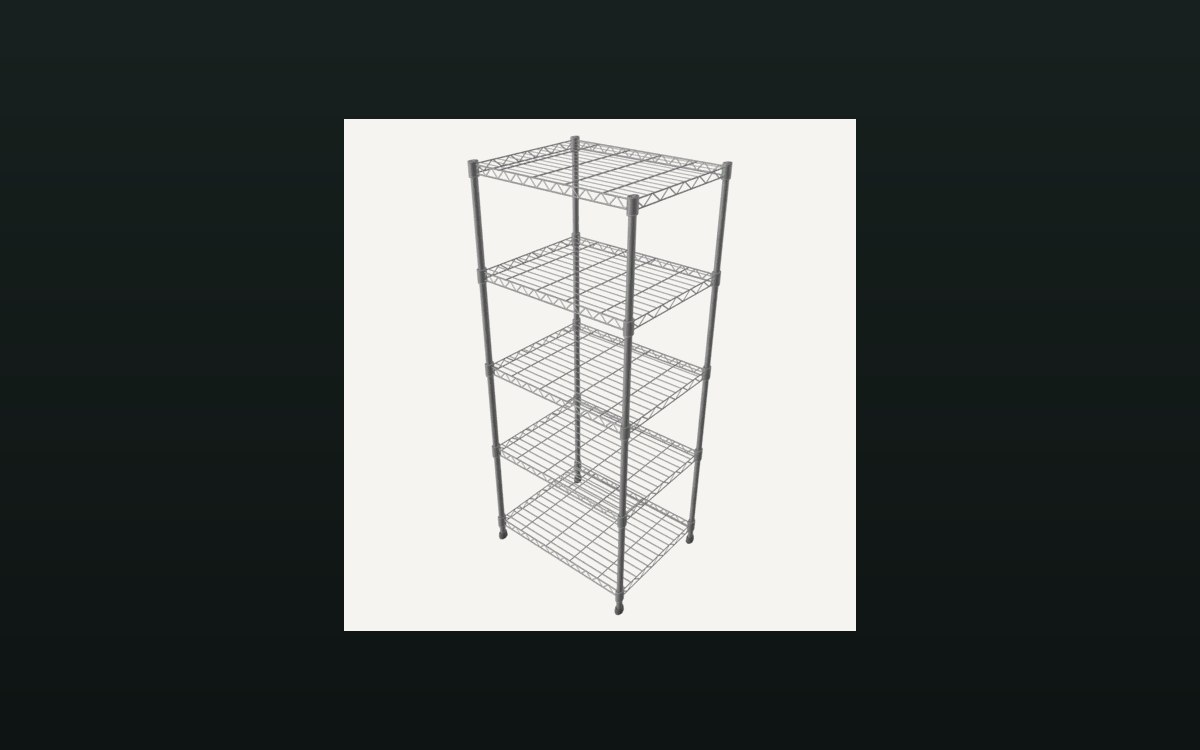 Shop, shelves and fixturesShelves, stock and shop upgradesThere are several shelf kinds, including one for cards and one that combines cards and items.
Sources
A local copy of the game, read only. Grounding for each step is on the technical reference pages; no number is estimated.