Guide
Handling the cards in the shop
How a card behaves as a physical object in TCG Card Shop Simulator, from picking it up to putting it on a shelf.
Applies to
no version stated by this build (see the sources page)
Before you start
- Cards in the shop
- A shelf or storage for them
- The scanner if you are selling them
Steps
- Treat a card as a world object rather than a screen item.
a card is a world object with a mesh, a highlight, a collider and a rigid body - Know which cards you can pick up, box and scan before you plan a job.
a card carries its own permissions for being picked up and moved, boxed up and scanned at the counter - Watch where a card is allowed to be put.
a card carries placement rules for the shop and for the warehouse, with a move area and a separate shelf move area - Check whether a card belongs in an album before you shelve it as stock.
a card carries a flag for whether it is an album card - Know what the display group is doing while a card is shown.
the group holds a card display and an animation of its own, with a front mesh position and a back mesh - Use the new-card mark to spot what you have just acquired.
the group can mark a card as new - Keep graded cards in the group that was built for them.
there is a graded group and a separate cull group with a slab top-layer mesh and blockers for the case's front and back
Common mistakes
- Trying to move a card that is not allowed to be picked up.
- Putting a card where the card itself does not permit.
- Shelving an album card as ordinary stock.
- Treating a graded card like a loose one when it has its own display group.
Related entries
 Cards and rarityThe card object in the worldA card is a world object with a mesh, a highlight, a collider and a rigid body.
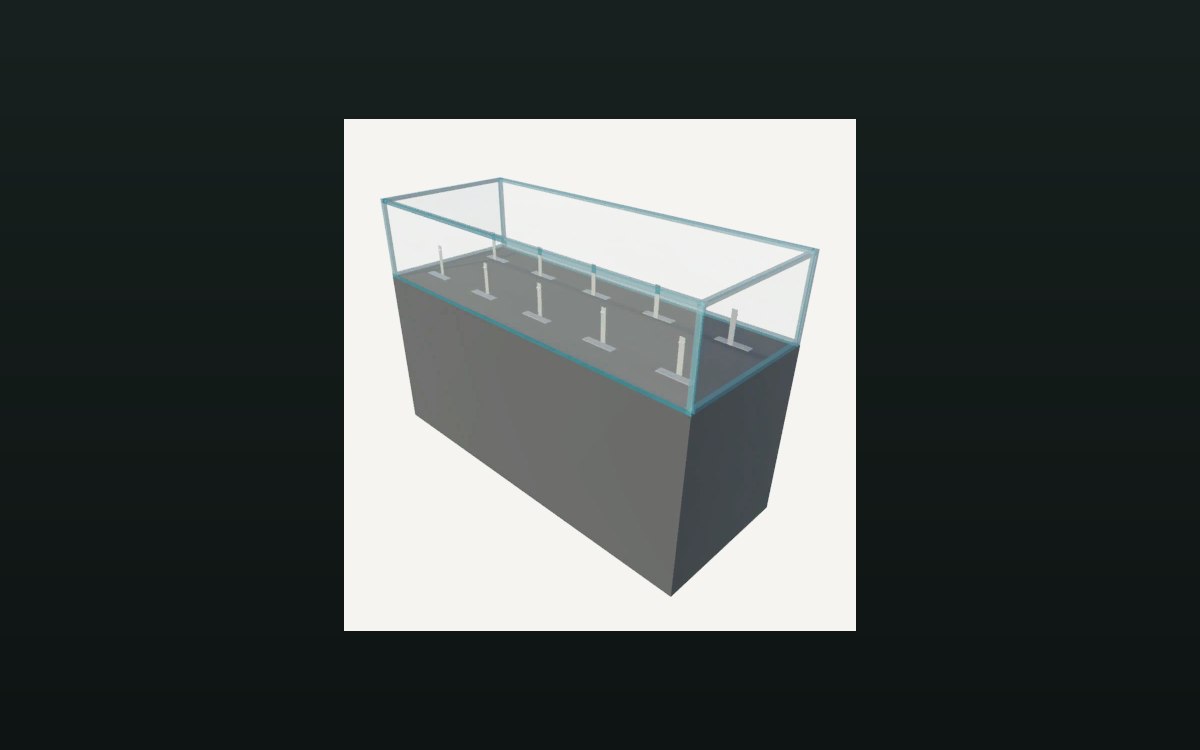 Cards and rarityThe group that shows a cardThe group holds a card display and an animation of its own.
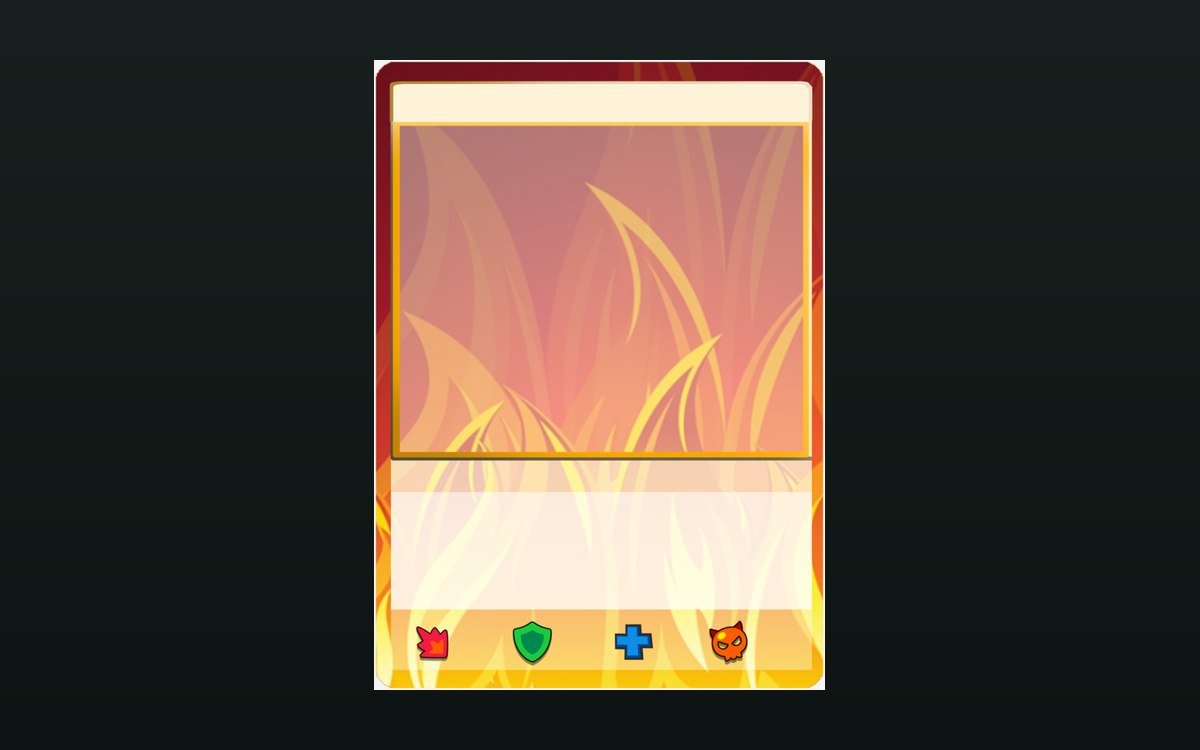 Cards and rarityHow a card front is builtThe game ships a card front for each element.
Sources
A local copy of the game, read only. Grounding for each step is on the technical reference pages; no number is estimated.