Guide
Keeping a shop that keeps getting messy
How to keep a TCG Card Shop Simulator shop clean in practice, given that cleaners are objects you buy and place, that the shop remembers them, and that cleaning shows as an effect rather than a job you perform.
Applies to
no version stated by this build (see the sources page)
Before you start
- A cleaner to buy
- A bin within reach of the counter
- A shop you can walk round in your head
Steps
- Buy a cleaner and treat it as a thing you place, not as a chore you do.
the build ships auto-cleaner objects with an interaction for using one - Put it where customers actually walk rather than where the mess started.
a cleaner is placed in the shop and its data is saved with the shop - Once one is down, expect the tidying to carry on without being asked again.
the shop keeps its cleaners together in a list of their own - Judge the cleaning by the effect on the floor, not by watching the cleaner move.
cleaning has an effect named separately from the cleaners themselves - Put a bin by the busiest counter so the worst of it has somewhere to go.
the bins have a material set of their own, with a base sheet, a normal map and a metallic-smoothness map - Do not expect the cleaner to look different close up: it is one object shown at two levels of detail.
the cleaner is modelled with a mesh and a low-detail version beside it
Common mistakes
- Cleaning by hand while a cleaner you already own stands unused.
- Putting the cleaner in a back room where nobody drops anything.
- Watching the cleaner instead of the floor and thinking nothing is happening.
- Treating the bins as decoration rather than as the second half of the job.
Related entries
 Shop, shelves and fixturesKeeping the shop cleanThe shop's cleaning is kept in a list of its own.
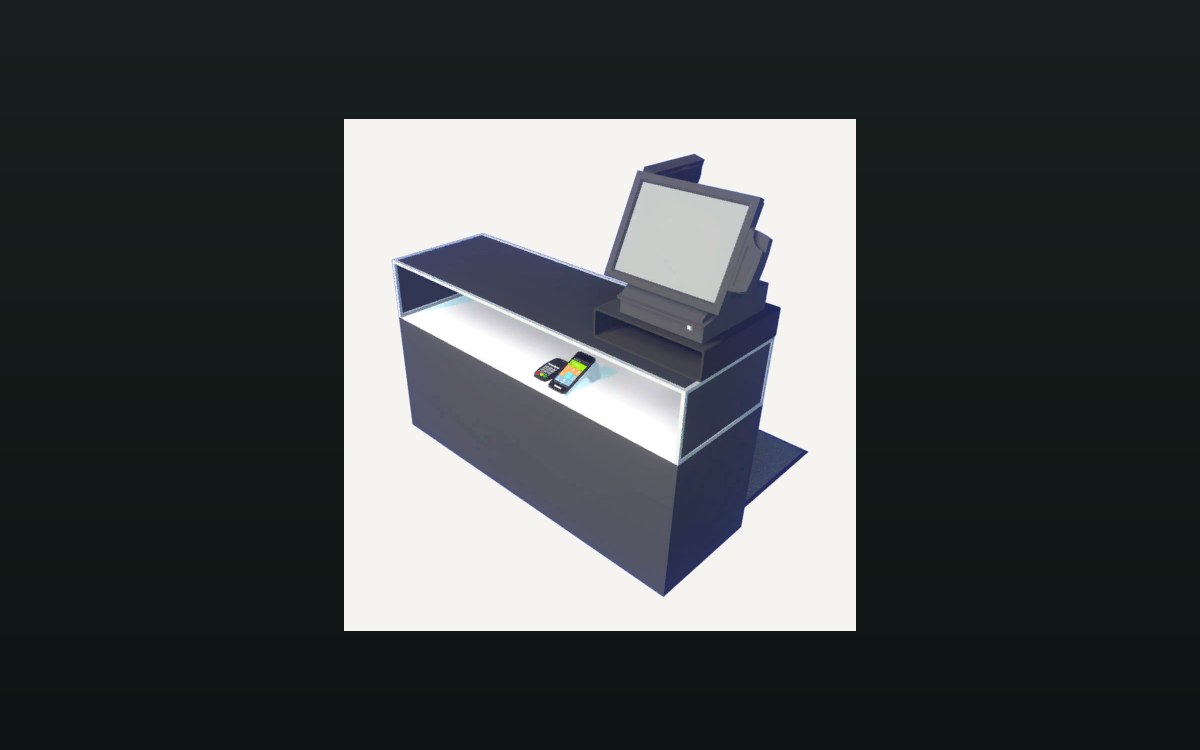 Shop, shelves and fixturesExpanding and decorating the shopExpanding the shop has its own interface screen.
Sources
A local copy of the game, read only. Grounding for each step is on the technical reference pages; no number is estimated.