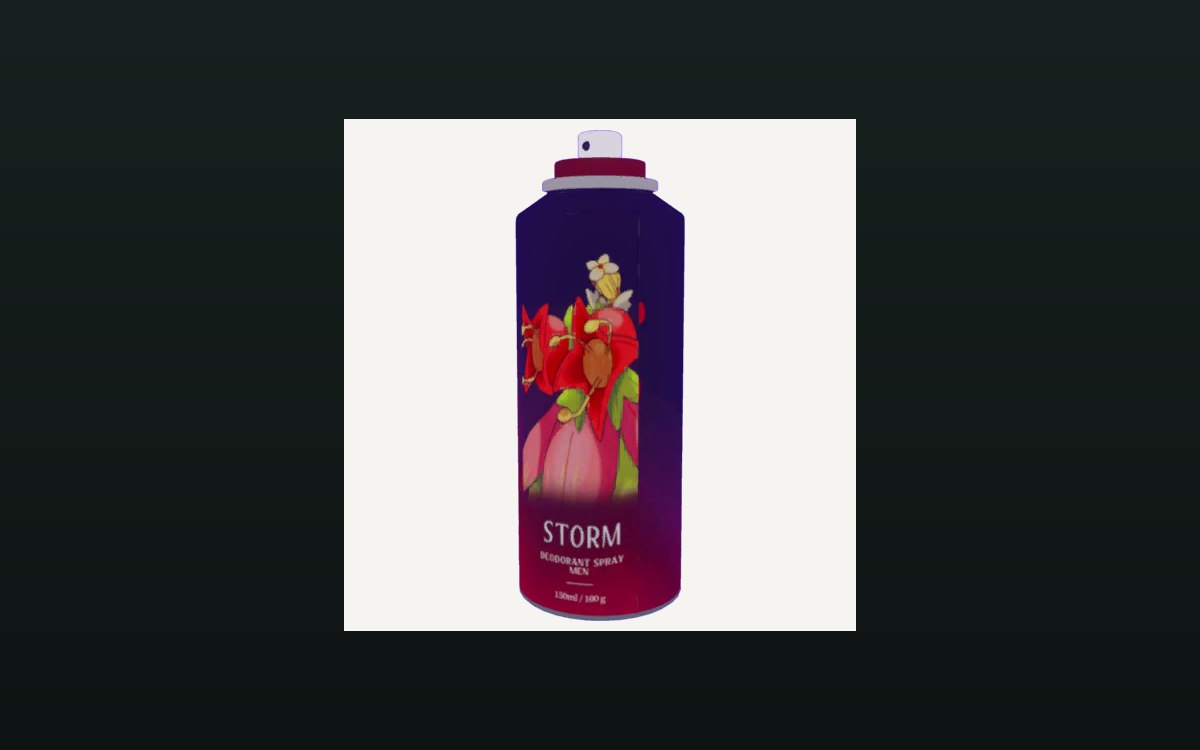
Shop, shelves and fixtures · TCG Card Shop Simulator · read from a local copy
Keeping the shop clean
The shop's cleaning is kept in a list of its own.
Cleaning in TCG Card Shop Simulator is a system of its own: the game keeps a list of auto-cleaners, a cleaning effect, saved cleaner data and its own cleaner and bin materials.
What the game establishes
- The shop's cleaning is kept in a list of its own. (checked against the game's own files)
- Cleaner data is saved with the shop, in a list of its own. (checked against the game's own files)
- Auto-cleaners are objects of their own, with an interaction for using one. (checked against the game's own files)
- The cleaner is modelled, with a mesh and a low-detail version beside it. (checked against the game's own files)
- The build ships an icon for the cleaner of its own. (checked against the game's own files)
- The cleaner's material is named with an albedo sheet and a second variant, and the bins have a material set of their own: a base sheet, a normal map and a metallic-smoothness map. (checked against the game's own files)
In play
A shop that is left alone gets messy, and the game treats cleaning as a system rather than a chore you improvise. It keeps the shop's cleaners together in a list of their own, which is why more than one can be working without being handled one at a time.
The cleaners are things in the shop rather than a setting. There are auto-cleaner objects with an interaction for using one, so a cleaner is picked up, placed and used like the shop's other fittings.
They are remembered with the shop. Cleaner data is saved in a list of its own, which is why where you put them survives closing the game rather than having to be set up again.
Cleaning has a look of its own. There is a cleaning effect named separately from the cleaners themselves, so what cleaning looks like on screen is its own piece rather than part of the model.
The cleaner is modelled, not drawn. It has a mesh with a low-detail version beside it, so the same object can be shown in full nearby and in a cheaper form further away.
It is pictured as well as modelled. The build ships an icon for the cleaner, so the shop's screens can show what it is without loading the object.
Its surfaces are its own. The cleaner has a material with an albedo sheet and a second variant, and the bins have a material set of their own with a base sheet, a normal map and a metallic-smoothness map, which is why the two pieces do not look alike.
Because the list, the effect, the saved data and the materials are separate, the game can add a cleaner without changing what cleaning looks like.
What this entry does not tell you: how much a cleaner costs, how quickly it works, or how often the shop needs cleaning. We have not verified those numbers, so we do not print them.
Related
 Shop, shelves and fixturesExpanding and decorating the shopExpanding the shop has its own interface screen.
 Storage and stockWhere the shop's lists liveOne data object holds the objects, the furniture and the decorations split by surface.
Version and sources
A local copy of the game, read only. The grounding for each fact is listed on the technical reference pages; nothing here is estimated. Documented build: no version stated by this build.