Storage and stock · TCG Card Shop Simulator · read from a local copy
Where the shop's lists live
One data object holds the objects, the furniture and the decorations split by surface.
The shop in TCG Card Shop Simulator is built from two big lists: one holds the furniture and decorations by surface, the other holds what is shown, the restock data, the event data and the shelf costs.
What the game establishes
- One data object holds the objects, the furniture and the decorations split by surface. (checked against the game's own files)
- Another holds what the shop shows, including item kinds, accessories, figurines and board games. (checked against the game's own files)
- It also holds which card sets and collection packs are shown, and a list of card packs. (checked against the game's own files)
- The restock data and the game event data are kept in the same object. (checked against the game's own files)
- The shelf unlock and upgrade cost multipliers are values on it as well. (checked against the game's own files)
- It carries image lists, including customer and player icons and artifact pictures. (checked against the game's own files)
- An inventory points at these data objects rather than holding the values itself. (checked against the game's own files)
- The build ships a checklist icon of its own, a clipboard of ticked rows, for the lists it draws. (checked against the game's own files)
- The figurines are pictured too, kept as numbered shelf-icon atlases of the build's own. (checked against the game's own files)
In play
The shop does not decide what furniture and stock exist while you play. Two large data objects behind the game hold the lists, and everything you place is drawn from them.
The first is the object list. It holds the objects, the furniture you can buy, and the decorations split by where they go: floor, walls, the bar along the wall, ceilings, posters and everything else. That split is why a poster cannot be placed on the floor and a wall panel cannot hang in the air.
The second is the stock list. It holds what the shop shows: item kinds, accessories, figurines and board games, each as a list of its own rather than one untyped pile.
The same object decides which card material is on offer. Card sets and collection packs each have their own shown type, and packs have a list of their own, which is why a set can be present in the game and still not appear in your shop.
Restocking and events live there too. The restock data and the game event data are kept in the same place as the stock, so what a worker can bring and what an event can ask for come from the same source.
So do the costs of shelving. The unlock cost multiplier and the upgrade cost multiplier for shelves are values on this object, which is why two shops can pay different amounts to bring the same shelf into use.
The object also carries pictures. There are lists of icons for male and female customers and for the player, along with pictures of collection packs and of ancient artifacts, so the screens have something to draw from without hunting for a file.
An inventory in the game points at these objects rather than holding the values itself. A stock object, a monster object, an object list and a text set are referenced from one place, which is what keeps the shop's contents in a single set of lists.
What this entry does not tell you: how many items are on any of these lists, what the cost multipliers are set to, or what the ancient artifacts are. We have not verified those, so we do not print them.
Related
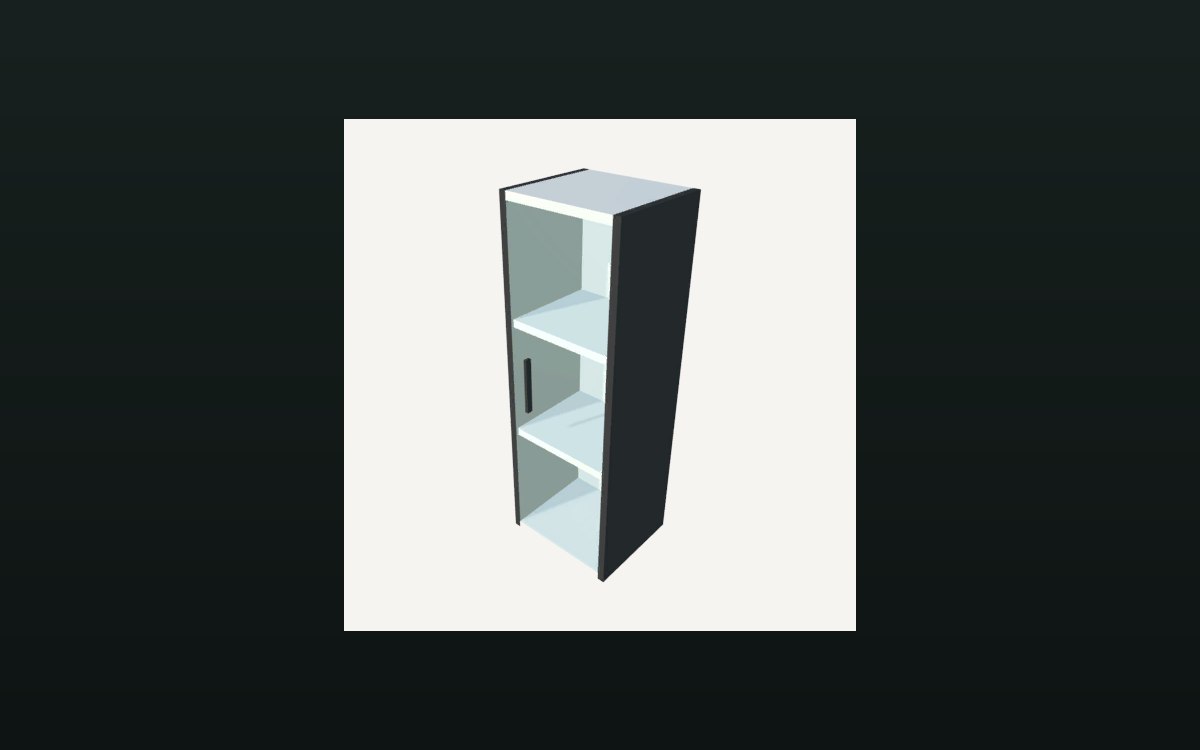 Storage and stockHow a shelf holds its stockA shelf is divided into compartments.
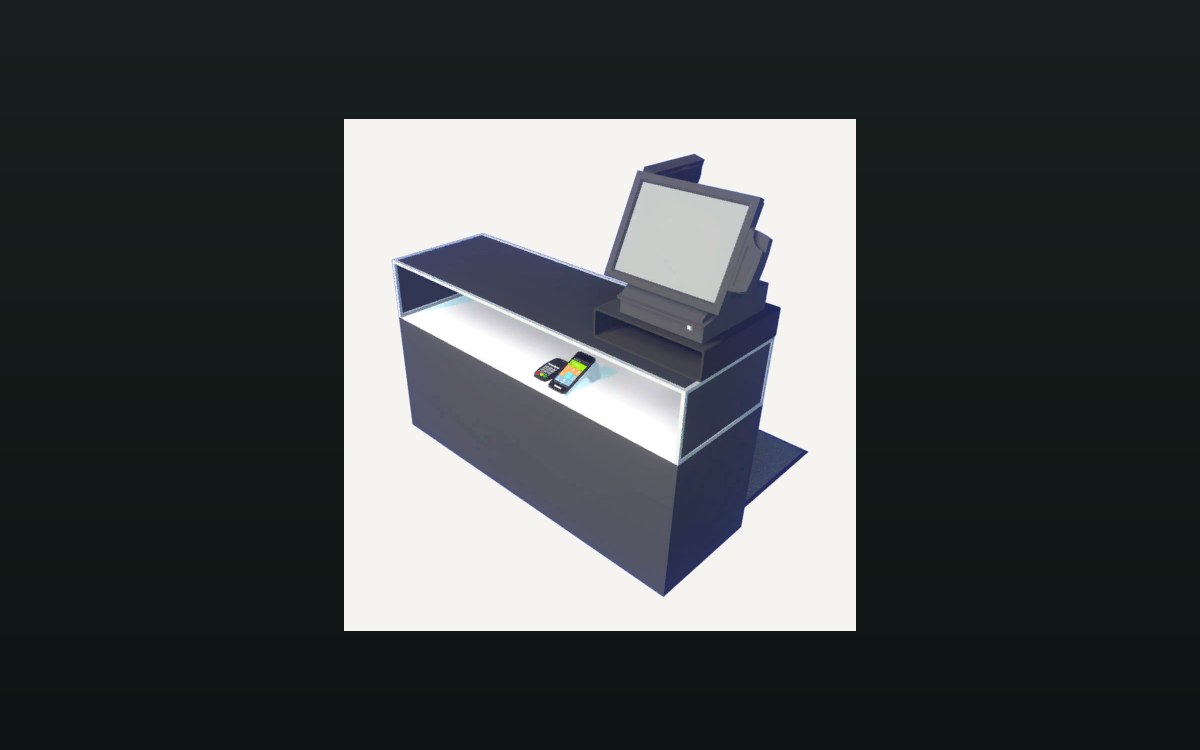 Shop, shelves and fixturesExpanding and decorating the shopExpanding the shop has its own interface screen.
Version and sources
A local copy of the game, read only. The grounding for each fact is listed on the technical reference pages; nothing here is estimated. Documented build: no version stated by this build.