Guide
Putting a collection into albums without losing track
How albums and binder pages work in TCG Card Shop Simulator: a card knows when it belongs to an album, a binder page has its own index and visibility, and the binder has a flip animation of its own.
Applies to
no version stated by this build (see the sources page)
Before you start
- Cards worth keeping
- An album or binder to put them in
- A plan for what the album is for
Steps
- Decide what the album is for before you start filling it, because the game keeps albums as things of their own.
an album is a thing of its own in the game - Put a card in the album rather than on a shelf when it is for keeping, because a card carries a flag for being an album card.
a card carries a flag for whether it is an album card - Work page by page, because a binder page has an index of its own.
a binder page has an index that can be set - Show and hide pages deliberately, because a page has a visibility the game can set.
a binder page has its visibility set on its own - Count what is in the album as you go, because the album keeps a count of the cards in it.
the album carries a card count - Expect the binder to turn like an object, because it has a flip animation of its own.
it can carry the collection binder's flip animation - Know that the page art is the game's own, because the binder page is a texture the build ships.
the build ships its own binder page texture - Leave room for the pocket pages the game ships, because there is more than one page kind.
a nine-pocket page texture is shipped as well
Common mistakes
- Filling an album with stock that was meant to be sold.
- Moving a page's contents card by card instead of working page by page.
- Forgetting that a card has to be flagged as an album card before it belongs there.
- Treating the album as a shelf and expecting the shop's stock counts to agree.
- Leaving pages hidden and then wondering where a card went.
Related entries
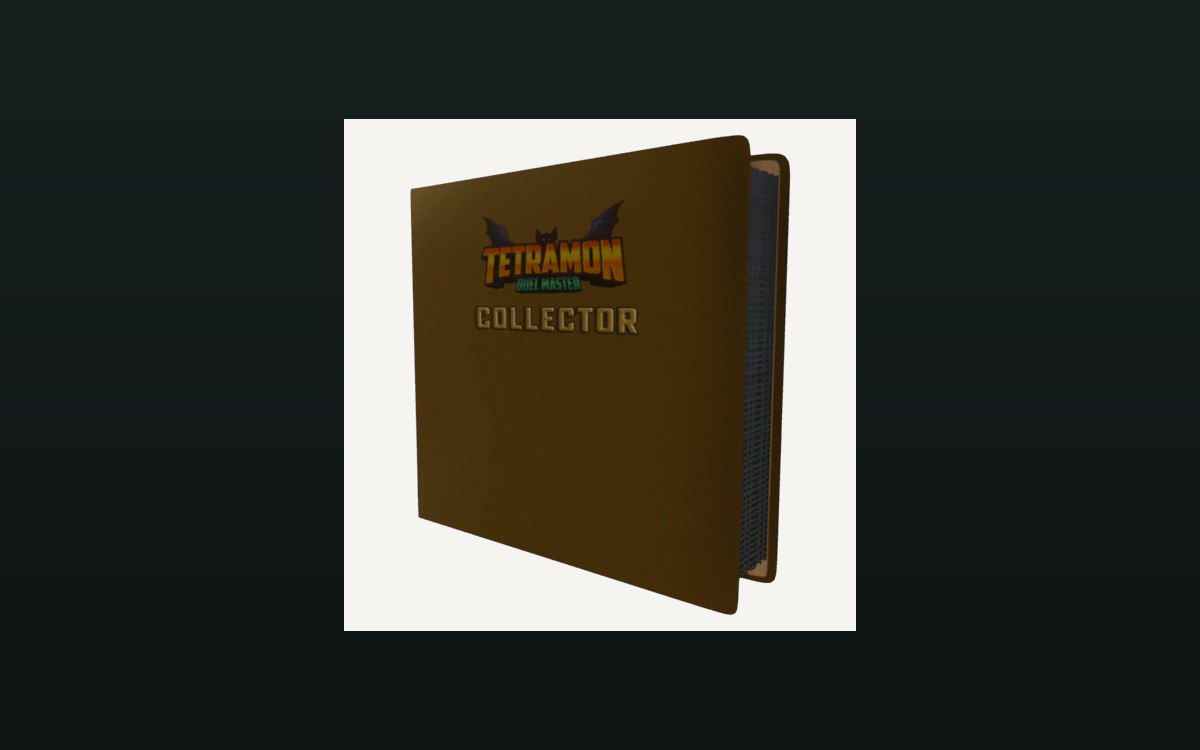 Cards and rarityAlbums and binder pagesCards can be kept in an album with binder pages.
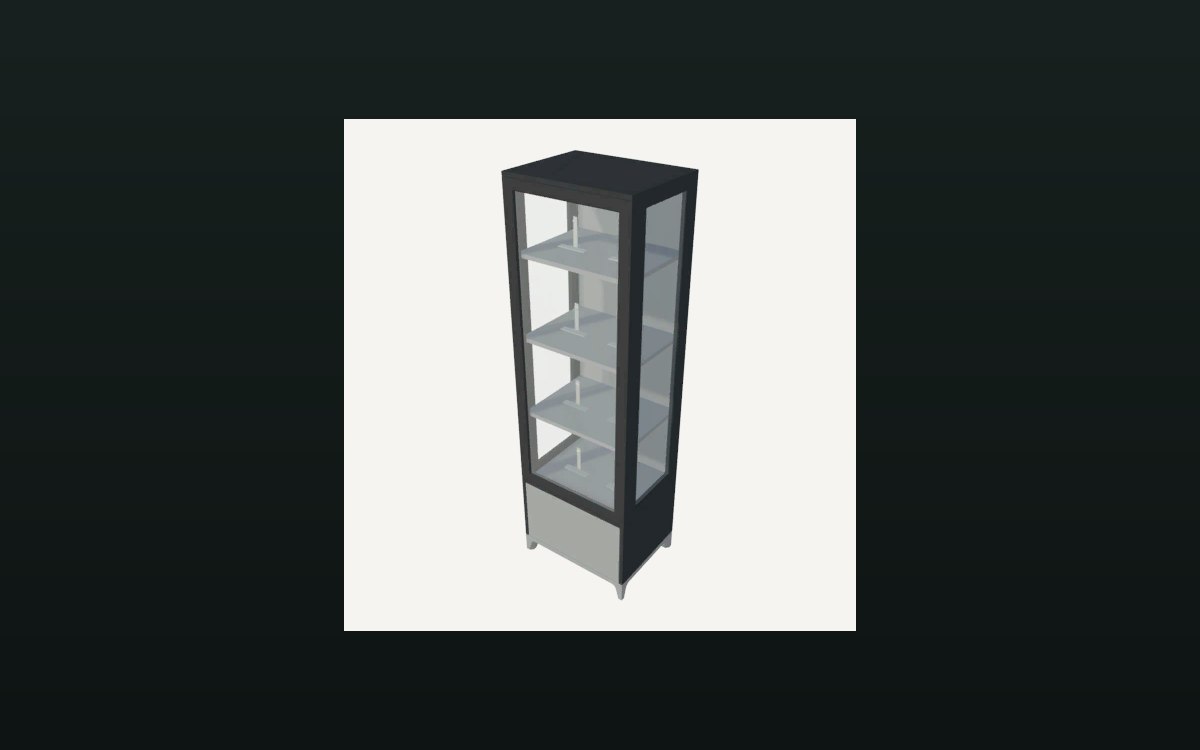 Cards and rarityThe card display objectThe display holds a front object and a back object.
 Cards and rarityCards and rarityA card is a physical object with its own display settings.
Sources
A local copy of the game, read only. Identifiers are listed on the technical reference pages; nothing here is estimated.