Guide
Reading the market before you buy
How to use the price board, the price graph and the changed prices in TCG Card Shop Simulator to decide what to buy and when, instead of guessing from the last number you happened to see.
Applies to
no version stated by this build (see the sources page)
Before you start
- A shop with stock on the shelves
- The price board and the check screen reachable
- A restock order in mind
Steps
- Check a price on the screen rather than from memory, because the game has a screen for exactly that.
there is a screen dedicated to checking a price - Read the board for a line per item, because item prices are drawn there as grouped lines rather than one total.
item prices are drawn as grouped lines in the interface - Open the history for anything you plan to buy in bulk, because there is a screen for an item's price over time.
there is a screen dedicated to an item's price over time - Keep the cost and the market price apart, because the manager that packages stock generates them as two separate lists.
cost prices and market prices are generated as separate lists - Expect a change to be written down as a percentage rather than a new number, because both a current and a past change list are kept.
current and past percentage changes to prices are kept - Remember that cards have generated prices of their own, with a separate multiplier for graded ones.
a market price for cards and a multiplier for graded cards are generated as their own lists - Learn the kinds of price change rather than treating every move as random, because the game names them and labels them in the interface.
the game distinguishes several kinds of price change and labels them - Watch for price information where you already are, because it can be shown in place rather than only on a screen.
price information can be shown where the player is - Treat a tag as a label on the goods rather than as the market, because the tags are objects with artwork from a shared atlas.
price tags are their own objects and their artwork comes from a shared atlas - Use the tags when you are standing at the shelf and the board and history when you are planning a restock.
card price tags are objects attached to goods while the board and the check screen are read separately
Common mistakes
- Buying on the last price you remember instead of checking the screen.
- Treating the cost price and the generated market price as the same number.
- Ignoring the history screen and buying into a price that has been moving the wrong way.
- Reading a tag as if it were the market rather than a label on one box.
Related entries
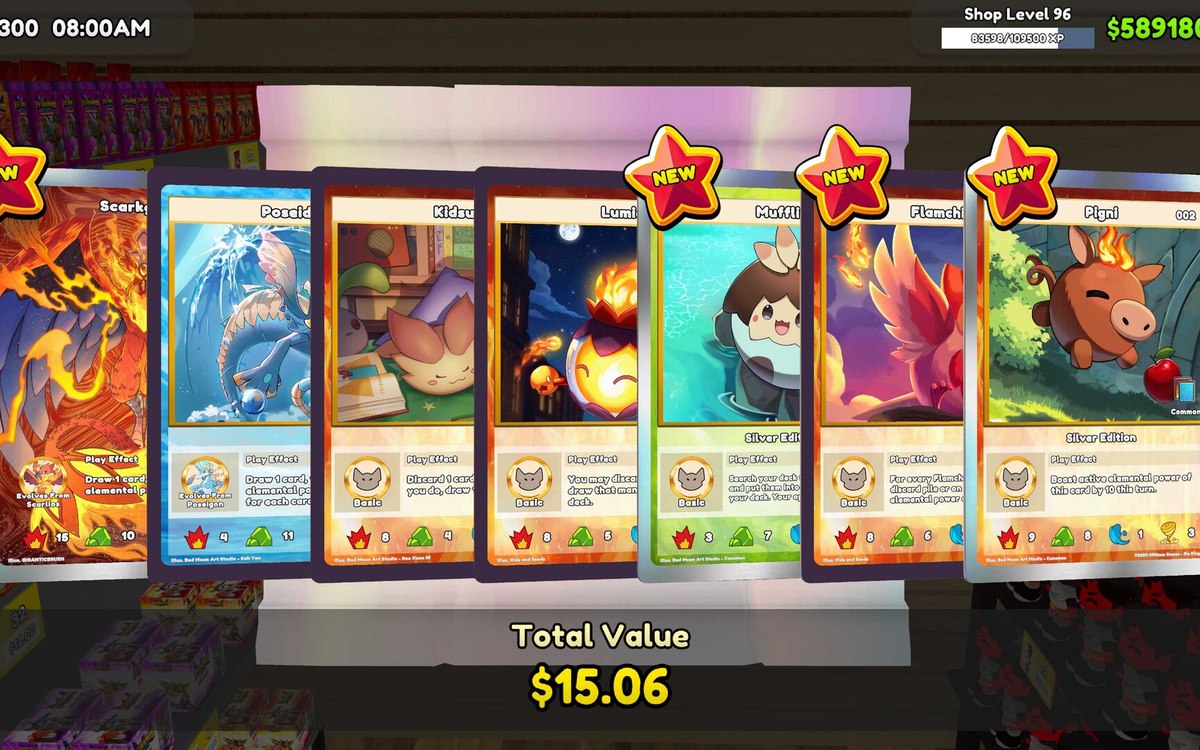 Pricing and the marketReading the price boardItem prices are drawn as grouped lines in the interface.
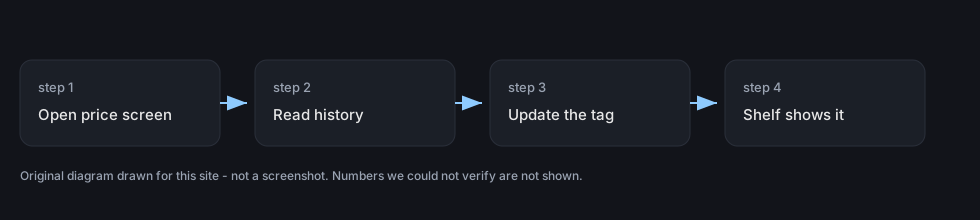 Pricing and the marketPrice history and graphsThere is a screen dedicated to an item's price over time.
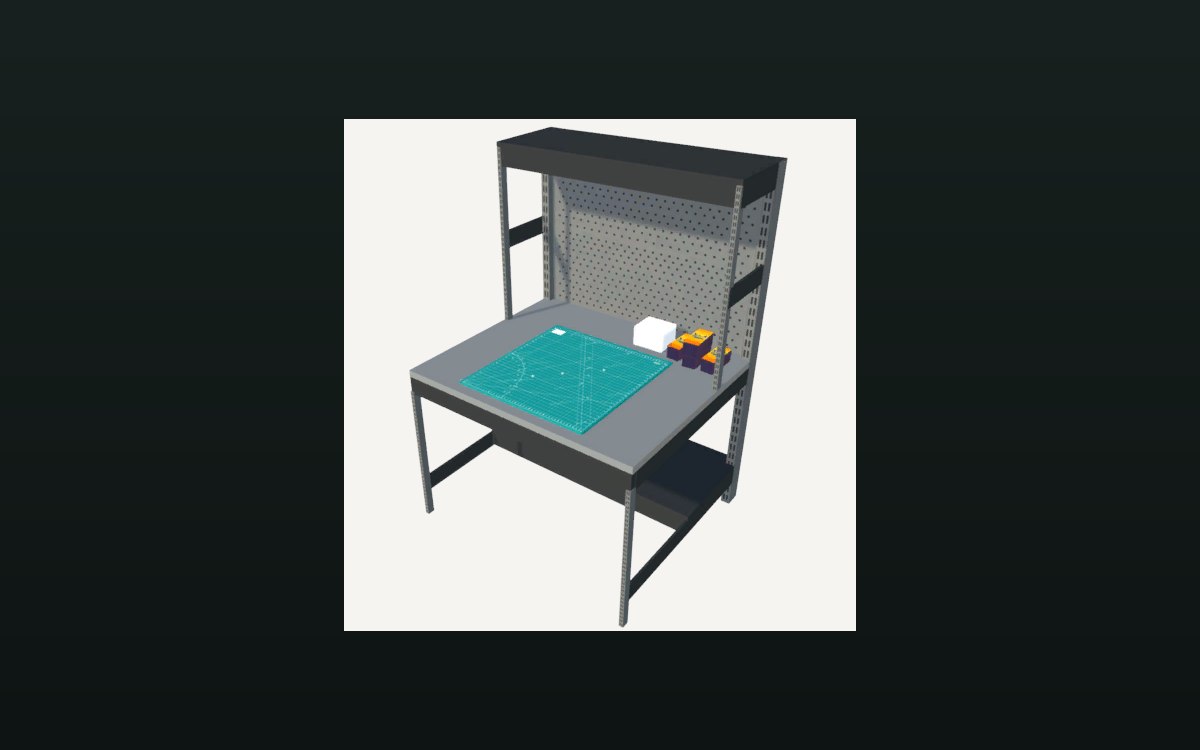 Storage and stockHow the restock manager packs stockThe manager holds a packaging box for items, a smaller one, one for shelves and one for cards.
Sources
A local copy of the game, read only. The grounding for each step is listed on the technical reference pages; nothing here is estimated.