Guide
Reading what a customer actually wants
How to tell what a customer in TCG Card Shop Simulator is doing, using the states the game already tracks instead of guessing from where someone happens to be standing.
Applies to
no version stated by this build (see the sources page)
Before you start
- A shop open for trading
- At least one shelf and a staffed counter
- A play table if you are running games
Steps
- Watch whether a customer is heading for a shelf or for the counter before you move anything.
the game tracks taking an item from a shelf and wanting to pay as separate states - Treat a card shelf differently from an ordinary one.
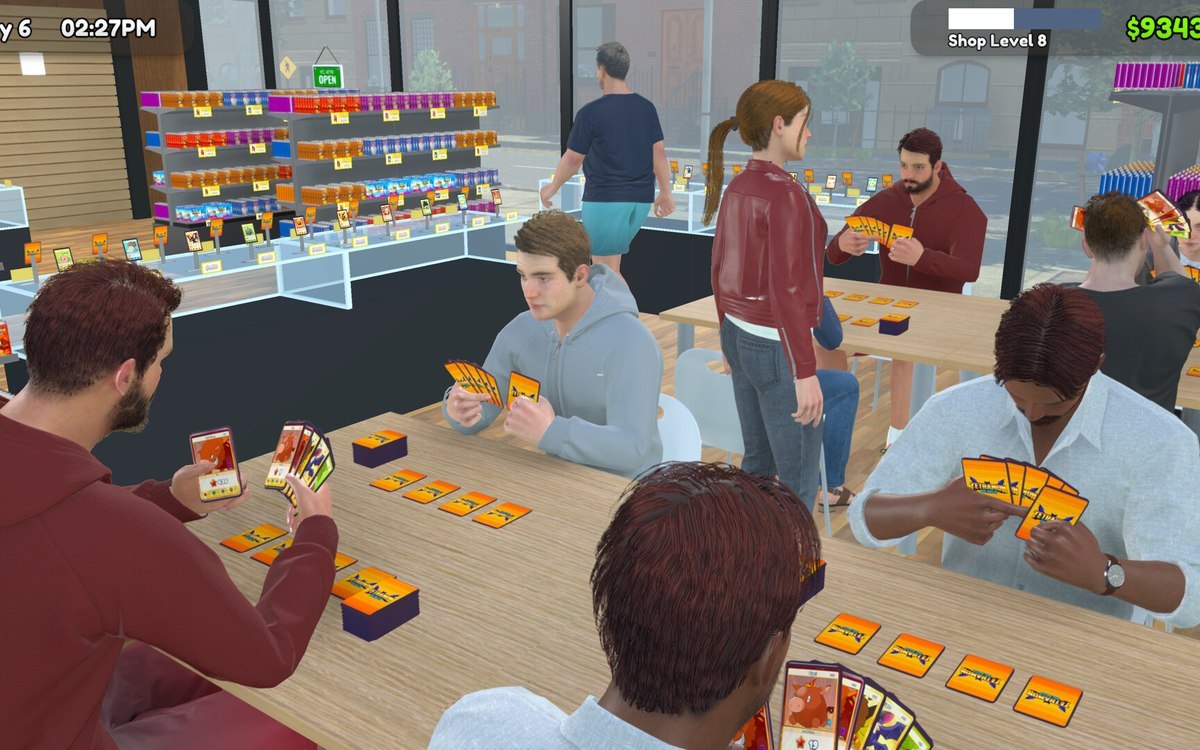
wanting a card is a state of its own, apart from wanting an ordinary item - Keep a play table clear if you have one, because customers arrive intending to use it.
the game has states for walking to a play table and playing at one - Leave the bulk donation box reachable if you want cards brought to you.
there are states for walking to the bulk donation box and taking from it - Expect a queue at the counter before you expect a sale, and staff it accordingly.
queueing to pay and being ready to pay are separate states
Common mistakes
- Chasing a customer who is already on their way out.
- Assuming every visitor wants an ordinary item rather than a card.
- Blocking the bulk donation box with stock.
Related entries
 Customers and tradingThe kinds of customers you getCustomers come in a fixed list of kinds.
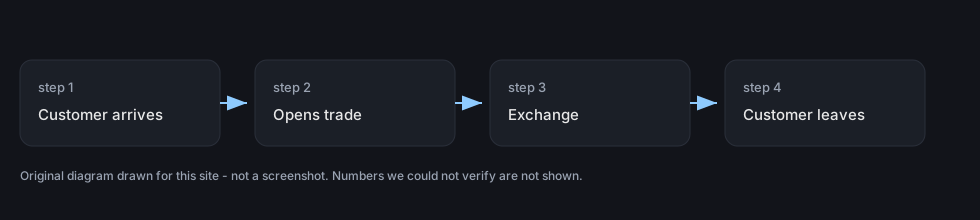 Customers and tradingTrading with customersTrading with a customer has its own screen in the game.
Sources
A local copy of the game, read only. Grounding for each step is on the technical reference pages; no number is estimated.