Guide
Running a back room that actually works
How to keep the warehouse in TCG Card Shop Simulator useful, given that the game counts its shelves separately and lets stock live there boxed as well as unpacked.
Applies to
no version stated by this build (see the sources page)
Before you start
- A warehouse you can enter
- Enough warehouse shelves for what you are holding
- An idea of what you are about to put on the shop floor
Steps
- Put shelving in the warehouse rather than moving shop shelves back there.
the game keeps a warehouse shelf type of its own - Keep the shop floor for what is for sale, and move the rest to the back.
an object can be marked as belonging in the warehouse - Leave bulk purchases boxed until you need them.
a stored thing keeps a boxed state of its own - Tidy the back room once, then leave it, instead of reshuffling it daily.
each stored shelf is saved with its position and its contents - Watch where the game will let a shelf go before you plan a big rearrangement.
the game shows the area a shelf may legally be moved in
Common mistakes
- Dragging shop shelving into the warehouse instead of using warehouse shelves.
- Unpacking everything on arrival and running out of display space.
- Rearranging the back room in the middle of a busy trading day.
Related entries
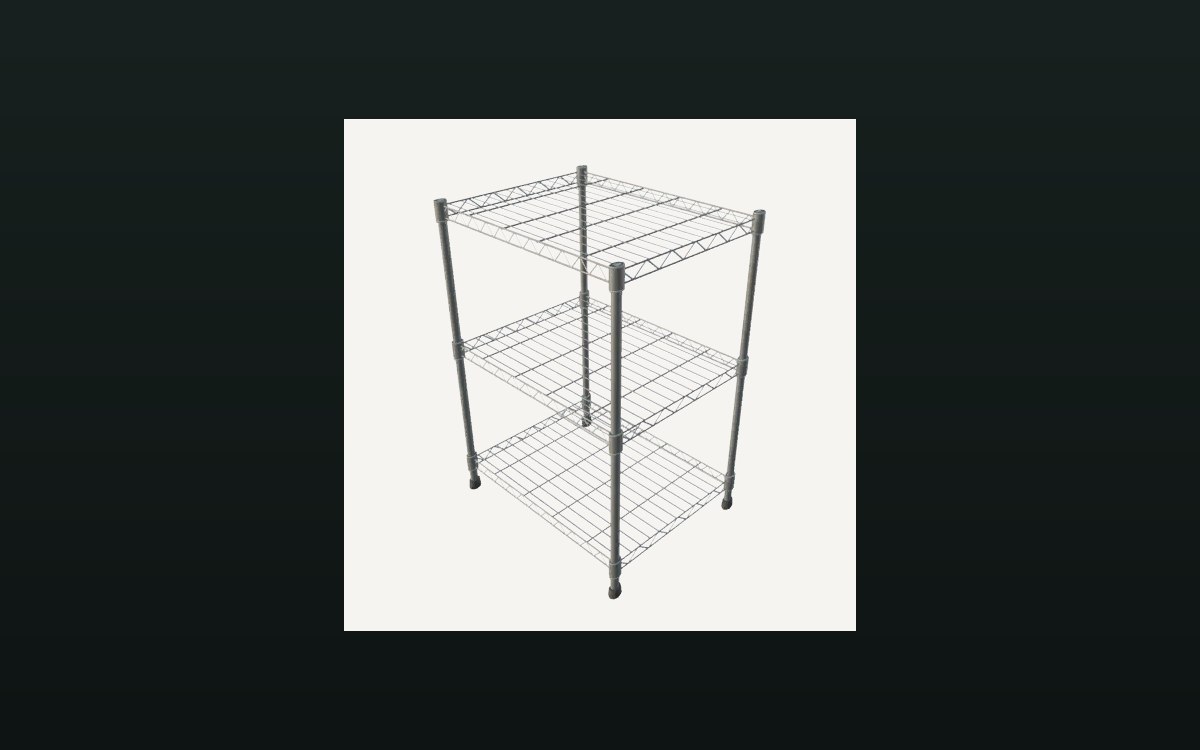 Storage and stockThe warehouse and its shelvesThe warehouse has a shelf type of its own.
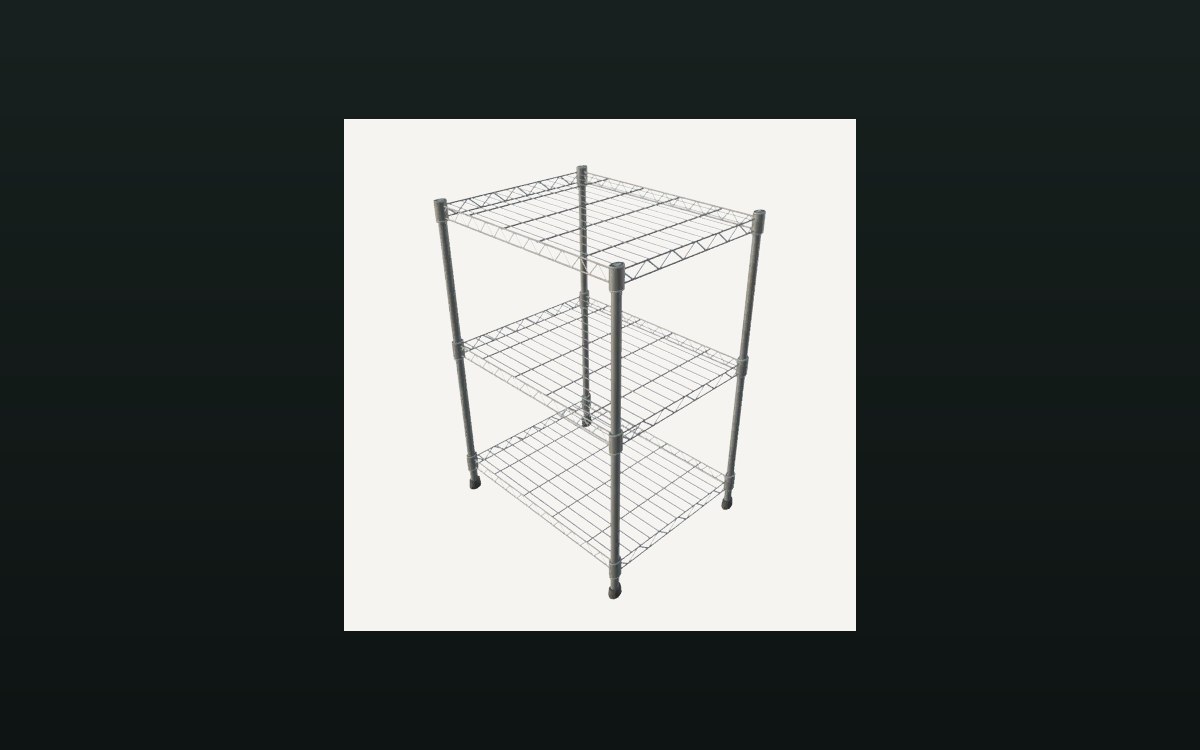 Storage and stockStorage shelves and restockingThere is a storage shelf for cards with saved contents.
Sources
A local copy of the game, read only. Grounding for each step is on the technical reference pages; no number is estimated.