Guide
Searching your cards without guessing
How a card search resolves in TCG Card Shop Simulator, so what you pick and where it comes from are decisions rather than surprises.
Applies to
no version stated by this build (see the sources page)
Before you start
- A game in progress
- A card or effect that searches
- A deck worth searching
Steps
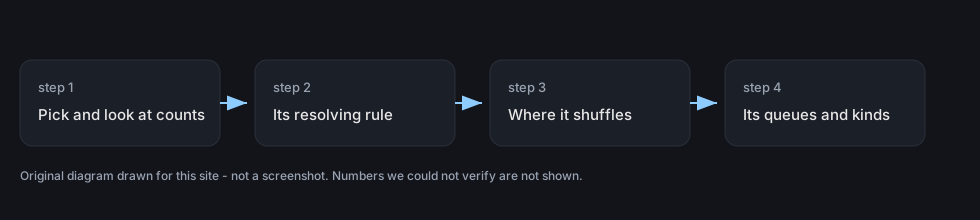
- Read what the search is conditioned on before you start picking.
a search carries the condition it resolves under - Know how many cards you pick and how many you may look at; they are separate counts.
a search has a count of cards to pick and a count of cards to look at - Check whether the count has to be satisfied.
a search can require a count to be fulfilled - Know whether the card is revealed to the other player.
a search can reveal the card it finds - Time your search around the shuffle rather than after it.
a search decides whether the deck is shuffled first, after the remaining cards, or at the end - Use the selection screen rather than the table when there are many cards to read.
the search has a screen of its own with a canvas group and separate parents for the top and bottom of the row - Tell the cards on show from the ones you can actually take.
the cards on show and the active ones each have a list - Watch what you have chosen move, because selection is tracked three ways.
selected cards have displays that move to a locator, and selection is kept as lists of card indices for all, valid and selected
Common mistakes
- Picking before checking how many cards the search lets you look at.
- Forgetting that the deck may be shuffled after the remaining cards.
- Treating every card on the screen as one you may take.
- Revealing a card to the table when the search did not have to.
Related entries
 Cards and rarityHow a card search is describedA search carries the condition it resolves under.
 Decks and the card gameThe search that picks a cardThe search has a screen of its own with a canvas group and separate parents for the top and the bottom of the row.
 Cards and rarityThe state of a game of cardsThe board holds a position list for the deck, the discard pile, the element areas, the guardian row and the hand.
Sources
A local copy of the game, read only. Grounding for each step is on the technical reference pages; no number is estimated.