Guide
Using the information the game gives you
How to read what TCG Card Shop Simulator is telling you about customers and prices, instead of changing things at random when takings drop.
Applies to
no version stated by this build (see the sources page)
Before you start
- A shop trading
- Customers coming through
- A moment to look rather than react
Steps
- Read what a review is about rather than guessing why people are unhappy.
the game keeps a list of what a review can be about - Watch what a customer is doing, not only where they are standing.
each customer is in a named state of its own - Check the price a customer would see rather than trusting memory.
prices are shown on tags and a board of their own - Use the price-check screen instead of guessing at the counter.
the game has a screen for checking a price - Search your cards when you are looking for something specific.
there is a search screen for choosing a card
Common mistakes
- Ignoring the review types and changing the wrong thing.
- Assuming customers are doing what it looks like they are doing.
- Pricing from memory rather than from the screen.
Related entries
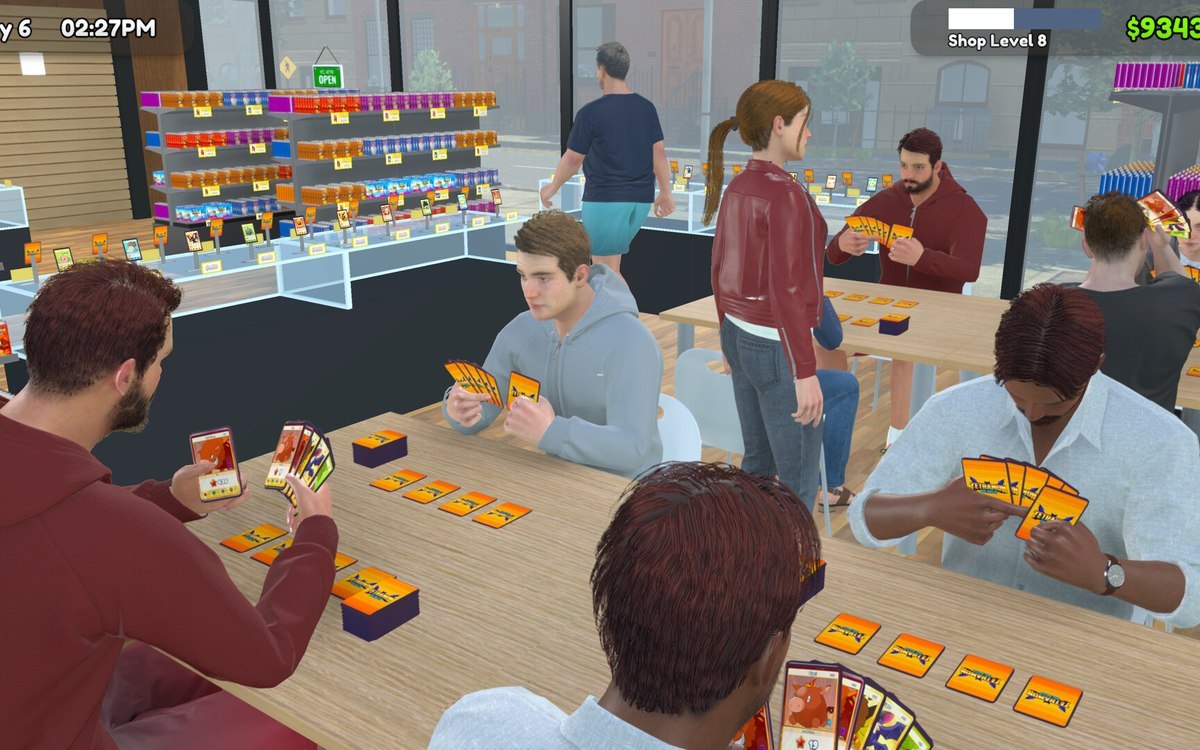 Customers and tradingThe kinds of customers you getCustomers come in a fixed list of kinds.
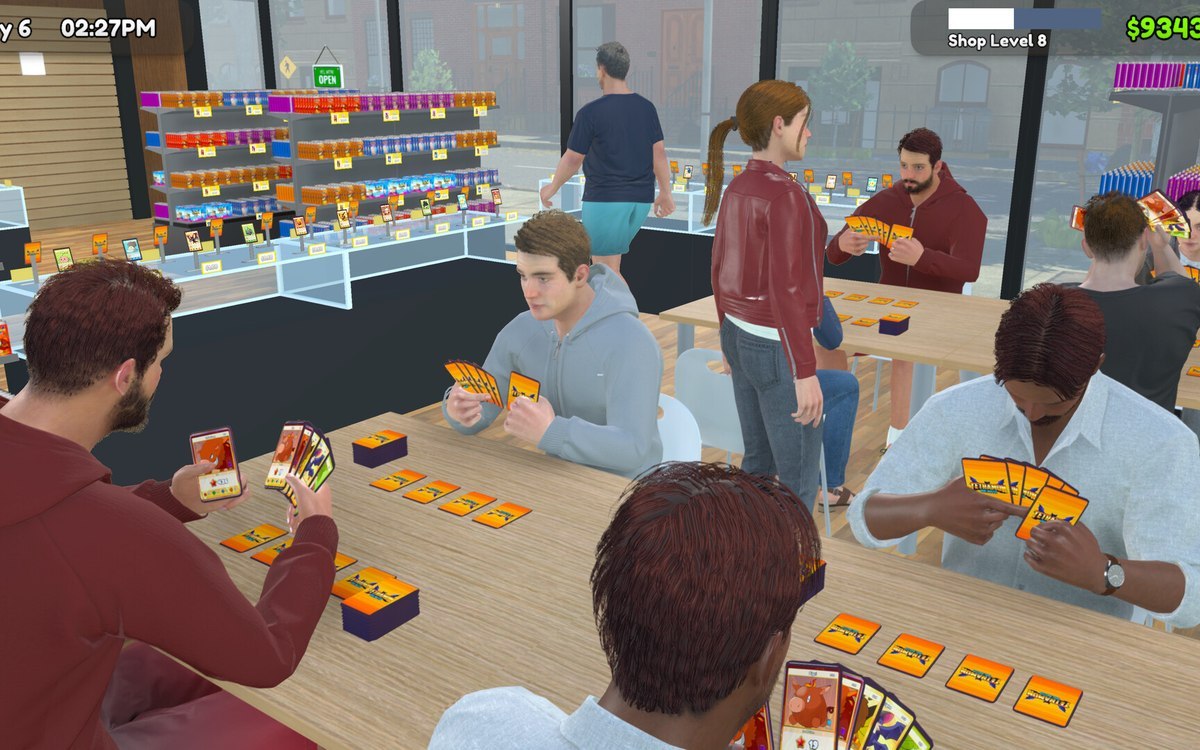 Customers and tradingCustomer reviews and how a day is judgedCustomer reviews are managed by the game.
Sources
A local copy of the game, read only. Grounding for each step is on the technical reference pages; no number is estimated.