
Upgrades and licences · TCG Card Shop Simulator · read from a local copy
Licences, shop level and unlocks
The game keeps licence lists that can be ordered by level in either direction.
In TCG Card Shop Simulator a product line is unlocked rather than simply bought: the game sells licences that ask for a shop level, keeps a cost for the unlock itself, and can hide an item until it is available.
What the game establishes
- The game keeps licence lists that can be ordered by level in either direction. (checked against the game's own files)
- A licence has a price and a shop level requirement, each with its own line of text. (checked against the game's own files)
- The licence interface is kept as its own group. (checked against the game's own files)
- Unlocking has a cost of its own, and shelves carry an unlock cost multiplier. (checked against the game's own files)
- An item can be hidden until it is unlocked rather than only greyed out. (checked against the game's own files)
- Unlocking has an animation and a group of things that becomes available together. (checked against the game's own files)
- The shop has a star level and a good-or-bad level reading. (checked against the game's own files)
- The game ships a store-point badge of its own for the level screens. (checked against the game's own files)
- The build also ships lock pictograms of its own for content that is not unlocked yet. (checked against the game's own files)
- A level-up has its own sound and vibration, and a screen that shows what the level unlocked. (checked against the game's own files)
- The unlock rows are named per rarity and for a second shop: basic, rare, epic and legend, and one for shop B. (checked against the game's own files)
In play
Not everything in the shop is bought with money on the spot. The game sells licences, and holding a licence is what lets a product line be sold at all rather than being a decorative purchase.
Licences are sorted by level. The game can list them from the lowest level to the highest or the other way round, so the same list can be read as a plan for what to do next or as a wish list of what is far away.
A licence has a price and a level requirement. The screen keeps a price line and a requirement line of its own, and the requirement is a shop level rather than an amount of money, which is why saving up alone does not unlock a new line.
Unlocking has a cost of its own, separate from the licence. There is a cost line for an unlock and a multiplier that changes what a shelf costs to unlock, so two shelves in the same shop do not necessarily cost the same to bring into use.
Some things are not shown until they are unlocked. The game can hide an item completely rather than showing it greyed out, which is why a product line can seem to appear out of nowhere once the shop reaches the level it wants.
Unlocking is presented as an event rather than a silent change. There is an animation for the unlock screen and a group of things that become available together, so one licence can open several lines at once.
The shop itself is levelled. The game keeps a star level and a good-or-bad level reading, and it has a frame and an icon of its own for the moment the shop gains a level; both of those are shown beside this entry.
What this entry does not tell you: what any licence costs, how much progress a level needs, or how many licences there are in total. We have not verified those numbers, so we do not print them.
Related
 Shop, shelves and fixturesThe upgrades you can buyShop upgrades are a fixed list rather than arbitrary improvements.
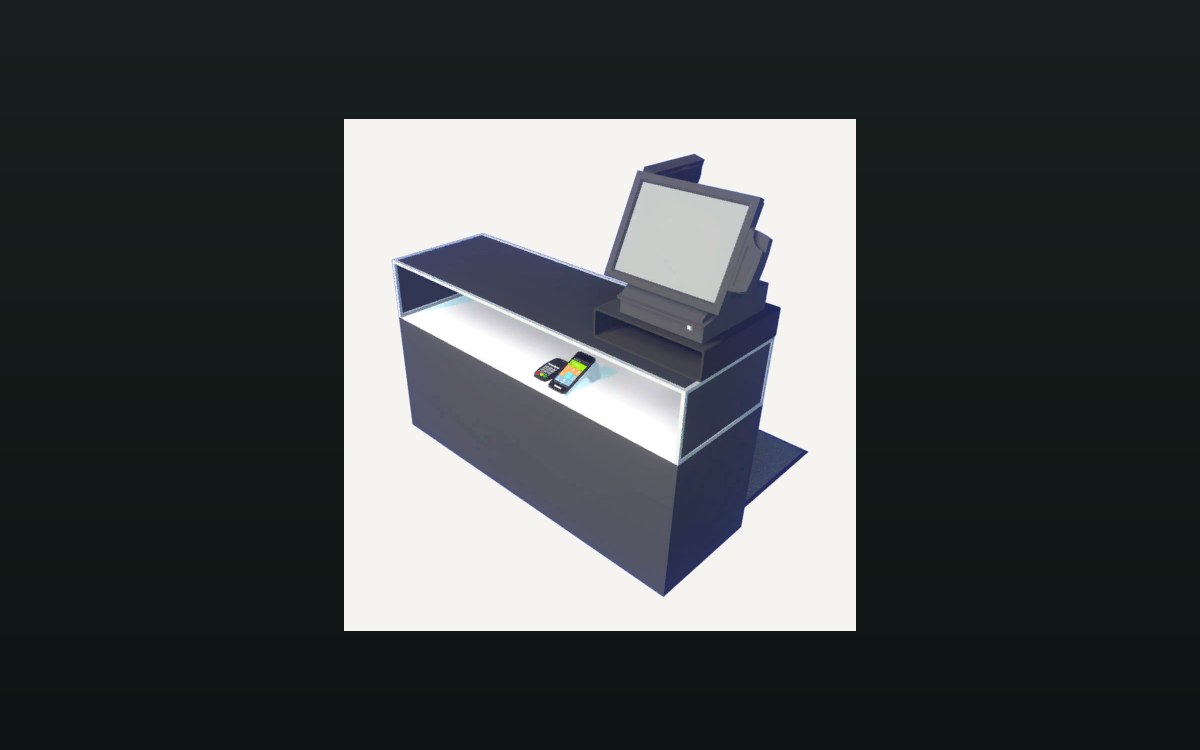 Shop, shelves and fixturesExpanding and decorating the shopExpanding the shop has its own interface screen.
Version and sources
A local copy of the game, read only. The grounding for each fact is listed on the technical reference pages; nothing here is estimated. Documented build: no version stated by this build.