Shop, shelves and fixtures · TCG Card Shop Simulator · read from a local copy
The doors and the signs that point the way
The wayfinding arrows come as a set: an enter arrow and an exit arrow, a long one and a plain one, and one named for the exit door.
A shop in TCG Card Shop Simulator is walked through, not only clicked through: the game names a door frame and wooden and metal doors, two glass doors, a set of wayfinding arrows and the plates that hang at an entrance.
What the game establishes
- The wayfinding arrows come as a set: an enter arrow and an exit arrow, a long one and a plain one, and one named for the exit door. (checked against the game's own files)
- A door is built from named parts: a frame, a wooden door, a metal door and a second door piece. (checked against the game's own files)
- Two glass doors are named, one of them the reveal door, and a plain door stands beside them. (checked against the game's own files)
- Glass is named again beside the door meshes. (checked against the game's own files)
- Rooms can be signed as shut: a close sign and a closed warehouse room sign are named. (checked against the game's own files)
- The houses outside carry a full set of sheets: a house door with colour, ambient occlusion, emission, metallic smoothness and normal, and a house window with colour, ambient occlusion and normal. (checked against the game's own files)
- The arrow signs are shipped as interactable objects numbered as a set as well. (checked against the game's own files)
In play
A shop in TCG Card Shop Simulator is walked through as well as clicked through. The game names an entrance sheet that carries two plates, one telling a visitor to use the main entrance and one inviting them in, so the way in is a thing a player can hang rather than only a doorway.
The wayfinding arrows are a set of their own. An enter arrow and an exit arrow are named, a long one and a plain one beside them, and one arrow is named for the exit door, which is how a shop can be pointed through rather than only labelled.
Doors are built from parts. A door frame is named, a wooden door and a metal door beside it, and a second door piece, so a door in this game can be assembled from pieces rather than only dropped in whole.
Glass is a piece of its own as well. Two glass doors are named, one of them the reveal door, and glass is named again beside the door meshes, which is why a shopfront can be glazed rather than walled.
Rooms can be shut, too. A close sign and a sign for a closed warehouse room are named, and that is how the game can tell a visitor that part of the shop is not open to them.
The houses outside carry a full set of sheets each. One house door has a colour sheet, an ambient occlusion sheet, an emission sheet, a metallic smoothness sheet and a normal map, and one house window has colour, ambient occlusion and a normal map beside it.
That is why the outside of the shop is worth reading. The same small vocabulary of doors, glass and arrows does the work, and a player who can tell one plate from another can find the entrance, the counter and the way back out.
What this entry does not tell you: which of these pieces the shop starts with, what any of them costs, or which building places which door. We have not verified those, so we do not print them.
Related
 Shop, shelves and fixturesExpanding and decorating the shopExpanding the shop has its own interface screen.
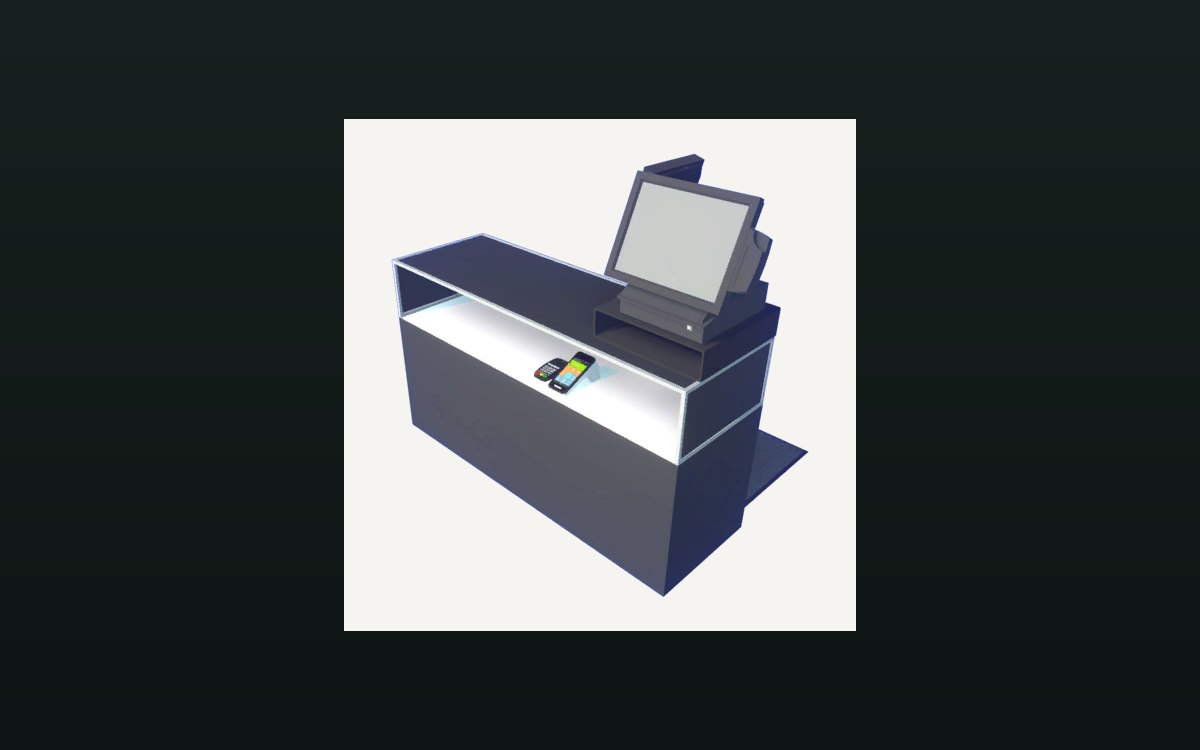 Shop, shelves and fixturesThe counter and money handlingA cash change at the counter is its own interaction.
 Interface and screensThe shop billboard and your shop nameThe shop name is set at a billboard placed in the world.
Version and sources
A local copy of the game, read only. The grounding for each fact is listed on the technical reference pages; nothing here is estimated. Documented build: no version stated by this build.