
Cards and rarity · TCG Card Shop Simulator · read from a local copy
The page that shows what you pulled
The game has a page of its own for a card you have obtained.
Pulling a card in TCG Card Shop Simulator does not only add stock: the game has a page of its own for a card you have obtained, with pages, a total value, a price graph and its own look for legend cards.
What the game establishes
- The game has a page of its own for a card you have obtained. (checked against the game's own files)
- That page keeps a list of card amounts, a value group, a value line and a total value line. (checked against the game's own files)
- The page has page texts and next and previous buttons. (checked against the game's own files)
- The page carries the price graph screen of its own. (checked against the game's own files)
- The graded card panel can show an empty slot picture, a plus sign, the card itself and a value line. (checked against the game's own files)
- Legend cards get a moving glow from two materials with their own speeds on each axis. (checked against the game's own files)
- Collection packs have a kind, a full picture and a top and a bottom piece. (checked against the game's own files)
- The page buttons use an arrow picture the game ships. (checked against the game's own files)
In play
Pulling a card does not only add it to a shelf. The game keeps a page of its own for a card you have obtained, so what came out of a pack is presented as a result rather than only as stock.
That page counts as well as shows. It keeps a list of card amounts, a value group, a line for the value being shown and a total for everything in the result, so a pull can be judged in one place.
It is paged rather than scrolled. There are page texts, a value for the current page and next and previous buttons, which is how a large haul is read a screen at a time.
It can also show a price graph. The page carries the graph screen of its own, so a card can be weighed on how its price has moved rather than only on what it is worth right now.
Graded cards have a panel of their own. It can show the picture of an empty slot, a plus sign and the card itself with a value line, which is how a card and the case it went into are shown together.
Legend cards are not given a flat shine. Two materials are scrolled across the card at their own speeds on each axis, so the glow drifts instead of sitting still.
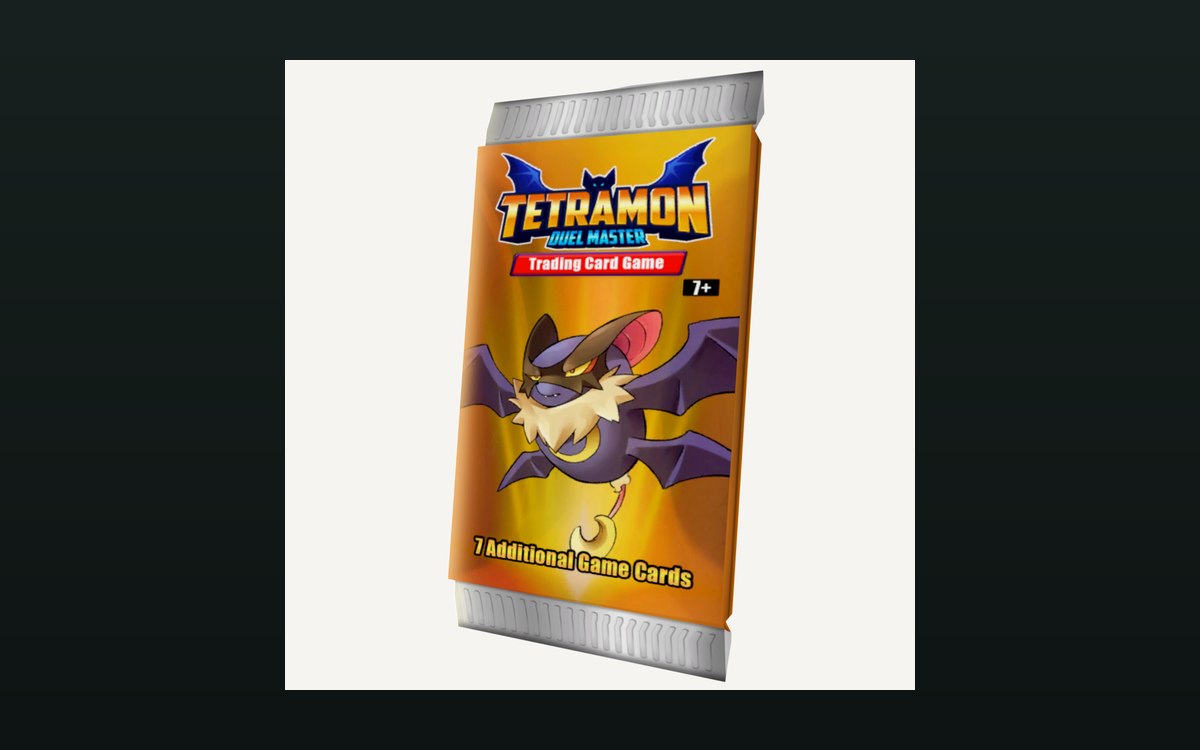
Collection packs have pictures of their own as well: a kind, a full picture, and a top and a bottom piece that can be used separately, so a pack can be shown whole or built from parts.
What this entry does not tell you: what any card is worth, how the glow is tuned, or how many collection packs there are. We have not verified those, so we do not print them.
Related
 Packs and openingWhat you see when a pack is openedOpening a pack runs as a sequence with its own interface.
 Pricing and the marketPrices and price tagsPrice tags are their own objects attached to goods.
Version and sources
A local copy of the game, read only. The grounding for each fact is listed on the technical reference pages; nothing here is estimated. Documented build: no version stated by this build.