Shop, shelves and fixtures · TCG Card Shop Simulator · read from a local copy
The payment a customer hands over
The payment a customer hands over is an object of its own, and it knows whether it is a card.
What a customer pays with in TCG Card Shop Simulator is an object rather than a number: it can be cash or a card, each has its own model and outline, and the thing you pick up at the counter is a world object you can move, box, scan and place.
What the game establishes
- The payment a customer hands over is an object of its own, and it knows whether it is a card. (checked against the game's own files)
- There is a cash model and a card model. (checked against the game's own files)
- Each kind has an outline model of its own. (checked against the game's own files)
- The cash has a renderer of its own. (checked against the game's own files)
- It is a world object with a mesh, a highlight, a culling check, a skin mesh and an outline width. (checked against the game's own files)
- It can be picked up and moved, boxed up and scanned at the counter. (checked against the game's own files)
- It carries rules for being placed in the shop or the warehouse. (checked against the game's own files)
- It has a move area, a separate shelf move area, and a collider with a list behind it. (checked against the game's own files)
- The game ships a currency sheet for the cash it uses. (checked against the game's own files)
In play
A payment in this shop is something you handle. The game keeps a piece of customer payment as an object of its own, so what is handed over can be picked up and looked at rather than only counted.
It comes in two kinds. A customer can pay with cash or with a card, and the object knows which it is, which is why the same handover can produce two different things on the counter.
Each kind has a model of its own. There is a cash model and a card model, and each has an outline as well, so what is sitting on the counter can be picked out from the surface beneath it.
The cash has a renderer of its own, so the money side of the payment is drawn by the object rather than being part of whatever holds it.
It is a world object like anything else. The payment has a mesh, a highlight, a culling check and a skin mesh, with a width for its outline, which is why it behaves like the other things in the shop instead of a special case.
You can do the usual things with it. It can be picked up and moved, boxed up and scanned at the counter, so money can be gathered and banked through the same habits as stock.
It also has the usual placement rules. A piece of payment can be set down in the shop or left in the warehouse, and that is decided by the object rather than by you remembering.
It has a move area, including a separate one for a shelf, and a collider with a list behind it, which is how a small object can still be placed and pushed like the rest.
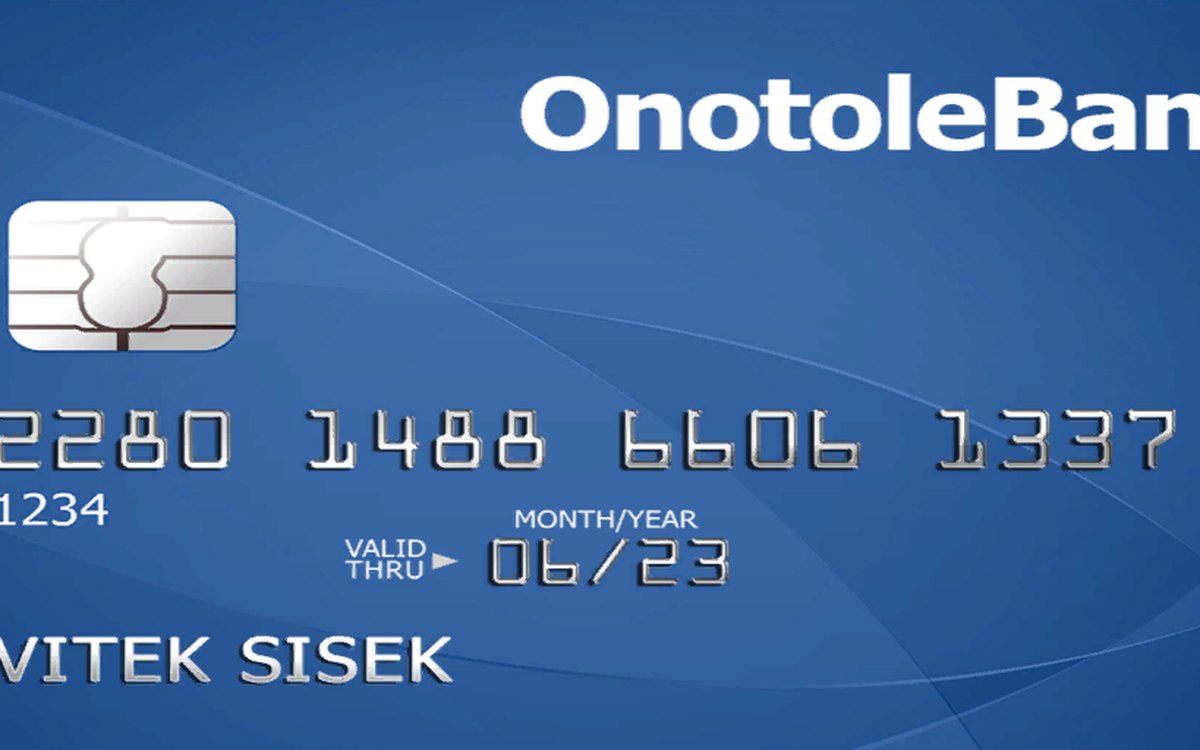
The image beside this entry is the game's own: a currency sheet the game ships, with the notes and coins a customer's cash is drawn from.
What this entry does not tell you: what a customer will spend, how a card payment is authorised, or how much change is given. We have not verified those numbers, so we do not print them.
Related
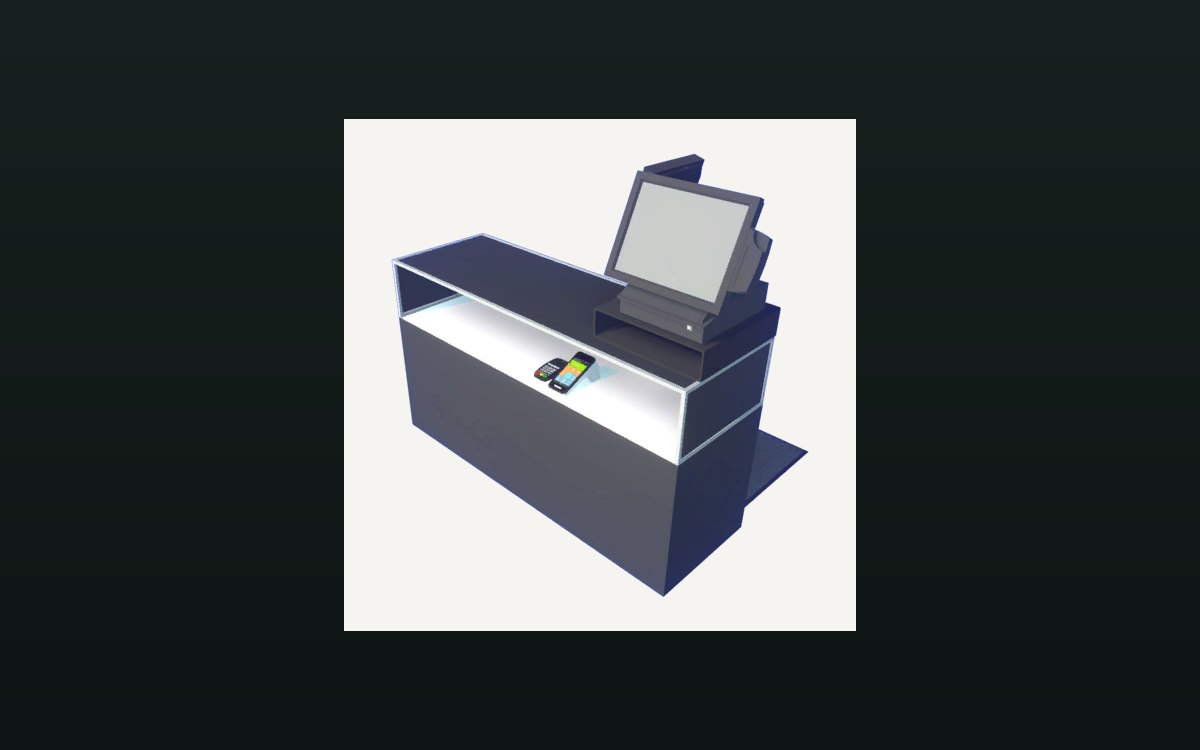 Shop, shelves and fixturesThe counter and money handlingA cash change at the counter is its own interaction.
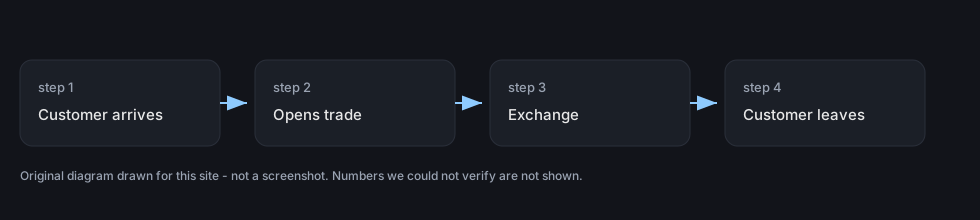 Customers and tradingTrading with customersTrading with a customer has its own screen in the game.
Version and sources
A local copy of the game, read only. The grounding for each fact is listed on the technical reference pages; nothing here is estimated. Documented build: no version stated by this build.