
Interface and screens · TCG Card Shop Simulator · read from a local copy
The setting screens for your fixtures
Setting screens exist per kind of fixture rather than as one global menu.
Fixtures in TCG Card Shop Simulator are configured where they stand: the game has a setting screen for prices, for the cashier counter, for card storage shelves and for play tables.
What the game establishes
- Setting screens exist per kind of fixture rather than as one global menu. (checked against the game's own files)
- There is a screen for setting an item price. (checked against the game's own files)
- The cashier counter has its own setting screen. (checked against the game's own files)
- Card storage shelves have a setting screen of their own. (checked against the game's own files)
- Play tables are numbered through their own screen. (checked against the game's own files)
- Selling a shelf has a confirmation screen of its own. (checked against the game's own files)
- The price screen carries the average cost, the profit and a card interface for setting the price. (checked against the game's own files)
- The game ships fixture icons of its own for the setting screens, including one for a ceiling. (checked against the game's own files)
- The table-number screen keeps an input, a display for that input and the table number itself. (checked against the game's own files)
- The build ships a sheet of fixture icons in more than one colour variant. (checked against the game's own files)
In play
Fixtures are configured individually. The game keeps a setting screen per kind of fixture rather than one global menu, which is why what you change depends on what you are standing at.
Prices have a screen of their own. There is a screen for setting an item price, which is why pricing is done at the fixture rather than only at the counter.
The counter has one too. The cashier counter carries its own setting screen, so how the counter works is a local decision rather than a shop-wide one.
Storage shelves are set where they are. Card storage shelves have a setting screen of their own, which is why what a shelf holds is decided at the shelf.
Play tables are numbered. There is a screen for setting a table number, which is why tables are identified individually rather than as one group.
The price screen shows its working. It carries the average cost of what is being priced and the profit on it, along with a card interface for setting the price rather than a bare box, so the number is chosen with what it earns in view.
Selling has a confirmation of its own. There is a confirm screen for selling a shelf, so a fixture is not disposed of by accident.
Naming a table is a screen too. It keeps an input along with a display of what has been typed and the table number itself, which is why a number is confirmed before it is set.
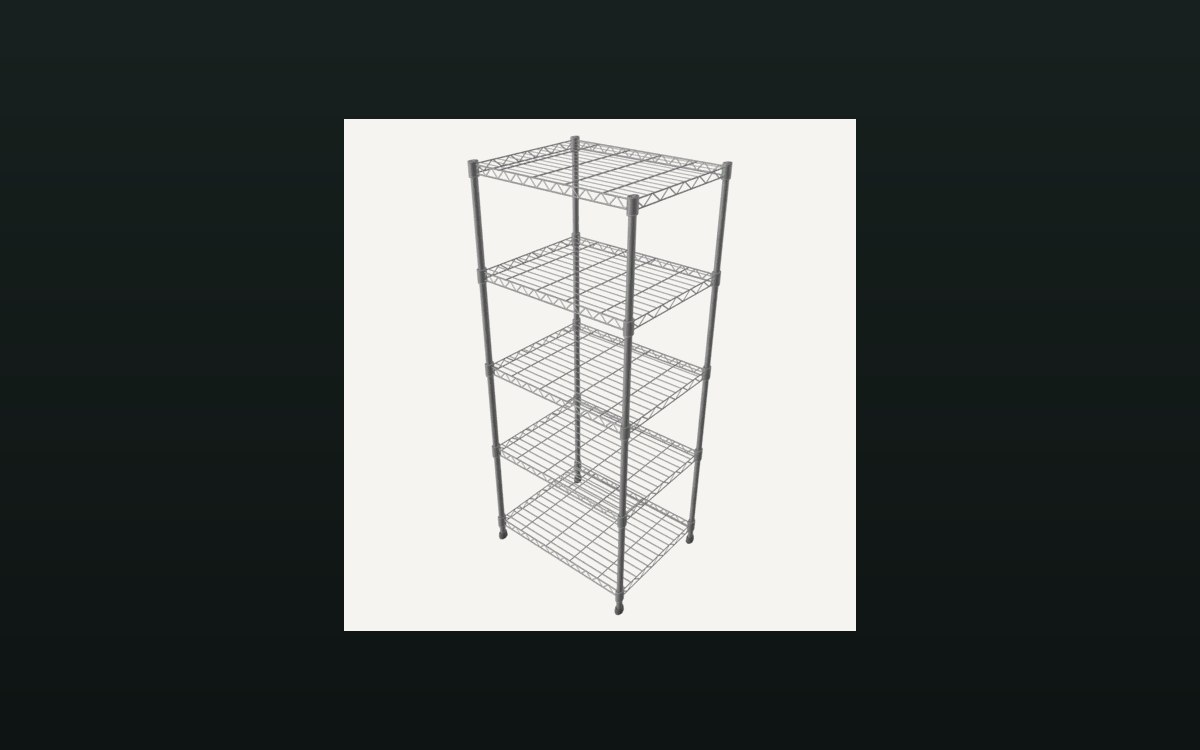
The image beside this entry is the game's own: one of the fixture icons it ships, the ceiling tile sheet a setting screen uses for a ceiling fixture.
What this entry does not tell you: how many fixtures each screen covers, what any setting costs, or whether settings can be copied between fixtures. We have not verified those, so we do not print them.
Related
 Shop, shelves and fixturesShelves, stock and shop upgradesThere are several shelf kinds, including one for cards and one that combines cards and items.
 Cards and rarityThe card game you can playPlayable card sets are defined by the game.
Version and sources
A local copy of the game, read only. Identifiers are listed on the technical reference pages; nothing here is estimated. Documented build: no version stated by this build.