Interface and screens
The screens, panels and readouts you work with.
 Interface and screensThe achievements and the art they come withThe build ships an achievement set of its own, with an icon and a background for each numbered entry.
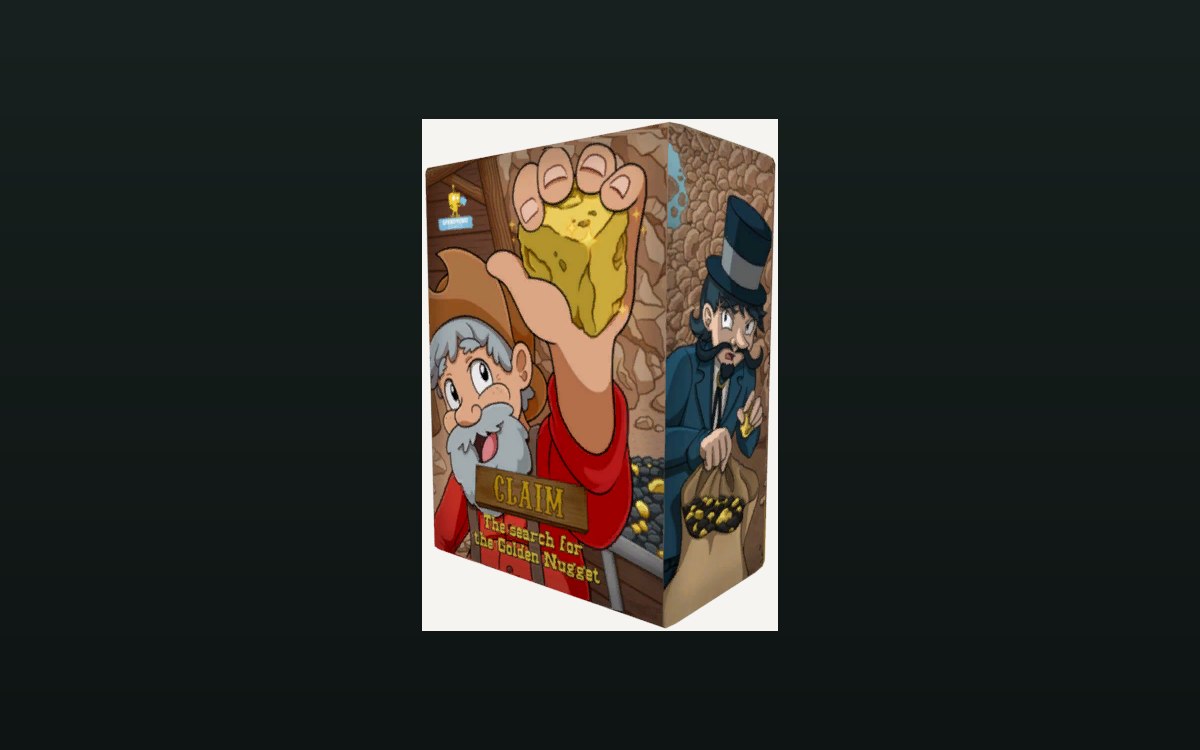 Interface and screensThe board's interfaceThe board has a screen group and a user interface group of its own.
 Interface and screensThe camera and the photo galleryThe phone can be put into a take-photo mode and back out of it.
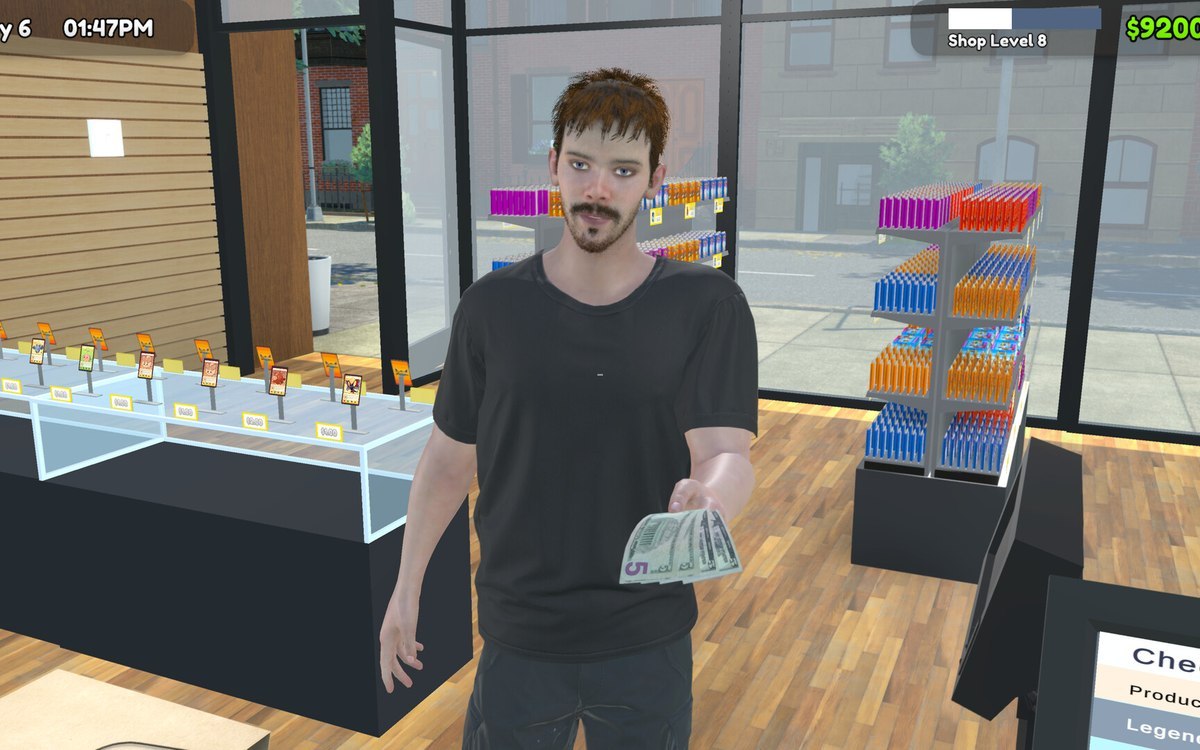 Interface and screensThe clothes a shopkeeper can wearThe game ships a clothing set of its own: a casual shirt, cargo pants, two crop tops, boots, a bra and a bicycle helmet among the pieces.
 Interface and screensThe key binding settingsSettings are a screen with its own group, with separate screens for the game, the display and the language.
 Interface and screensThe picture the game draws for a controlAn interactable carries a list of input displays, with a second list for controller-only displays.
 Interface and screensThe reveal screenThe reveal screen has a screen group of its own.
 Interface and screensThe review screenThe reviews sit on a slider screen with a screen group and a slider group of its own.
 Interface and screensThe screens you will use mostRarity is chosen on a screen of its own.
 Interface and screensThe setting screens for your fixturesSetting screens exist per kind of fixture rather than as one global menu.
 Interface and screensThe settings you can changeDisplay options each have a control of their own, including resolution, fullscreen, vertical sync, refresh rate and a frame limit.
 Interface and screensThe shop billboard and your shop nameThe shop name is set at a billboard placed in the world.