Customers and trading · TCG Card Shop Simulator · read from a local copy
The trade screen and what it shows
The screen shows a card panel for each side, album panels and a buying panel.
A trade in TCG Card Shop Simulator runs on a screen of its own: a card panel for each side, album and buying panels, market prices and album counts on both sides, separate lines for selling, trading, haggling, declining and accepting, a price you can type, and four ways out of it.
What the game establishes
- The screen shows a card panel for each side, album panels and a buying panel. (checked against the game's own files)
- There are separate sets of customer lines for selling, trading, haggling, declining and accepting. (checked against the game's own files)
- The customer's line at the top has an animation of its own. (checked against the game's own files)
- A market price is shown for each side, along with an album count for each side. (checked against the game's own files)
- The price is typed into an input and shown back on a display. (checked against the game's own files)
- Trading and selling have their own text and their own group on the screen. (checked against the game's own files)
- The item price graph screen is reachable from the trade screen. (checked against the game's own files)
- There are separate controls for accepting, cancelling, thinking it over and finishing. (checked against the game's own files)
- There is a flag for the newer version of the interface. (checked against the game's own files)
- It behaves like the game's other screens, with a group, a close-when-opened rule and a check for the virtual keyboard. (checked against the game's own files)
- The trade screen places the cards on stand locations it keeps as a group of their own. (checked against the game's own files)
- The screens carry follow-locations of their own: a counter screen, a credit-card screen and a display-card-info screen each have one. (checked against the game's own files)
In play
A trade is a screen rather than a conversation. The screen has a card panel for you and a card panel for the customer, along with album panels and a buying panel, so both halves of a deal are visible at once instead of only one side.
The customer has things to say at each stage. There are separate sets of lines for selling, for trading, for haggling, for declining and for accepting, which is why the same customer can sound different depending on how the deal is going.
What they say animates. The line at the top of the screen belongs to the customer and has an animation of its own, so it arrives rather than simply redrawing.
The numbers are shown on both sides. There is a market price for each card and an album count for each side, so what a card is worth and how many of them you already hold are both on screen before you commit.
You set the price. The screen has a price input and a display for it, along with the price itself kept as text, so the figure you name is typed and then shown back to you rather than being chosen from a list.
It tells you which of two things is happening. Trading and selling have their own text and their own group on the right, so a customer who wants to swap cards is not presented the same way as one who wants to buy.
The graph is reachable from it. The screen holds the item price graph screen, so the history of a price can be opened while a trade is being discussed rather than before it.
There are four ways out. Accepting, cancelling, asking to think about it and finishing each have their own control, and there is a flag for presenting the newer version of the screen.
It behaves like the game's other screens. It has a group for itself, a rule about closing when another screen opens, and a check for whether the virtual keyboard is active, which is why text entry during a trade does not open a second interface on top of it.
What this entry does not tell you: what a customer will accept, how often they haggle, or how a trade's value is worked out. We have not verified those numbers, so we do not print them.
Related
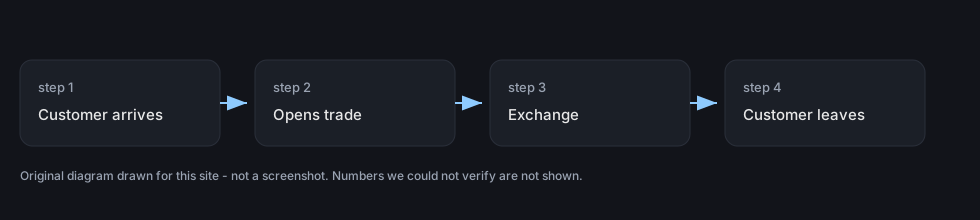 Customers and tradingTrading with customersTrading with a customer has its own screen in the game.
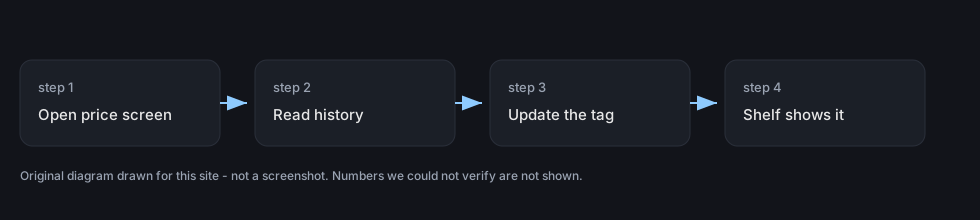 Pricing and the marketPrice history and graphsThere is a screen dedicated to an item's price over time.
Version and sources
A local copy of the game, read only. The grounding for each fact is listed on the technical reference pages; nothing here is estimated. Documented build: no version stated by this build.