Cards and rarity · TCG Card Shop Simulator · read from a local copy
What a card shows while you play it
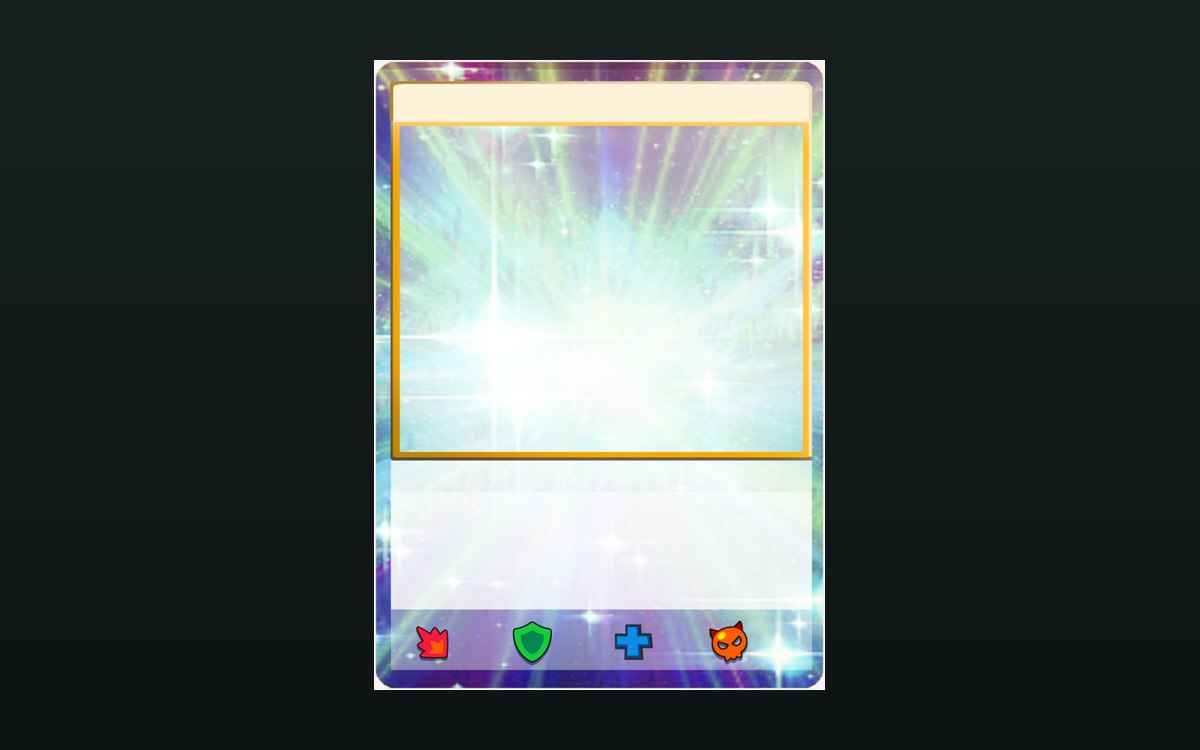
The game ships an icon-only card front for presenting a card.
A card in play is presented rather than simply shown: the game keeps an icon-only front, its own stat icons and a damage display, so what you read off a card is put there deliberately.
What the game establishes
- The game ships an icon-only card front for presenting a card. (checked against the game's own files)
- There are stat icons for things a card can have, including a critical, a boss, a fist and a defence. (checked against the game's own files)
- Element damage is shown by a display of its own. (checked against the game's own files)
- Cards move through a draw queue with named destinations. (checked against the game's own files)
- Card effects are kept as their own records. (checked against the game's own files)
- Cards have display settings of their own. (checked against the game's own files)
- The element damage display carries a background colour and a power text, with a list of element background colours and a list of element icons. (checked against the game's own files)
- It has a position offset and a rotation offset, and it can follow the card's rotation. (checked against the game's own files)
- The game ships its own element icons for a card in play, including icons for fire, water, earth and wind. (checked against the game's own files)
In play
A card is presented, not just displayed. The game ships an icon-only version of a card front, which is what a card looks like when it is being shown rather than handled.
There are stat icons for a card. The game keeps its own icons for things a card can have, covering a critical, a boss, a fist and a defence among them, so what a card is capable of is drawn on it.
Damage is shown separately. There is an element damage display of its own, which is why a card's element matters visibly during play and not only in the rules.
Cards are drawn in a queue. The game keeps a draw queue with its own states covering the hand, the discard, the centre and the top or bottom of a deck, which is why moving a card is tracked rather than instant.
Effects are their own data. Card effects are kept as their own records, so what a card does in play is defined rather than hard-coded into the card.
The damage display is drawn from lists. It carries a background colour and a power text, and it keeps a list of element background colours beside a list of element icons, so a card's element is a colour and a symbol rather than a word.
It is placed rather than fixed. The display has a position offset and a rotation offset and it can follow the card's rotation, which is why the same damage readout sits properly whether the card is in a hand or lying on a table.
Cards also have display settings. The game keeps settings for how a card is shown, which is why the same card can be presented differently in a hand and on a board.
The elements have pictures of their own. The game ships an icon per element for a card in play, a red-and-yellow flame for fire, a blue wave for water, a green rock for earth and a yellow swirl for wind among them, which is what the damage display's list of element icons points at.
What this entry does not tell you: what any icon means in rules terms, how much damage anything does, or how many effects exist. We have not verified those, so we do not print them.
Related
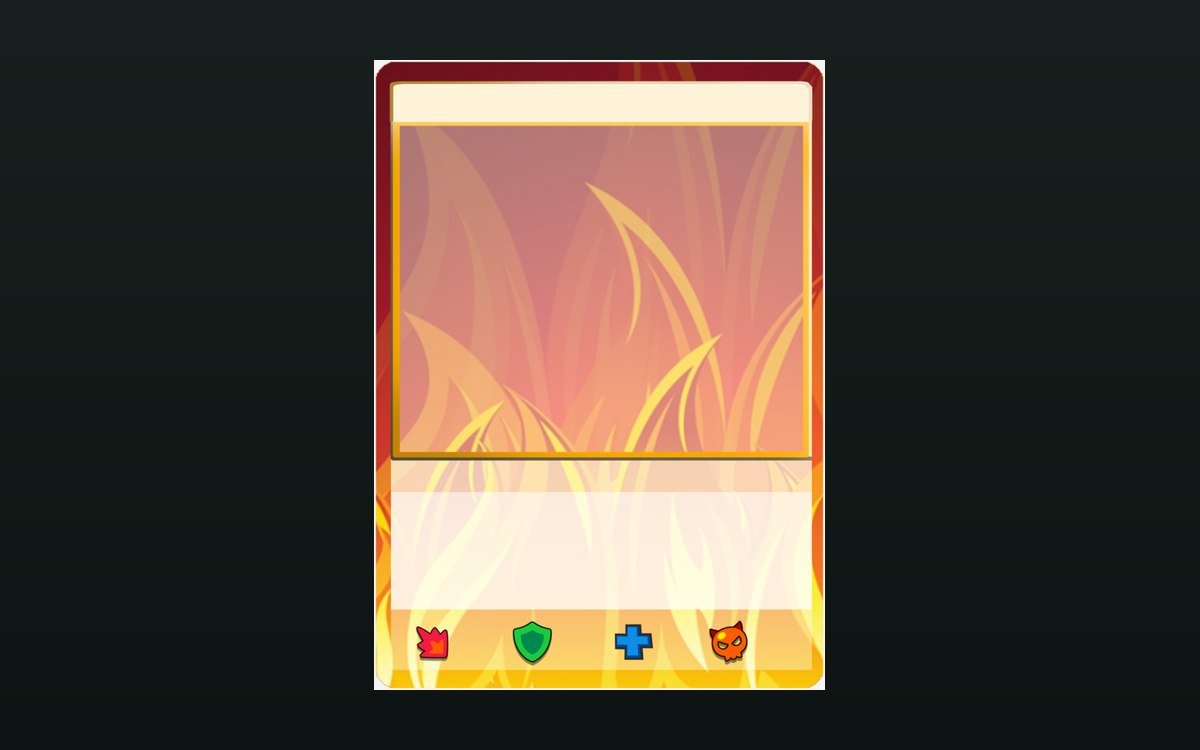 Cards and rarityHow a card front is builtThe game ships a card front for each element.
 Cards and rarityThe rules of the card gameThe card game ships with a rulebook screen of its own.
Version and sources
A local copy of the game, read only. Identifiers are listed on the technical reference pages; nothing here is estimated. Documented build: no version stated by this build.