
Shop, shelves and fixtures · TCG Card Shop Simulator · read from a local copy
What the till shows you
The checkout bar carries a name, a price, a unit and a total.
The till in TCG Card Shop Simulator shows more than one number: the bar carries a name, a price, a unit and a total, the card screen repeats the total on its own, and change is described per currency.
What the game establishes
- The checkout bar carries a name, a price, a unit and a total. (checked against the game's own files)
- The card payment screen shows a total of its own. (checked against the game's own files)
- That screen follows an object rather than sitting in a fixed place. (checked against the game's own files)
- It carries an extension for controllers. (checked against the game's own files)
- The counter's change data names each currency, says whether it is a coin, and gives it a value and a material for the change. (checked against the game's own files)
In play
The till tells you more than one number at a time. The bar that appears while you are serving carries a name, a price, a unit and a total, so the price of one thing and the price of the pile are separate readings on the screen.
A unit price is a real thing here. Because the bar keeps a unit line apart from the total, a customer buying several of the same card can be read as a price each rather than only as one sum, which is what makes a bulk purchase understandable while it is happening.
Paying by card has a screen of its own. It shows a total of its own rather than reusing the bar, so the two readings can be on screen together without contradicting each other.
That screen follows an object instead of sitting in a fixed place. It is attached to what is being paid for, which is why the reading moves with the card rather than being pinned to a corner of the screen.
It also carries an extension for controllers. The same screen is given pad handling rather than the game drawing a second version of it for a pad.
Change is not simply the same currency with a minus in front of it. The counter's change data describes each currency by name, says whether it is a coin, gives it a value and keeps a material for the change itself.
Because the coin flag and the value are separate, the game can tell a coin from a note while still treating both as the same currency, which is what makes a change drawer possible at all.
The image beside this entry is the game's own: the card it draws on its card payment screen, with the bank's name, the number and the holder printed on it.
What this entry does not tell you: what any of these screens look like, how change is worked out, or how many currencies the counter carries. We have not verified those, so we do not print them.
Related
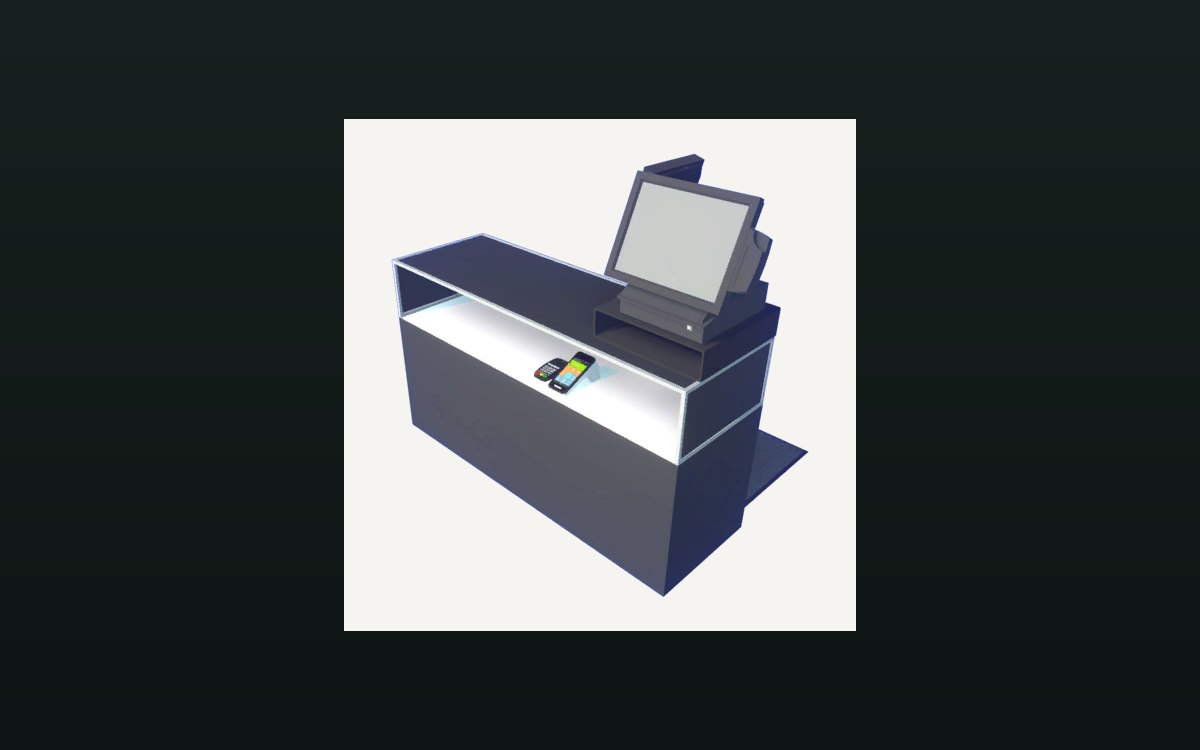 Shop, shelves and fixturesThe counter and money handlingA cash change at the counter is its own interaction.
 Pricing and the marketThe currencies the game tracksThe game keeps a fixed list of currencies.
Version and sources
A local copy of the game, read only. The grounding for each fact is listed on the technical reference pages; nothing here is estimated. Documented build: no version stated by this build.