Guide
Following a pull from pack to value
How to open packs in TCG Card Shop Simulator and then read what you actually pulled, using the pack sequence, the automatic opener and the obtained-card page.
Applies to
no version stated by this build (see the sources page)
Before you start
- Packs to open
- The opening sequence available on the shop computer or by hand
- The automatic opener if you have one placed
Steps
- Watch the pack itself, not only the cards that come out.
the pack is a mesh with an animator of its own inside a sequence - Expect the cards to be shown at set positions rather than wherever they land.
the sequence keeps a list of positions the cards are shown at - Look for the two marks that matter while the sequence runs.
there is an icon for a new card and one for a high-value card - If you use the automatic opener, read its screen states instead of waiting blindly.
its screen has idle, processing and done groups, with two fill bars, a pack count and the processing time left - Stock the machine to its limit before starting a long session.
the machine holds a maximum pack count and a time per pack, and its interface is placed with an offset - Check the page that shows what you obtained rather than trusting the moment of the pull.
the game has a page of its own for a card you have obtained, with amounts and a value line - Page through that screen instead of reading only the first one.
it has page texts and next and previous buttons - Look at the price graph on that page before deciding what to do with the card.
the page carries a price graph screen of its own
Common mistakes
- Deciding a pack was bad before the sequence has finished showing the cards.
- Leaving the automatic opener half stocked and coming back to nothing done.
- Reading the pull from memory instead of from the obtained-card page.
- Selling a card without looking at its price graph on the same page.
Related entries
 Packs and openingThe pack and how it opensThe pack is a mesh with an animator of its own.
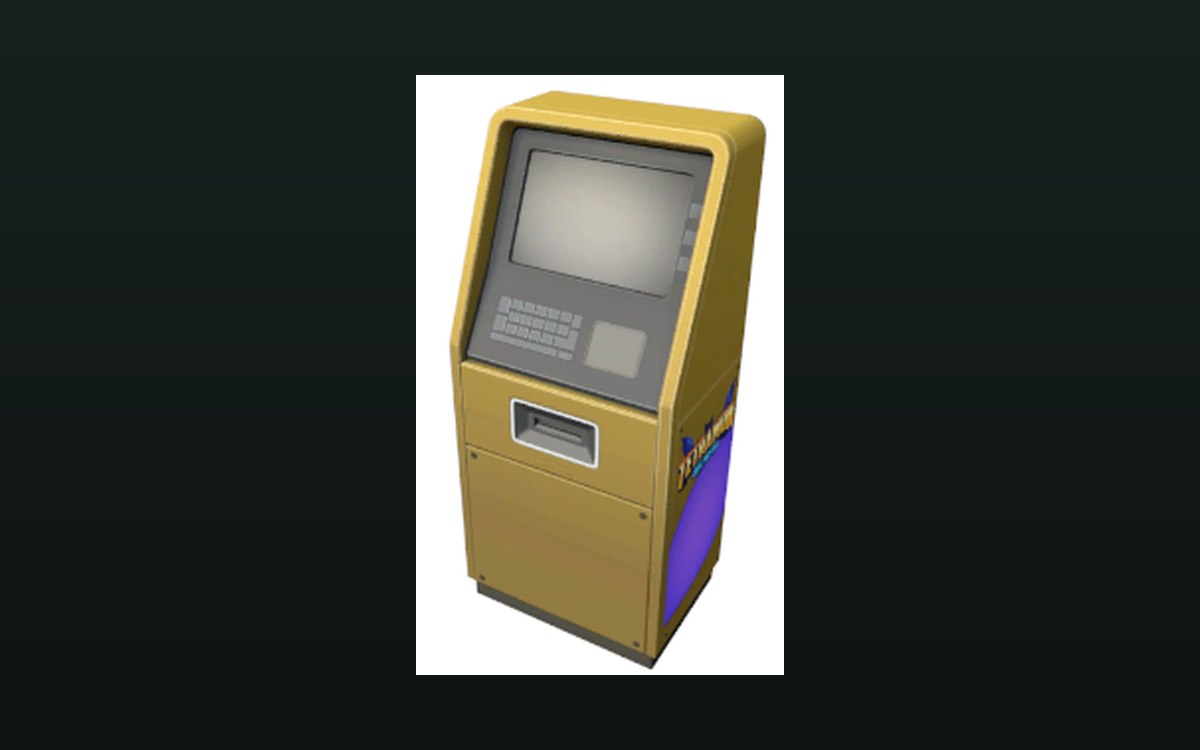 Shop, shelves and fixturesWhat the pack opener shows youThe automatic opener has an interface of its own, kept as a screen group on the machine.
 Cards and rarityThe page that shows what you pulledThe game has a page of its own for a card you have obtained.
Sources
A local copy of the game, read only. Grounding for each step is on the technical reference pages; no number is estimated.