Guide
Keeping the counter straight on a busy day
How the money at a counter in TCG Card Shop Simulator actually works: pieces of cash are objects with a value and an index, the counter holds the currency list, and a customer's payment can be scanned, boxed and moved like anything else.
Applies to
no version stated by this build (see the sources page)
Before you start
- A shop with a counter and a register
- Customers being served
- A moment to look at what is on the counter
Steps
- Treat what is on the counter as objects rather than as a running total, because each piece knows what it is.
a piece of money at the counter can be a coin or a note and carries that on the object - Read the value from the piece itself when something looks wrong, because the value is kept on the object in two forms plus an index.
each piece carries an ordinary value, a more precise one and an index - Remember that the counter owns the list of currencies, so a piece means nothing without it.
the counter keeps a list of currency data that the money refers to - Take the customer's payment as an object too, because cash and a card are two different things with a model each.
the payment knows whether it is a card and has a cash model and a card model - Scan a payment rather than working it out by eye, because scanning at the counter is something the payment allows.
a payment can be scanned at the counter - Clear up by boxing and moving money like any other object, keeping to the shop and warehouse rules.
money can be boxed and moved, and it carries rules for being placed in the shop or the warehouse - Set the counter up through its own screens instead of treating it as fixed, because the register and its settings are things of their own.
the counter has a register and a setting screen of its own - Expect a currency to be a set of pictures rather than a recolour, because each one has its own sheet of coins and notes.
the game ships a texture sheet for each currency with both coins and notes on it
Common mistakes
- Treating the pile on the counter as a number and never checking what is actually there.
- Assuming a card and cash behave the same way, when each has its own model and outline.
- Eyeballing a payment instead of scanning it at the counter.
- Leaving money loose when it can be boxed and moved like any other object.
- Expecting a new currency to look like the old one recoloured, when each ships its own sheet.
Related entries
 Shop, shelves and fixturesThe money the counter handlesA piece of money at the counter can be a coin or a note, and it carries that on the object.
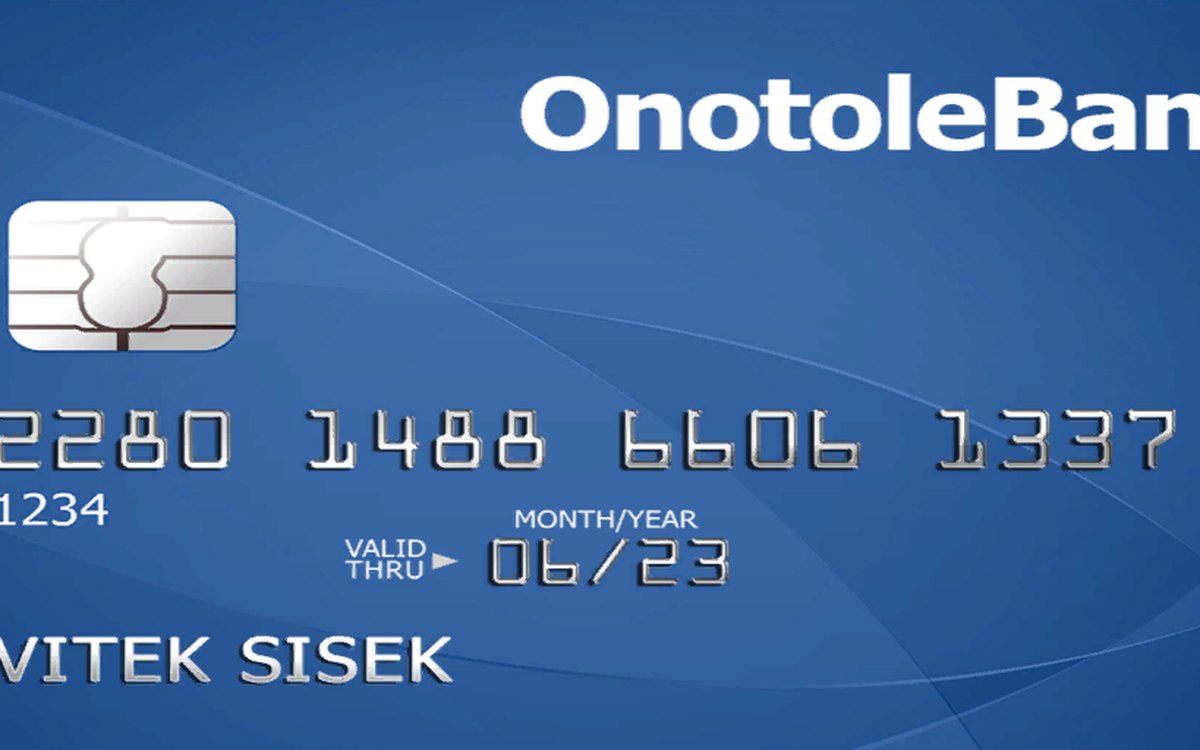 Shop, shelves and fixturesThe payment a customer hands overThe payment a customer hands over is an object of its own, and it knows whether it is a card.
 Pricing and the marketThe currencies the game tracksThe game keeps a fixed list of currencies.
Sources
A local copy of the game, read only. The grounding for each step is listed on the technical reference pages; nothing here is estimated.