Guide
Signing a shop so people find their way
How to sign and glaze a TCG Card Shop Simulator shop, given that the game ships its own door plates, arrow signs and room signs.
Applies to
no version stated by this build (see the sources page)
Before you start
- A shop with a front door
- The walls you want to dress
- The sign list open in the shop menu
Steps
- Hang the entrance plate instead of leaving the door bare.
the game ships a sheet carrying a red no-entry plate and a green welcome plate - Point the way with the arrow set rather than with words.
an enter arrow, an exit arrow, a long one and a plain one are named, with one arrow named for the exit door - Sign the counter as well as the door.
a counter sign is named for the counter being closed - Tell customers when a room is shut off.
a close sign and a closed warehouse room sign are named - Glaze the front rather than walling it up.
two glass doors are named, one of them the reveal door - Keep the outside of the building readable too.
the houses outside carry their own door and window sheets
Common mistakes
- Leaving the entrance unmarked and relying on customers finding the door.
- Using one arrow for both the way in and the way out.
- Forgetting to say when the counter is closed.
- Blocking the glass front with shelving so nothing can be seen from the street.
Related entries
 Shop, shelves and fixturesThe doors and the signs that point the wayThe wayfinding arrows come as a set: an enter arrow and an exit arrow, a long one and a plain one, and one named for the exit door.
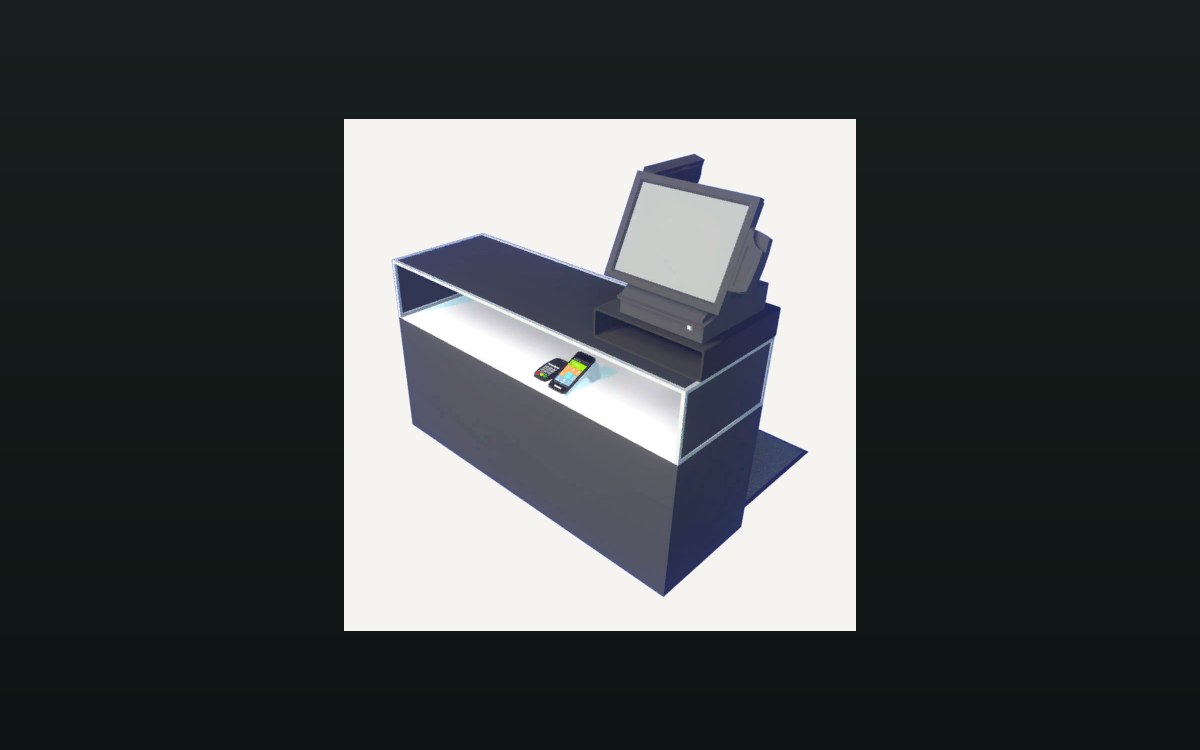 Shop, shelves and fixturesExpanding and decorating the shopExpanding the shop has its own interface screen.
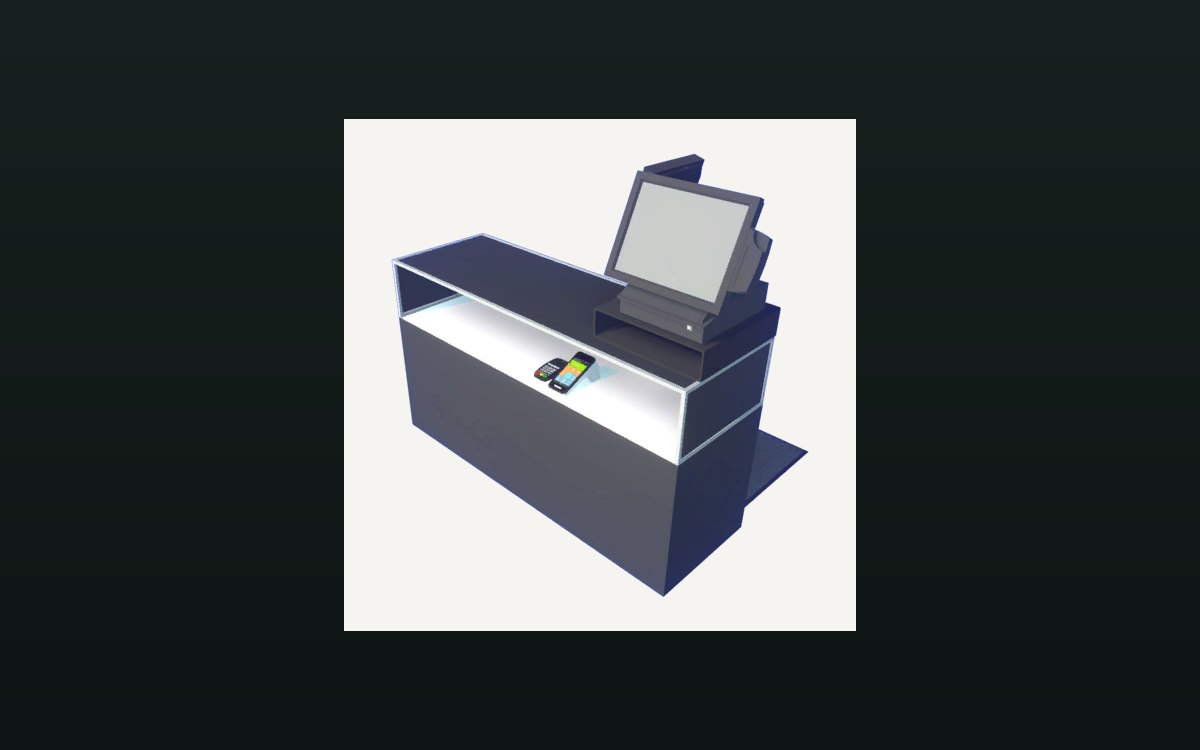 Shop, shelves and fixturesThe counter and money handlingA cash change at the counter is its own interaction.
Sources
A local copy of the game, read only. Grounding for each step is on the technical reference pages; nothing here is estimated.