Guide
Storing and shelving a set
How boxes, packs and shelves line up by set in TCG Card Shop Simulator, so a collection is stored and displayed by what it belongs to.
Applies to
no version stated by this build (see the sources page)
Before you start
- Cards from more than one set
- A shelf for cards and somewhere for storage
- Enough space to sort by set
Steps
- Expect the game to ship a box for each rarity rather than one box.
the game ships a card box for each rarity: rare, epic and legend - Expect a parallel set of boxes for the later expansion.
the later expansion has a parallel set of boxes for the same rarities - Know that bulk supply boxes are pictured per rarity and per grade.
bulk supply boxes are pictured per rarity and per grade - Keep a set's packs with the set, because each pack is tied to an expansion.
each pack is tied to an expansion and the later sets have packs of their own - Expect a set to supply a front, an icon and a background for its cards.
the game supplies a front, an icon and a background for a card of a set, including full-art fronts - Put each kind of fixture where the manager expects it.
a manager holds a separate list for shelves, cashier counters, card shelves, combined shelves, prize shelves, play tables, workbenches, empty-box storage and donation boxes - Know that card storage is listed apart from card shelves.
card storage shelves are listed apart from card shelves
Common mistakes
- Sorting a later set into the base set's boxes.
- Storing packs by size rather than by the set they belong to.
- Treating card storage as if it were a card shelf.
- Assuming one shelf kind is interchangeable with another.
Related entries
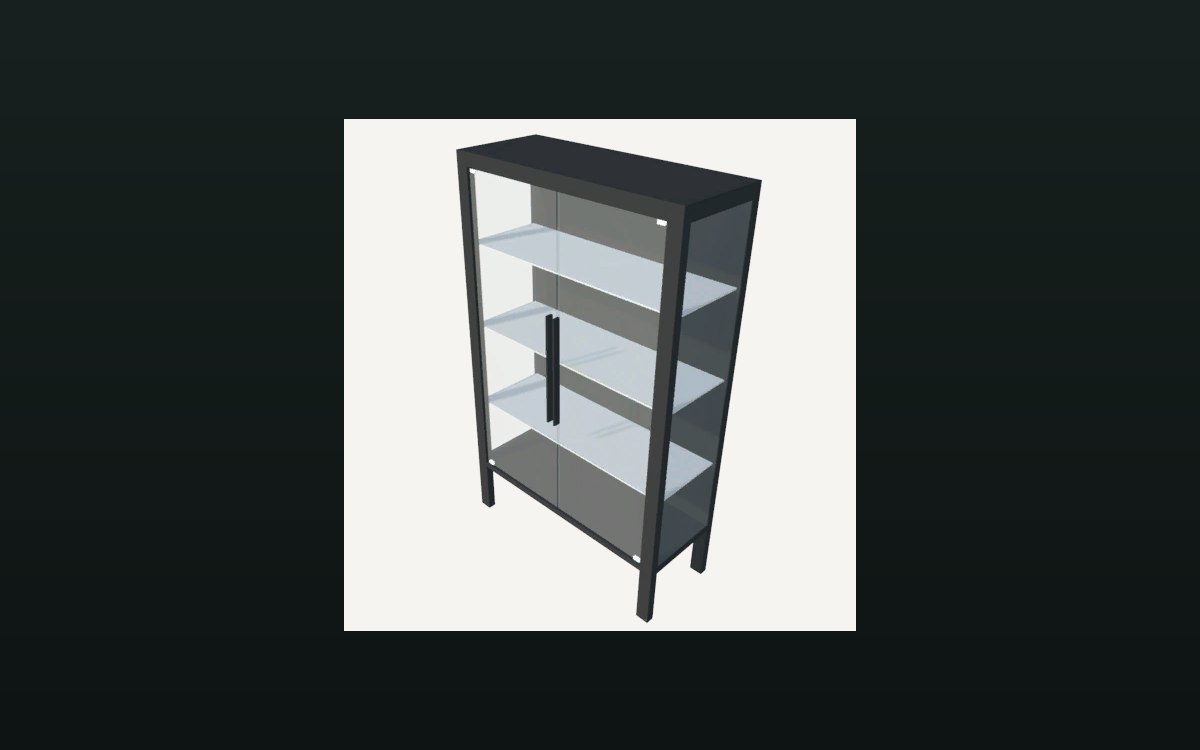 Storage and stockWhat the shelf manager keepsA manager holds a separate list for shelves, cashier counters, card shelves, combined shelves, prize shelves, play tables, workbenches, empty-box storage and donation boxes.
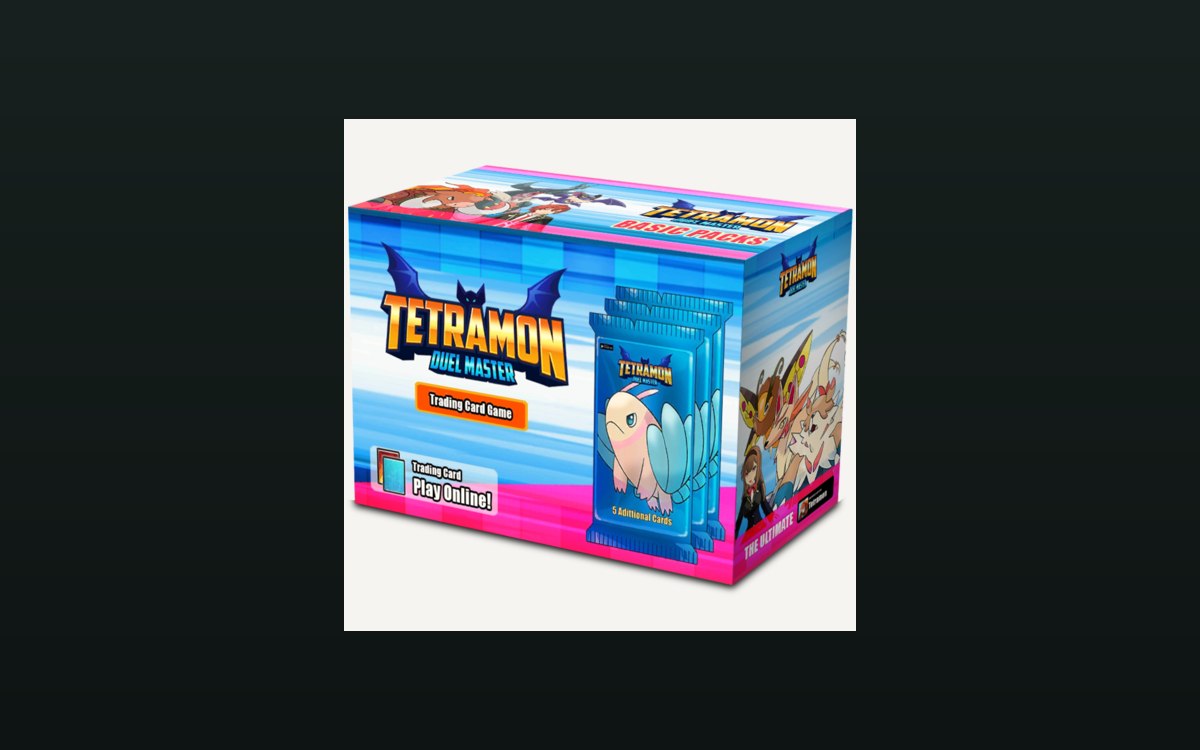 Packs and openingThe boxes cards come inThe game ships a card box for each rarity: rare, epic and legend.
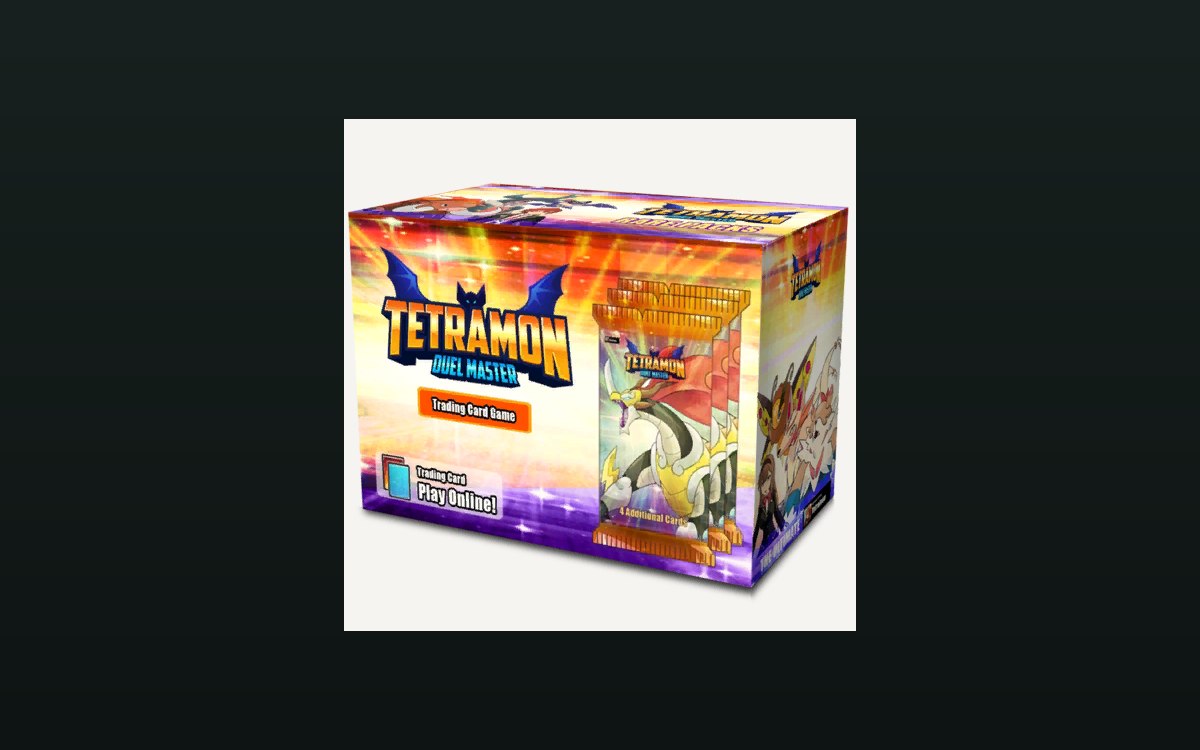 Packs and openingThe expansions the game shipsThe game keeps a list of expansion names of its own, with the base set sitting in it.
Sources
A local copy of the game, read only. Grounding for each step is on the technical reference pages; no number is estimated.