Guide
Trading a card without losing value
How to run a trade in TCG Card Shop Simulator from the screen the game gives you: reading both sides and their market prices and album counts, telling the customer's mode from its own lines, and choosing deliberately between the four ways out.
Applies to
no version stated by this build (see the sources page)
Before you start
- A customer who wants to trade rather than only buy
- A card you are willing to part with
- A shop open, with the trade screen reachable
Steps
- Run the trade from the customer's own screen rather than by moving cards around the shop.
trading with a customer has a screen of its own in the game - Read both sides before you type anything.
the screen keeps a card panel for each side, plus album panels and a buying panel, so the whole offer is on one surface - Compare the market prices shown rather than working from memory.
a market price is shown for each side of the trade - Check the album counts before you let a card go.
an album count is shown for each side, so the screen says what each of you already holds - Tell which mode you are in from the customer's own line rather than assuming.
selling, trading, haggling, declining and accepting each have their own set of customer lines - Watch the line at the top for the reaction as it happens.
the customer's top line has an animation of its own, so it is presented rather than swapped in - Type the price rather than edging it up in your head.
the price is typed into an input and shown back on a display of its own - Check the price graph when the number actually matters.
the item price graph screen is reachable from the trade screen rather than being a separate errand - Choose deliberately between the four ways out.
accepting, cancelling, thinking it over and finishing each have their own control - Expect the screen to behave like the shop's other screens.
it carries a screen group, a rule for closing when another screen opens and a check for the virtual keyboard
Common mistakes
- Trading away a card that is in your own album because one side of the offer looked good.
- Typing a price from memory instead of reading the market price the screen shows.
- Treating the customer's line as flavour when it is saying which mode the conversation is in.
- Using the thought-over control as a no rather than as a delay.
Related entries
 Customers and tradingThe trade screen and what it showsThe screen shows a card panel for each side, album panels and a buying panel.
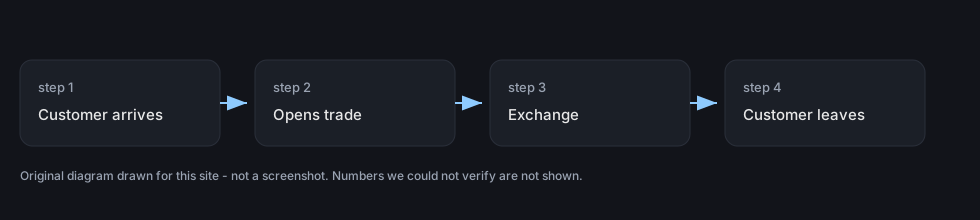 Customers and tradingTrading with customersTrading with a customer has its own screen in the game.
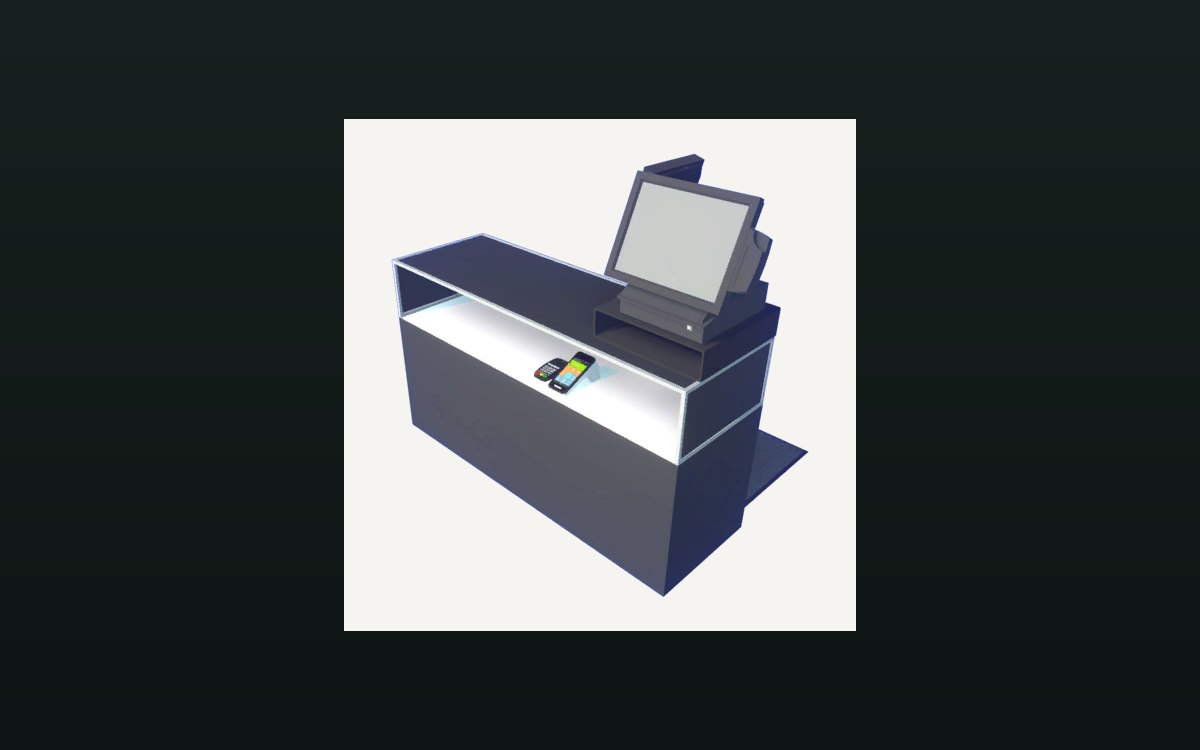 Shop, shelves and fixturesThe counter and money handlingA cash change at the counter is its own interaction.
Sources
A local copy of the game, read only. Grounding for each step is on the technical reference pages; no number is estimated.